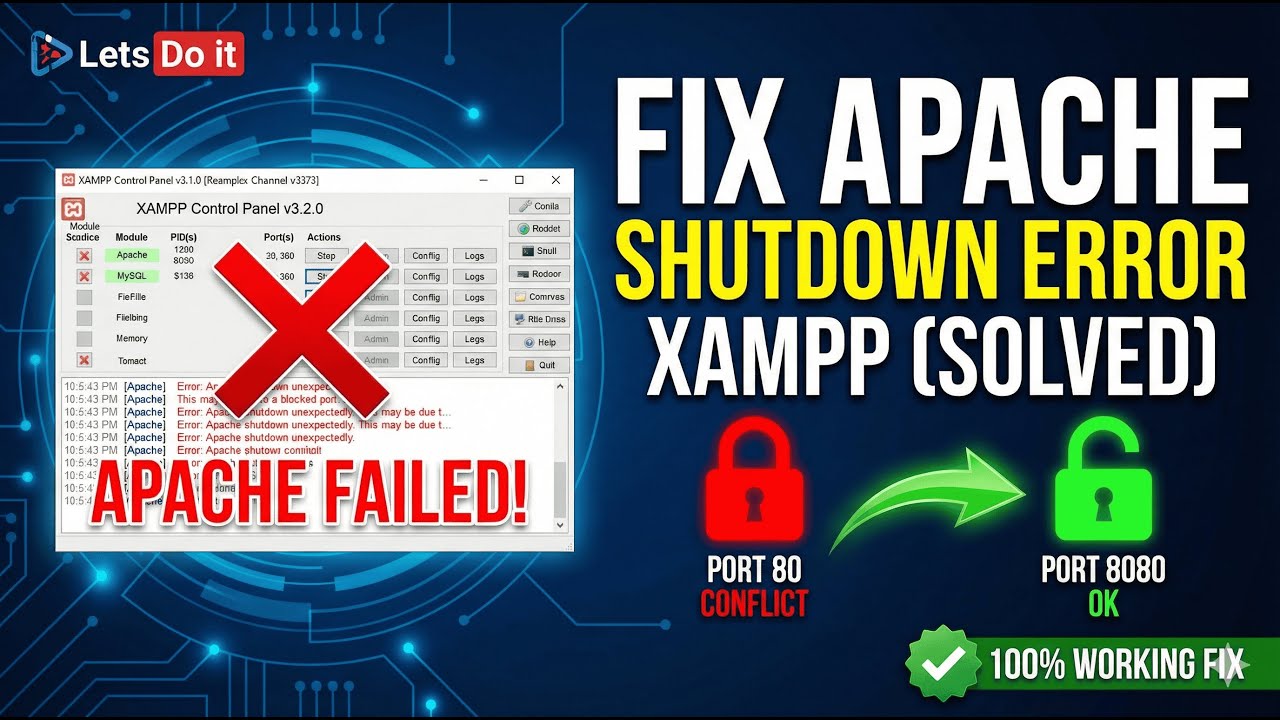
Fix "Error: Apache Shutdown Unexpectedly" in XAMPP (Solved) | Port 80 Conflict
Автор: Lets Do- it
Загружено: 2026-01-10
Просмотров: 2
Is your XAMPP Apache server failing to start? Getting the dreaded red error message: "Error: Apache shutdown unexpectedly"? This is one of the most common XAMPP issues, usually caused because Port 80 or 443 is already in use by another program (like Skype, IIS, or World Wide Web Publishing Service).
In this tutorial, I will show you the quickest and most reliable ways to fix this error permanently so you can get back to coding. We will cover how to identify the conflict and how to change the XAMPP ports safely.
👇 IN THIS VIDEO WE WILL COVER 👇
Why Apache shuts down unexpectedly.
How to check which application is blocking Port 80.
Solution 1 (Recommended): Changing the Apache default Ports (80 & 443) in config files.
Solution 2: Stopping conflicting services in Windows.
Доступные форматы для скачивания:
Скачать видео mp4
-
Информация по загрузке: