Скачать
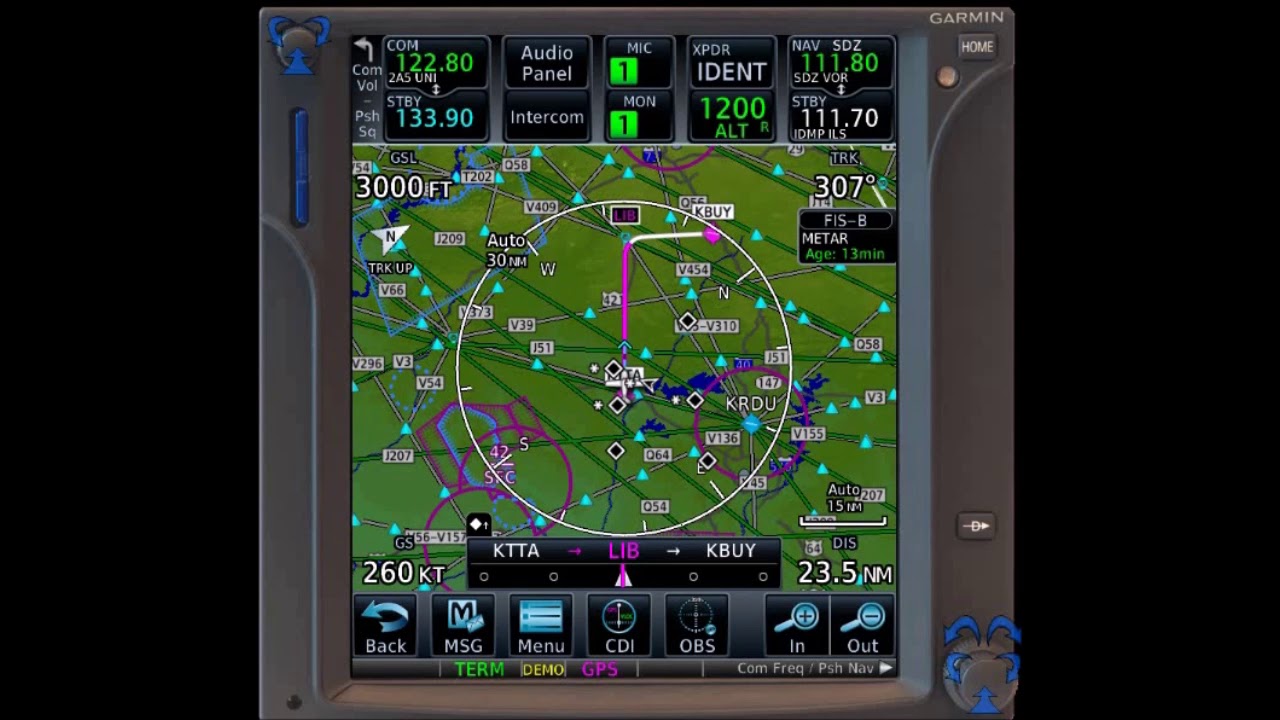
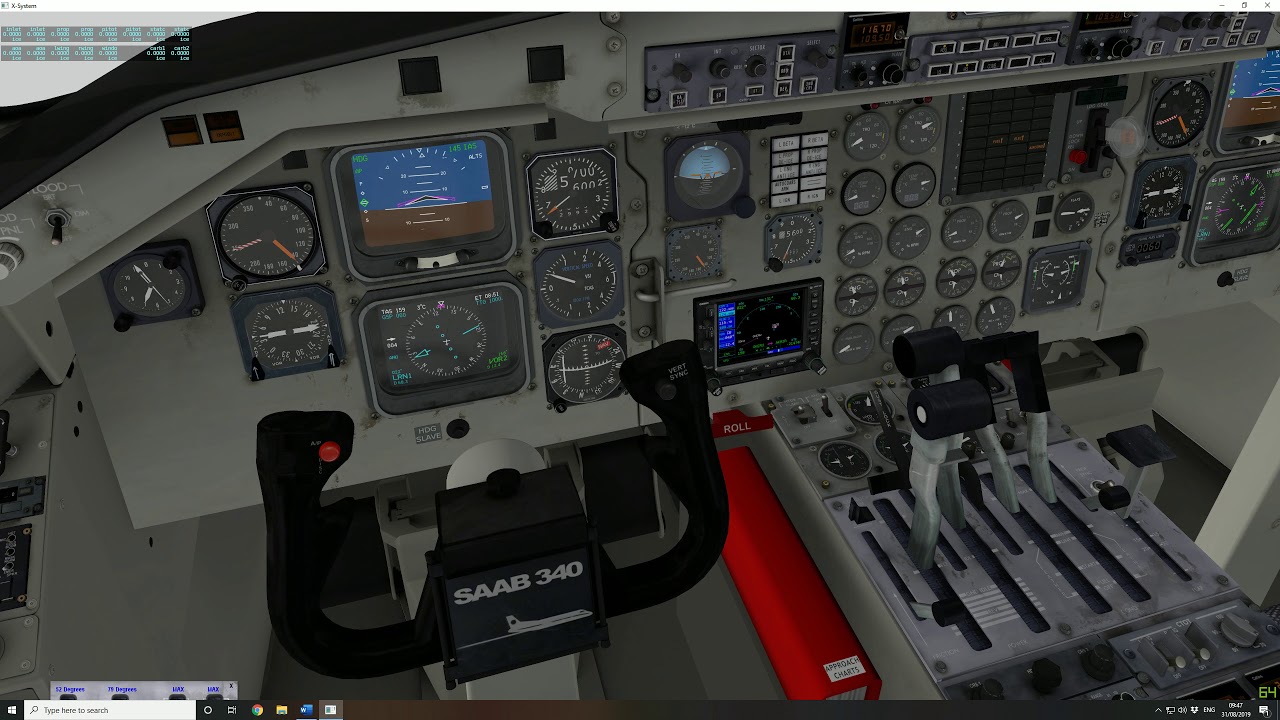
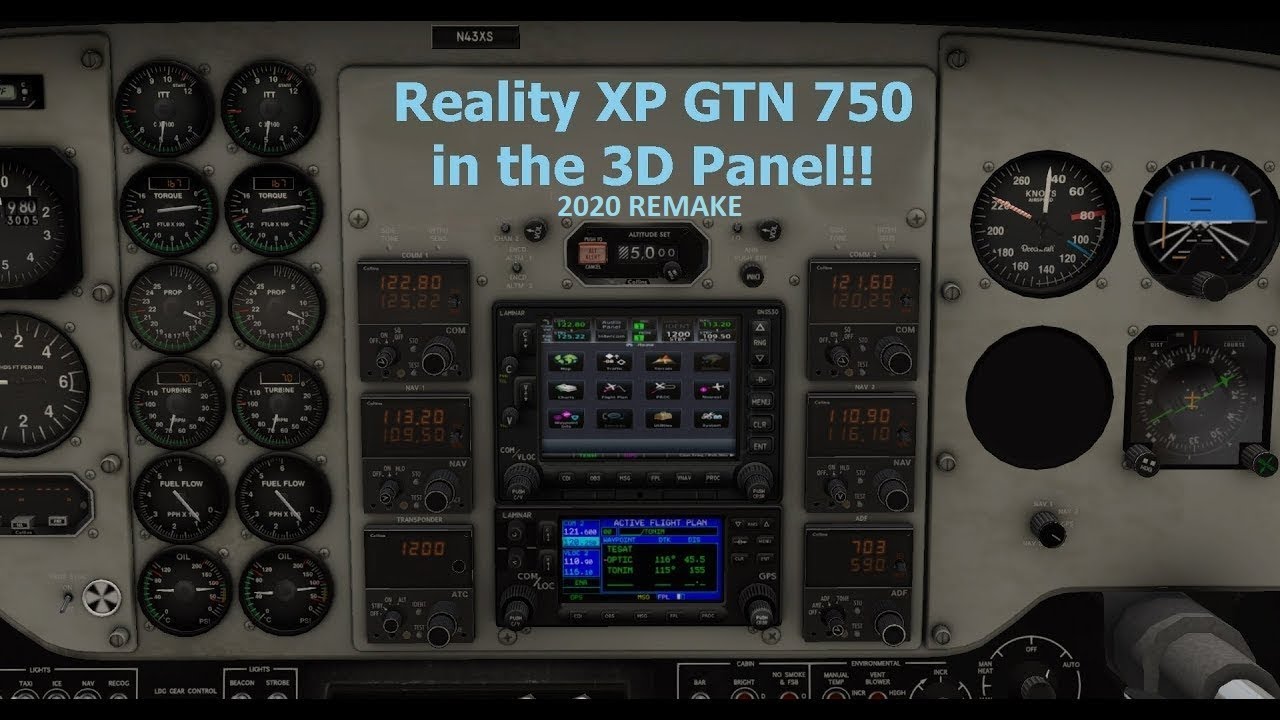
RXP GTN 750 / 650 in the 3D Cockpit of XP11 - 2020 Remake
Автор: Sim Pilot
Загружено: 2020-04-13
Просмотров: 10008
Описание:
Step by step guide on how to replace the default Garmin 430/530 screen with the RXP GTN 650/750.
Index:
1 - Calculating the position of the GTN gauge 1:33
2 - Initialising the RXP GTN 5:57
3 - Configuration settings description 10:52
Reality XP GTN software is available from: http://www.reality-xp.com
Note for those that are looking at purchasing: The RXP GPS units run off the Garmin software for the real life units, they can only be updated by purchasing AIRAC data from Jeppesen for a real aircraft and will cost several hundred dollars. Navigraph etc. can not update an RXP GPS unit. AIRAC data within the RXP product is typically 1-2 years old.
Доступные форматы для скачивания:
Скачать видео mp4
-
Информация по загрузке: