Video 10: Using iTrain Tutorial Series - Defining Blocks
Автор: Bob Fuller
Загружено: 2020-07-21
Просмотров: 16807
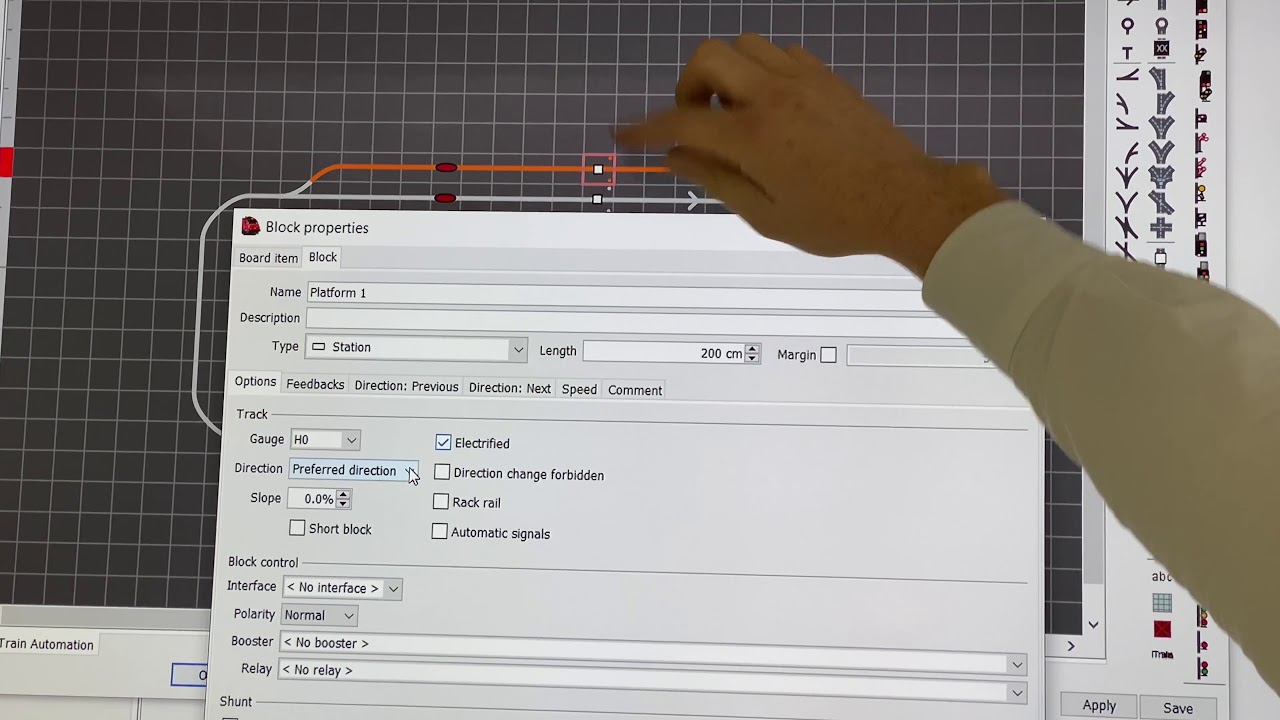
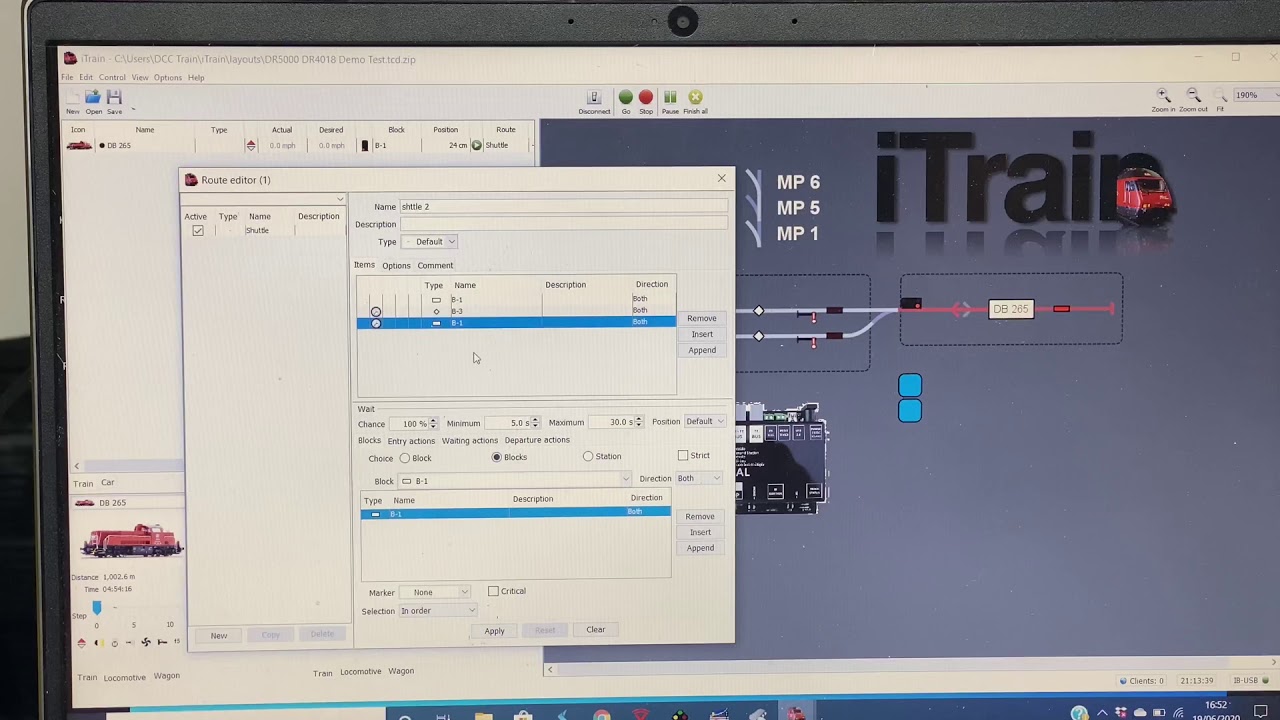
This is video #10 in the Using iTrain Tutorial Series. In this video we define the Block Control Objects.
00:00 – Introduction and Recap
01:00 – Opening Switchboard and selecting Block properties
01:44 - Naming and Describing the Block
01:56 – Selecting the type of Block
02:13 – Defining the length of the Block and the use of Autofill
02:46 – Options Tab
03:33 – Feedbacks Tab
04:24 – Feedbacks Tab with two feedback sensors
05:55 – IMPORTANT – Order of feedbacks – Previous to Next
06:19 – Feedbacks using light sensors or reed switches
07:15 – Direction Previous Tab – Use Positions checkbox
08:14 – Direction Previous Tab – Entering a STOP position – positive or negative distances
09:44 – Direction Previous Tab – Block
10:15 – Direction Next Tab
11:50 – IMPORTANT – Critical check box - avoiding deadlocks
14:12 - Results of defining a Block
14:56 - Defining Blocks by using the Template function for multiple Blocks
15:42 - Assigning control objects to Block elements – drag and drop
16:00 – Using the Autofill function
16:51 – Revision of entering the STOP position and Block properties
17:45 – Revision of defining Blocks
19:45 – Using the Board Item Tab
21:04 – Using the Text Direction drop-down menu in the Board Item Tab
21:45 – IMPORTANT – Using the Connect button
22:16 – Saving the Layout and running the Diagnosis – Ctrl D

Доступные форматы для скачивания:
Скачать видео mp4
-
Информация по загрузке: