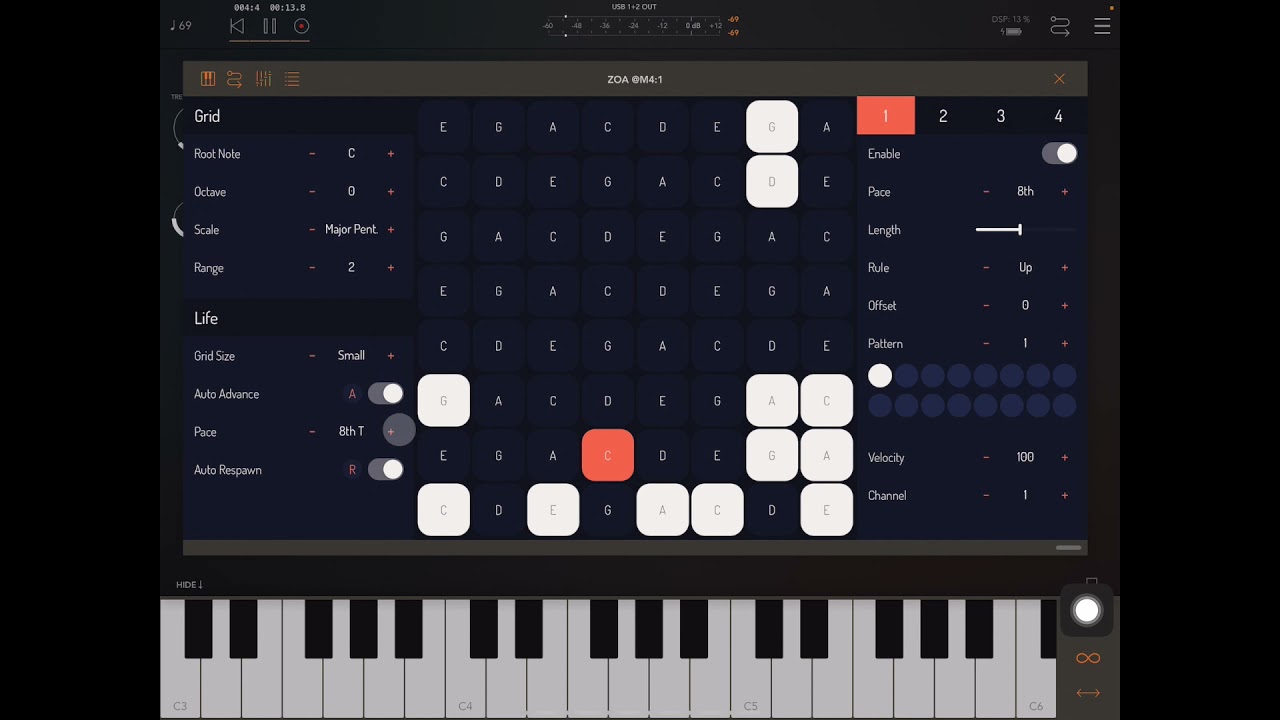
Audio Symmetric Ooda (Semi-Generative Sequencer) Musical Demo (See Pinned Comment for 🔥Tips)
Автор: Gavinski’s Tutorials
Загружено: 2022-06-28
Просмотров: 1956
Ooda is a lot of fun, a rabbit-hole to get lost in. It is semi-generative as you still need to enter notes / chords, it will not do that itself. Fear not though. This doesn’t mean you have to be able to play keyboard lol - you can always use some other kind of generative midi app to produce the midi you feed to Ooda - I have had great results with apps like Chordjam and Fugue Machine, among others. Ooda also has its own built-in keyboard. The pinned YT comment has TONS of info: about the giveaway, a review of pros and cons of the app, detailed timestamps to help you understand what is happening (and basically turn this into a walkthrough tutorial even though it is silent, as they are so detailed!), links to relevant vids / playlists on other apps used etc. I strongly recommend reading it.
Giveaway: Ryan from Audio Symmetric is allowing me to give away 5 copies (you can choose either Ooda or his other app Zoa!) 3 for YouTube, 2 for Insta, 2 for Twitter. To win here on YT, simply a) subscribe to my channel and , if you like my vids, consider selecting 'all' when the notification bell pops up if you haven't already, b) give this vid a thumbs up 👍 and c) write a comment, any comment. Remember to mention in your comment whether you want Ooda or Zoa. Details of how to win on Insta and Twitter can be found at
/ gavinskistutorials and
https://twitter.com/gavinski_s?s=09
Donations, whether small or large, are very greatly appreciated . A lot of time and work goes into this channel and it pays a tiny amount. 🙏
My Bitcoin address:
bc1q2fuky36qjycd5hum0ey6tgzgm0wjs9w63qgzl3
My PayPal
https://paypal.me/GavinskisTutorials?...
Quick review / what makes Ooda special / what could be improved? - See pinned comment!
Links to relevant vids / playlists:
Midi apps playlist: • iOS Midi & Generative music-making tools
Crystalline reverb demo: • @BABYAudio-official Crystalline Reverb Sou...
Tera Pro demo: • Virsyn Tera Pro - Preset & Tweaking Demo -...
K-Devices vids: K-Devices apps vids
• K-Devices apps vids
Bram Bos App Tutorial / Demo Vids
• Bram Bos App Tutorial / Demo Vids
Geoshred Vids
• Geoshred Vids
Timestamps:
00:00 Prior to recording I entered midi notes using Geoshred midi keyboard in a custom scale I made specially for this video. Ooda is generally more fun to play with when you enter chords, or mostly chords with occasional single notes.
00:35 Bringing in the voices (right panel) one by one)
00:50 Using the Shift function - notice that values can be selected from drop down menu - great for musical results while playing live!
01:20 The ‘hang’ function makes the sequencer repeat its current step
01:54 Setting up a wormhole to make step 9 and 24 jump to other steps under certain conditions - very cool feature!
02:43 Changing the pace and direction of the overall sequence (left tab) - again notice the great drop down menu
03:05 Adding rests and skips
04:40 Using the sync voices button (see manual). ‘Bump’ can also toggle this setting on and off
05:18 the flip button inverts the axes of the sequencer
05:50 Right side: playing with various parameters using drop down menus (you can also use arrow buttons)
08:20 Playing with pattern parameters - these are SUPER cool and can be used to add ratchets, accents, ties, probability etc to any selected voice
09:50 Rests are useful for adding space to a sequence, skips are useful foe varying patterns
11:35 Inbuilt manual, even in AUv3!
11:45 I am passing all Ooda Midi into Virsyn Tera via Art Kerns’ MidiGATEs - this allows for quick and dirty on-the-fly thinning out of notes - essential midi app!
12:05 K-Devices Shaper is adding a bit of grit and resonance to both Tera and ID700. I think I actually prefer this original version to Shaper 2
12:47 My custom Geoshred scale which I used to send chords to Ooda - note the ability to set different notes for ascending and descending scales! But also note that Geoshred does nor state-save such changes - save as a preset of you need to recall.
13:20 Baby Audio Crystalline is a fantastic reverb - check out my recent vids on it!
13:56 Virsyn Tera is without doubt one of the best synths on iOS
14:22 Adding Bram Bos Perforator to gate Tera’s output and thinning everything out to wind the track down
https://apps.apple.com/cn/app/ooda-po...
Size
10.1 MB
Compatibility
iPad
Requires iPadOS 13.0 or later.
iPhone
Requires iOS 13.0 or later.
iPod touch
Requires iOS 13.0 or later.
Mac
Requires macOS 10.15 or later.

Доступные форматы для скачивания:
Скачать видео mp4
-
Информация по загрузке: