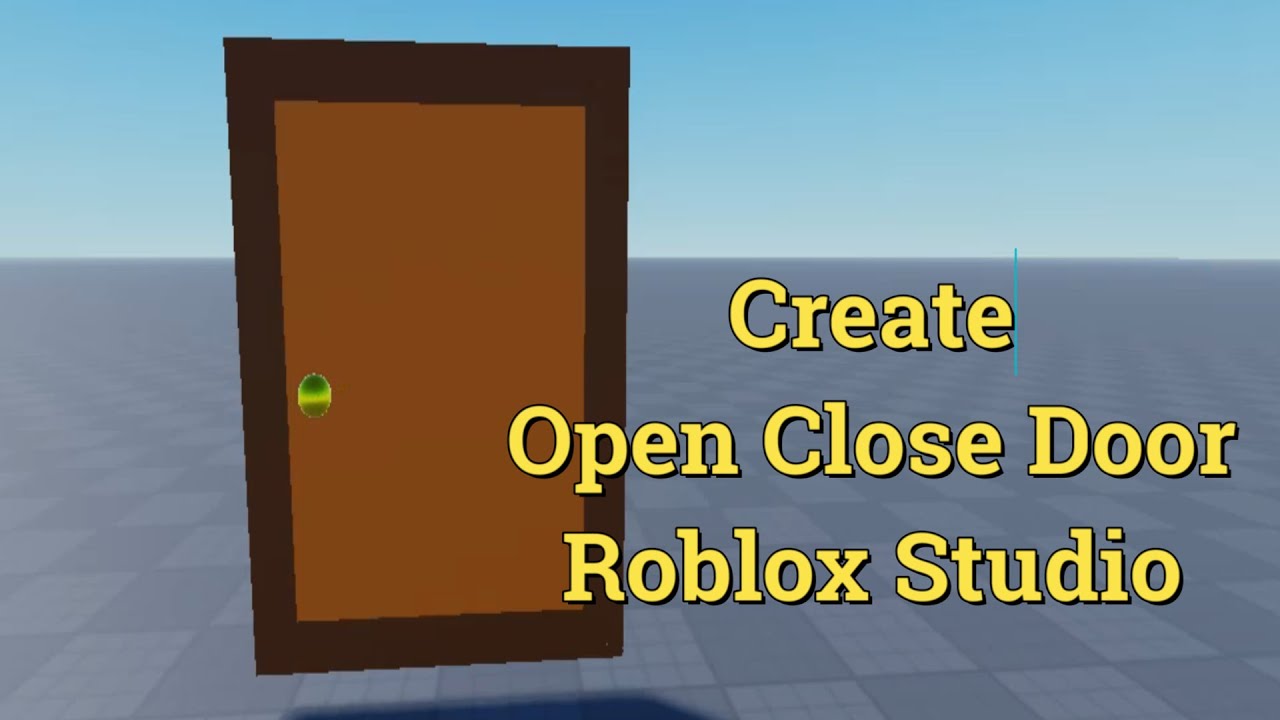
Roblox Studio Create Your Door and Animate it , OPen , Close Door , Roblox Game
Автор: MEG3D
Загружено: 2026-01-21
Просмотров: 0
The Script for the Door :
==================
local TweenService = game:GetService("TweenService")
local model = script.Parent
local hinge = model:WaitForChild("Hinge")
local Door = model:WaitForChild("Door")
local isOpen = false
local isAnimating = false
-- Configuration
local openAngle = 90 -- Degrees to open
local tweenInfo = TweenInfo.new(1, Enum.EasingStyle.Quart, Enum.EasingDirection.Out)
-- Store the original position of the hinge
local originalCFrame = hinge.CFrame
local function toggleDoor()
if isAnimating then return end -- Prevent spam clicking
isAnimating = true
local targetCFrame
if not isOpen then
-- Calculate the opened position based on the hinge's orientation
targetCFrame = originalCFrame * CFrame.Angles(0, math.deg(openAngle), 0)
else
-- Return to start
targetCFrame = originalCFrame
end
local tween = TweenService:Create(hinge, tweenInfo, {CFrame = targetCFrame})
tween:Play()
tween.Completed:Connect(function()
isOpen = not isOpen
isAnimating = false
end)
end
-- Trigger: You can change this to a ClickDetector or ProximityPrompt
local prompt = Instance.new("ProximityPrompt")
prompt.Parent = Door
prompt.ActionText = "Open/Close"
prompt.Triggered:Connect(toggleDoor)
======================================================
Learn how to create a fully functional, animated door in Roblox Studio! In this tutorial, we cover everything from building your custom door model to scripting smooth "Open" and "Close" animations. Perfect for beginners and developers looking to add realism to their Roblox games.
In this Roblox Studio tutorial, we dive deep into game mechanics and scripting. You will learn how to use TweenService to create smooth animations rather than "teleporting" parts. Whether you're building a horror game, a simulator, or a hangout, having a working door system is a must-have skill for any Roblox developer.
[Key Topics Covered]
Creating custom door models in Roblox Studio.
Using ProximityPrompts for player interaction.
Basic Luau scripting for door logic.
How to animate parts using CFrame and Tweens.
[Call to Action] 🚀 Subscribe for more Roblox scripting tutorials and game design tips! If you found this helpful, please leave a Like and comment below on what tutorial you want to see next!
#RobloxStudio #RobloxScripting #RobloxDev #GameDevelopment #RobloxTutorial #TweenService #HowToMakeARobloxGame
How to Make and Animate a Working Door in Roblox Studio
Roblox Studio Tutorial: Create, Open, and Close Doors with Animation
Scripting a Custom Animated Door in Roblox Studio (Full Guide)
Roblox Studio: How to Animate Doors (Open/Close Scripting)
Roblox Doors Made Easy: Create & Animate Your First Door
Simple Roblox Studio Door Tutorial (No Experience Needed)
Make Your First Animated Door in Roblox Studio - Quick & Easy
Step-by-Step: Creating a Functional Door for Your Roblox Game
The Ultimate Roblox Door Tutorial: Custom Models & Pro Animations
Create Realistic Animated Doors for Your Roblox Game
Advanced Roblox Studio: Making Smooth Animated Doors
Build a Professional Door System in Roblox (Open/Close/Animate)
STOP Using Basic Doors! Create Custom Animated Doors in Roblox
Make Your Roblox Game Better with This Animated Door System
The Only Roblox Door Tutorial You’ll Ever Need!
Доступные форматы для скачивания:
Скачать видео mp4
-
Информация по загрузке:






![Как правильно анимировать в ROBLOX [НОВОЕ] {Учебник}](https://imager.clipsaver.ru/dqAAa9aubM8/max.jpg)