How to Composite Bands in QGIS | Landsat Band Combination | QGIS Raster Tutorial |
Автор: Geo-RemoteSensing
Загружено: 2025-12-06
Просмотров: 243
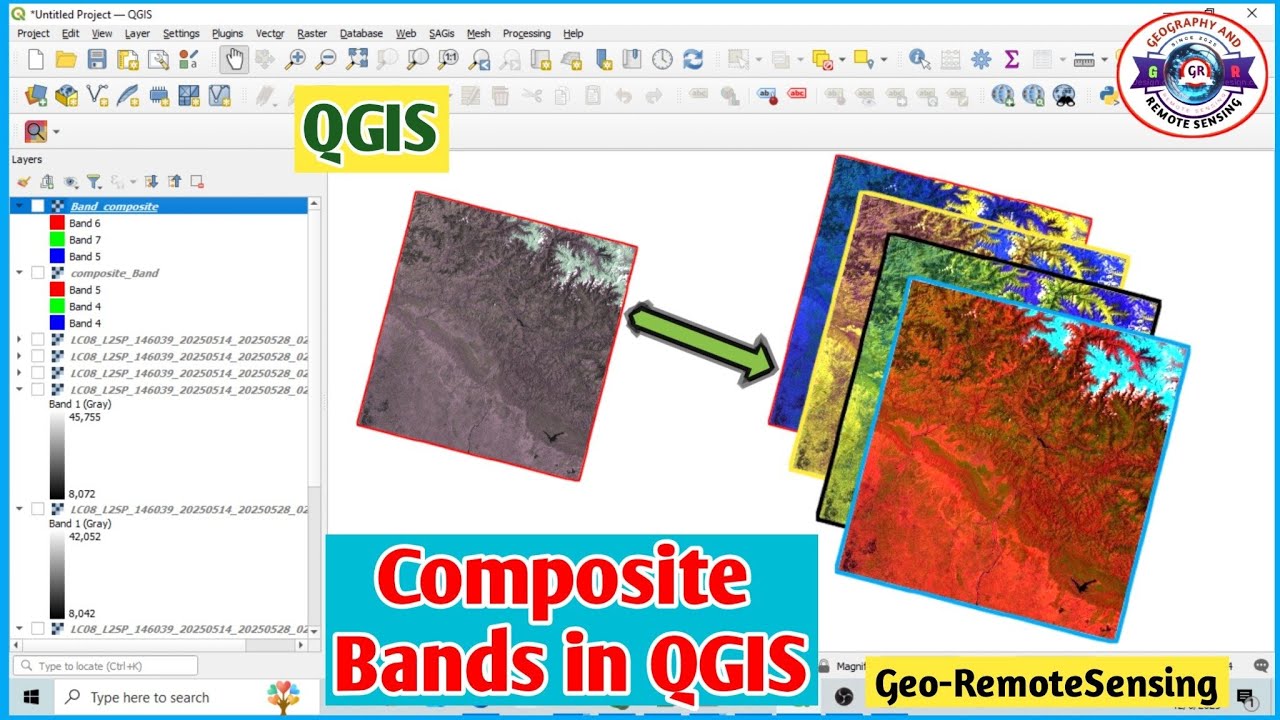
Learn how to composite bands in QGIS using Landsat imagery in this complete QGIS raster tutorial.
In this video, we will walk through a step-by-step workflow covering Landsat band combination, True Color Composite, False Color Composite, and how to use the Build Virtual Raster (VRT) tool effectively.
Keywords:
QGIS, Band Composite, Landsat, Raster Tutorial, True Color Composite, False Color Composite, Build Virtual Raster, QGIS for Beginners, Landsat Processing, Remote Sensing Tutorial
If you are new to QGIS or searching for beginner-friendly GIS content, this tutorial is perfect for you.
In this tutorial, you will learn:
✔ What Landsat spectral bands are
✔ How to create an RGB (True Color) composite in QGIS
✔ How to generate an NIR-based False Color Composite
✔ The correct way to use the Build Virtual Raster tool
✔ How to export the final composite as a GeoTIFF
✔ A complete Landsat image processing workflow
👉Watch How to Composite, Mosaic &Clip Landsat Images in ArcGIS:
( • How to Composite, Mosaic & Clip Landsat Im... ).
🔔 Don’t forget to Like, Share, Comment, and Subscribe for more ArcGIS & Remote Sensing tutorials.
Follow me on Instagram:
/ georemotesensing
@GeoRemoteSensing
Hashtags:
#youtubevideo #youtubeviral #youtubetrending #youtubeshorts #qgis #landsat #remotesensing #gistutorial #qgisforbeginners #satelliteimagery #rasteranalysis #landsatcomposite #truecolorcomposite #falsecolorcomposite #georemotesensing #gismapping #earthobservation #spatialanalysis #geospatialtech
[Thanks for Watching]
Доступные форматы для скачивания:
Скачать видео mp4
-
Информация по загрузке: