How to Save a Theme (Light/Dark) in Flutter/Dart for Smooth User Experience
Автор: vlogize
Загружено: 2025-10-08
Просмотров: 3
Discover how to save and manage a user-selected theme (light/dark) in your Flutter app using shared preferences for a seamless experience.
---
This video is based on the question https://stackoverflow.com/q/64414327/ asked by the user 'Rianou' ( https://stackoverflow.com/u/14426922/ ) and on the answer https://stackoverflow.com/a/64422238/ provided by the user 'Alperen Ekin' ( https://stackoverflow.com/u/7258753/ ) at 'Stack Overflow' website. Thanks to these great users and Stackexchange community for their contributions.
Visit these links for original content and any more details, such as alternate solutions, latest updates/developments on topic, comments, revision history etc. For example, the original title of the Question was: Save a theme (Flutter/Dart)
Also, Content (except music) licensed under CC BY-SA https://meta.stackexchange.com/help/l...
The original Question post is licensed under the 'CC BY-SA 4.0' ( https://creativecommons.org/licenses/... ) license, and the original Answer post is licensed under the 'CC BY-SA 4.0' ( https://creativecommons.org/licenses/... ) license.
If anything seems off to you, please feel free to write me at vlogize [AT] gmail [DOT] com.
---
How to Save a Theme (Light/Dark) in Flutter/Dart for Smooth User Experience
Good morning, Flutter enthusiasts! If you're developing an application using Flutter and you want to enhance user experience by allowing users to switch between light and dark themes, you might have faced a common problem: your app does not remember the user's last theme selection after a reload. Don't worry! This guide will guide you step-by-step on how to save the user-selected theme using Shared Preferences in Flutter.
Understanding the Problem
When building an app that offers different themes, it's crucial to remember the user's choice, especially upon app reload. The main issue is that the selected theme isn't retained and defaults back to the app's initial theme when the app restarts. This can be frustrating for users who have a preference for a specific theme.
The Solution: Using Shared Preferences
To resolve this problem, we can utilize the Shared Preferences package in Flutter, which allows us to store user preferences locally on the device. By saving a simple boolean or number representing the selected theme, we can ensure that the app loads with the user's preferred theme every time it starts.
Step-by-Step Implementation
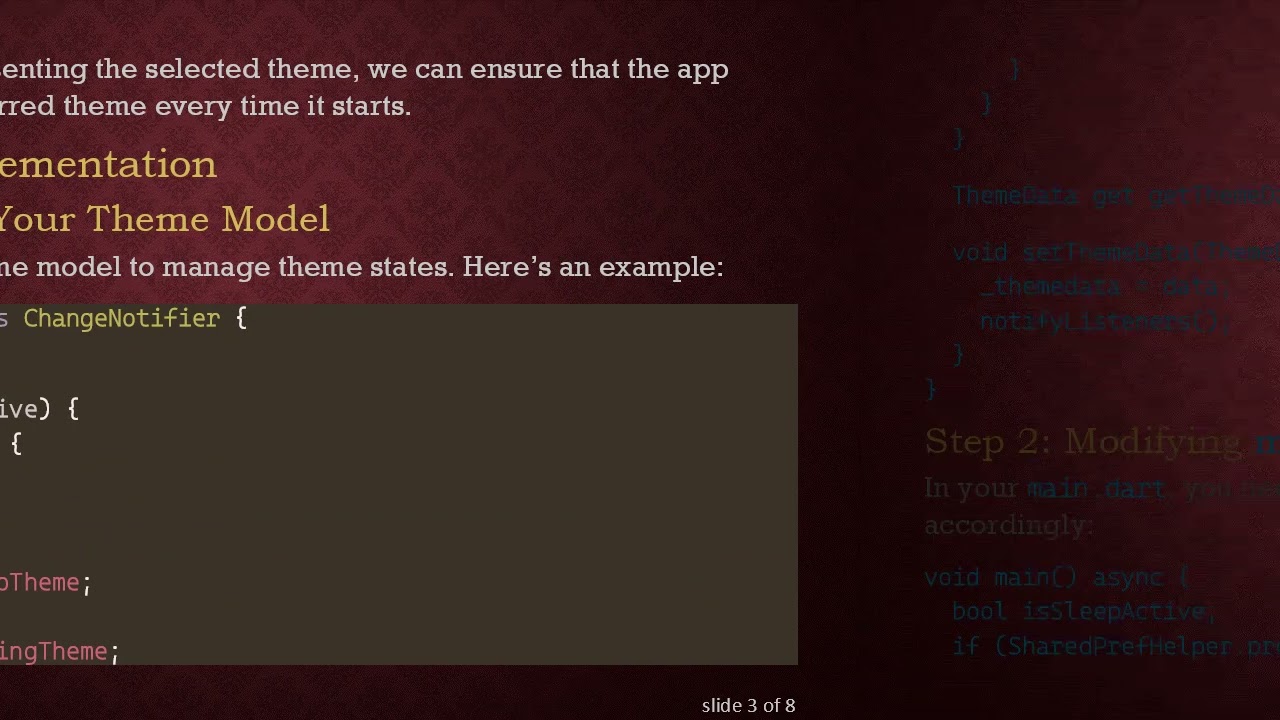
Step 1: Setting Up Your Theme Model
First, we need a basic theme model to manage theme states. Here’s an example:
[[See Video to Reveal this Text or Code Snippet]]
Step 2: Modifying main.dart
In your main.dart, you need to check for stored preferences and initialize the app accordingly:
[[See Video to Reveal this Text or Code Snippet]]
Step 3: Updating Theme with Buttons
Next, update the theme when a user clicks the buttons. For instance:
[[See Video to Reveal this Text or Code Snippet]]
Step 4: Save Theme Preference on Change
Every time the theme changes, ensure you save this preference using the shared preference package like so:
[[See Video to Reveal this Text or Code Snippet]]
Conclusion
By following these simple steps, you can create a responsive Flutter application that retains the user’s theme preference even after an app reload. Using Shared Preferences will not only improve user satisfaction but also give your app a polished look and feel.
Now, go ahead and implement this in your app to create a smoother user experience. Happy coding!
Доступные форматы для скачивания:
Скачать видео mp4
-
Информация по загрузке: