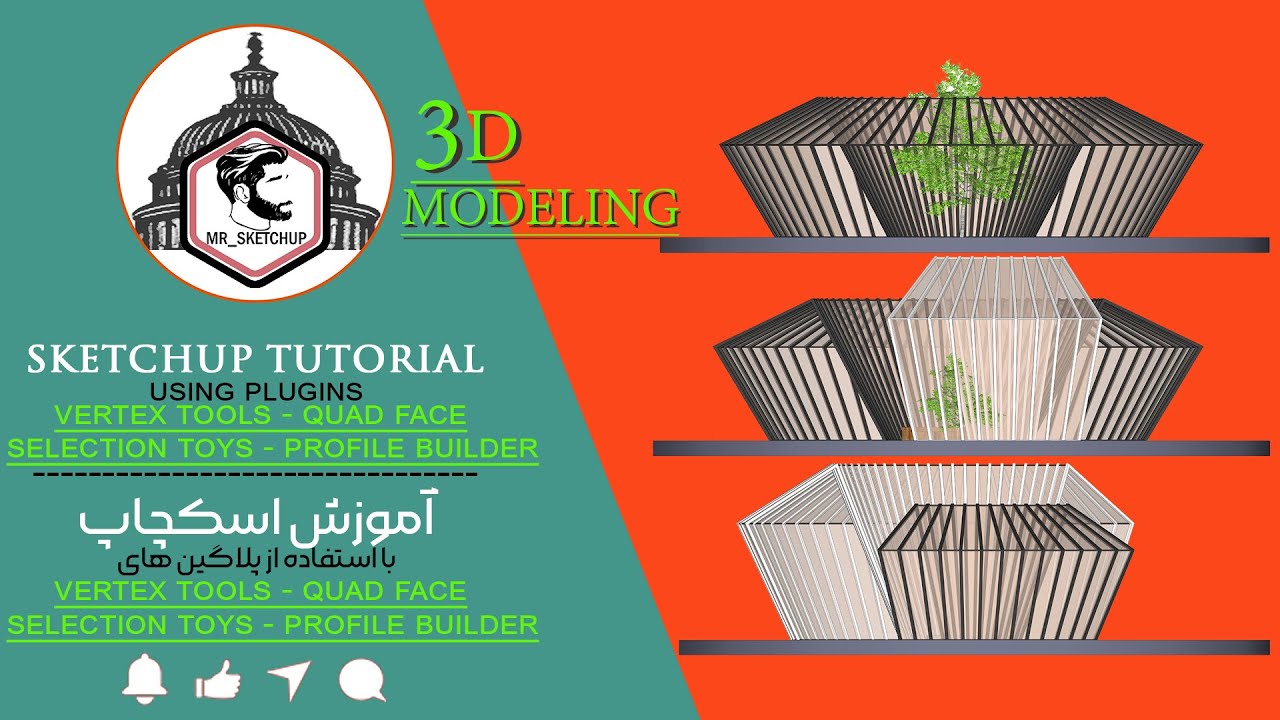
sketchup tutorial | Parametric pavilion with mr sketchup
Автор: mr sketchup
Загружено: 2021-11-27
Просмотров: 1265
Hi!!!
Welcome to your channel ( mr sketchup ).🌹❤️😍.
-------
In this video, we are using plugins
1- Vertec tools
2- Qoad face tool
3- Selection toys
4- Profile builder
We use vertex tools to create a 3D pavilion in SketchUp,
Then using the Quad face plugin
We select its rings and loops
And with a series of changes that we make, we create a profile for it with the profile builder plugin.
Note: One of the methods that helps us to be faster in selecting the line, group, component, etc., is to use the popular selection toys plugin.
i love sketchup 🌹❤️😍
----------
Click on the link below to see more content about advanced modeling, plugin and tutorial training, and sketchup news.
🌹👇👇🌹
https://bit.ly/30PBevN
برای دیدن محتواهای بیشتر، در مورد مدلسازی پیشرفته ، آموزش پلاگین ها و تکنیک ها و اخبار اسکچاپ ( sketchup ) روی لینک بالا کلیک کنید 🌹
--------------------------------------------
For easier download of the modeling and plugins that I will teach you here.
🌹👇 " Telegram " 🌹👇
https://t.me/mr_sketchup
برای دانلود راحتتر مدلسازی ها و پلاگین هایی که اینجا براتون آموزشش رو میزارم.
----------------------------------------------------------------------------
You can use this line to learn about online courses and a number of our other educational videos.
🌹👇 اینستاگرام من 🌹👇
/ mr_sketchup
میتونین از دوره های آنلاین و یکسری از ویدئو های آموزش دیگمون با خبر بشین و استفاده کنین.
----------------------------------------------------------------------------
برای همکاری و پروژه های کاری هم میتونین به ایمیل "مستر اسکچاپ " پیام بدین. [email protected]
Доступные форматы для скачивания:
Скачать видео mp4
-
Информация по загрузке:


