Скачать
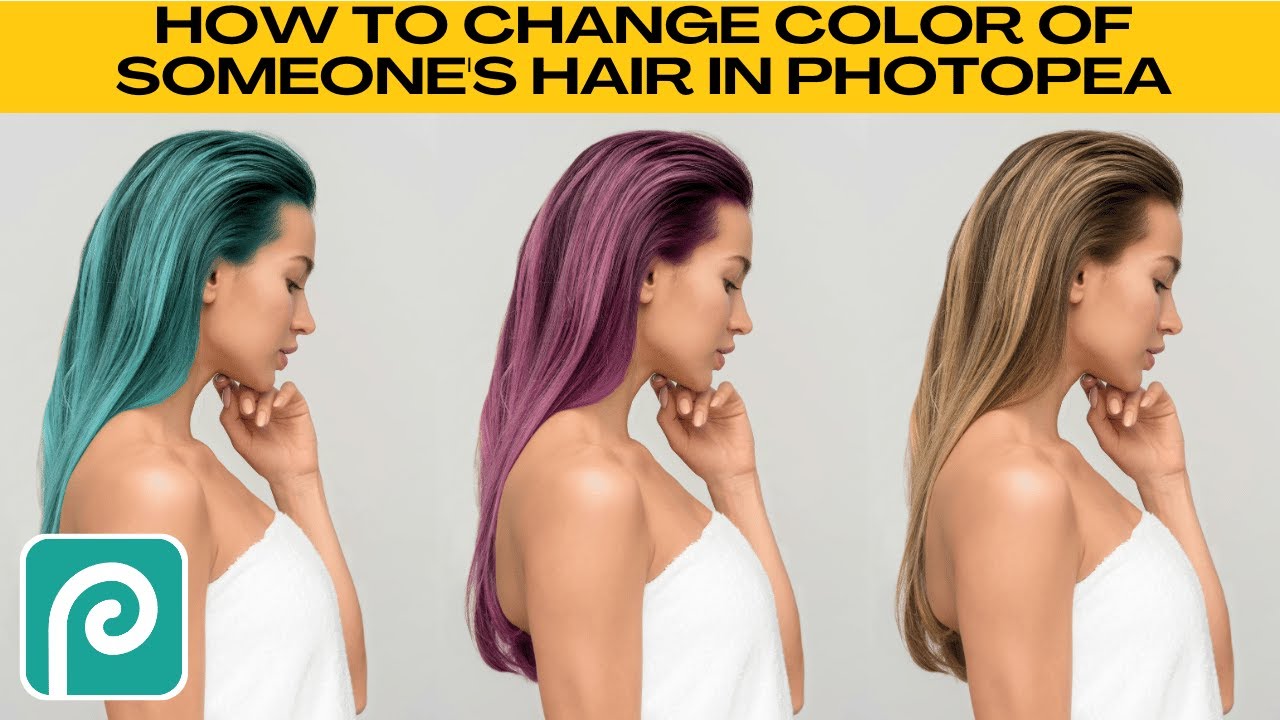
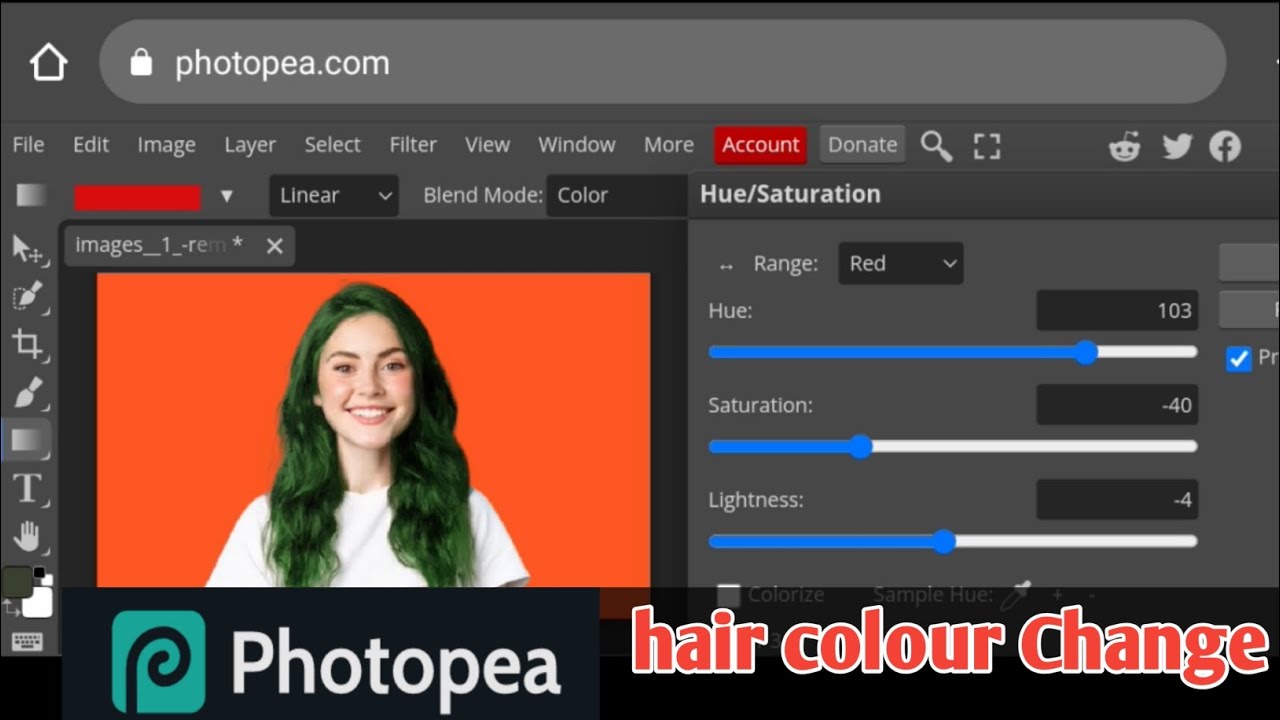
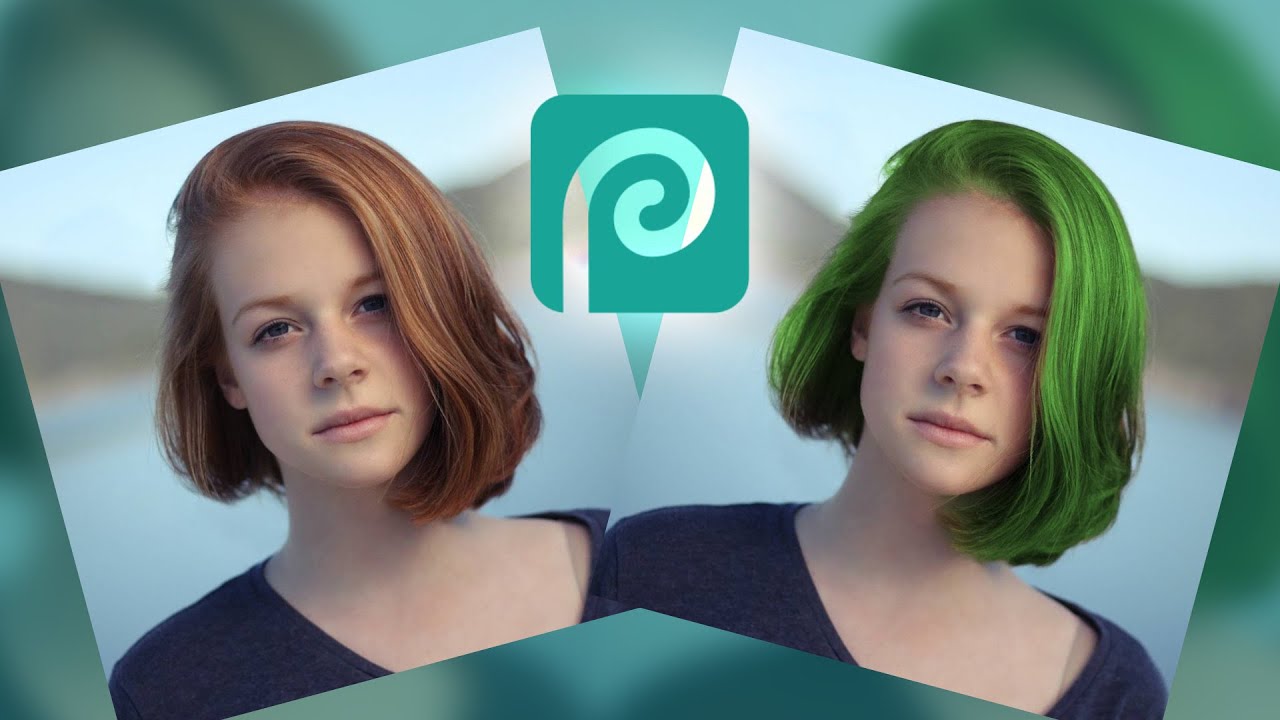
How to Change Hair Color in Photopea
Автор: Kru Mark Tutorials
Загружено: 2020-07-06
Просмотров: 24092
Описание:
Photopea is a web-based raster graphics editor very similar to Adobe Photoshop it is also free to use (with ads).
Visit my second channel @howtomark for short and to-the-point tutorials!
To change your hair color you will need to:
First, select and copy hair to a new layer.
Then apply adjustment (image - adjustments - hue/saturation).
#photopeatutorials #haircolor #tutorial
Доступные форматы для скачивания:
Скачать видео mp4
-
Информация по загрузке: