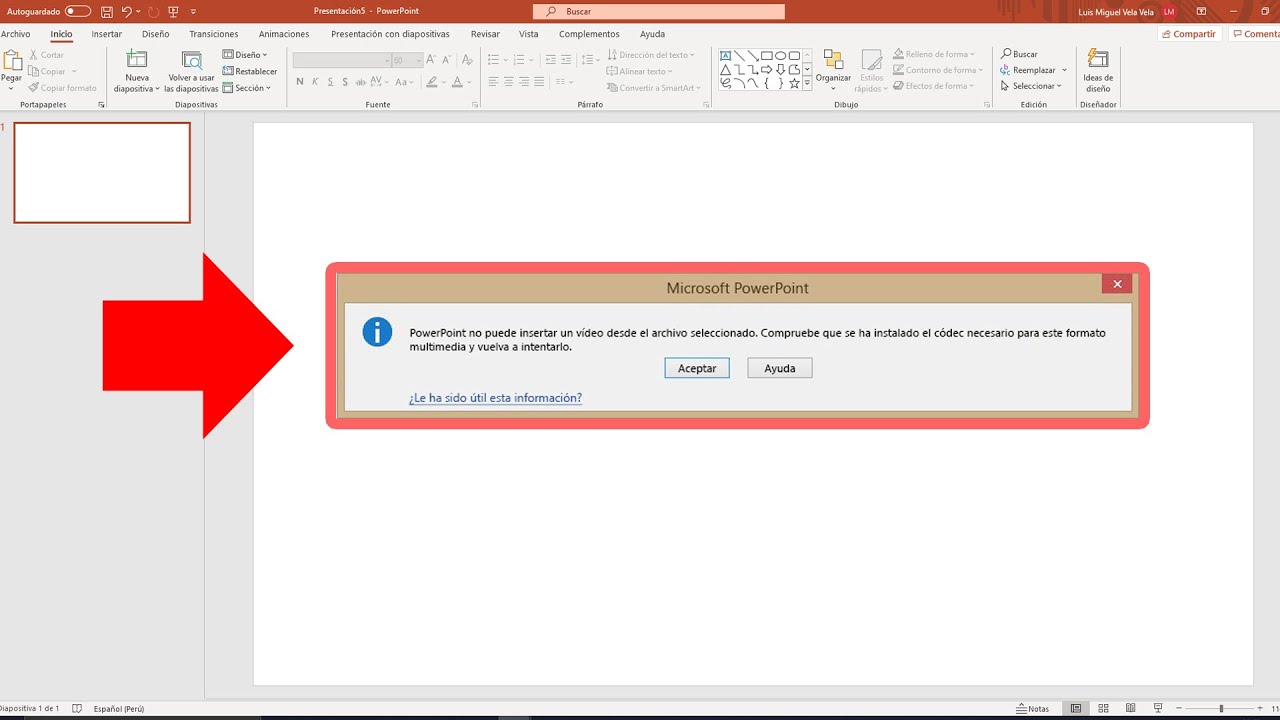
How to Fix PowerPoint Cannot Insert a Video from the Selected File Error
Автор: Tenorshare 4DDiG Data Recovery
Загружено: 2025-11-22
Просмотров: 3011
PowerPoint cannot insert a video from the selected file. Verify that the necessary 64-bit codec is installed. Don’t worry — I’ve got you covered.
Repair Damaged Videos: https://bit.ly/4hVvQKL
🚀 Try Our Top Free Trials (3-day free trial)
🔧 4DDiG File Repair (Win): http://bit.ly/3L7VzU1
🔧 4DDiG File Repair (Mac): http://bit.ly/4onkHoe
📌TIMESTAMP
00:00 Intro
00:24 Method 1: Install the K-Lite Codec Pack
01:20 Method 2: Convert the Video Format
01:54 Method 3: Check for Office Updates
02:11 Bonus Tip: Repair or Re-encode Damaged Videos
📎Related Article:https://4ddig.tenorshare.com/video-er...
#PowerPointTips #VideoNotSupported #KLiteCodec #4DDiG #VideoRepair #PowerPointFix #MP4Conversion #Office365 #TechTutorial #PresentationTips
------------------------------------------- Follow Us ---------------------------------------
🚀 Try Our Top Free Trials (3-day free trial)
🖥️ 4DDiG Windows Data Recovery: http://bit.ly/4qlJgn6
🖥️ 4DDiG Mac Data Recovery: https://bit.ly/4n6qBsE
📀 4DDiG Partition Manager: http://bit.ly/3WNvzjl
🔧 4DDiG File Repair (Win): http://bit.ly/3L7VzU1
🔧 4DDiG File Repair (Mac): http://bit.ly/4onkHoe
🔧4DDiG Windows Backup: https://bit.ly/47GDtjP
Facebook: / 4ddig
Twitter: / tenorshare4ddig
Quora Space: https://tenorshare4ddigsolutions.quor...
Pinterest: / 4ddig
Instagram: / tenorshare_4ddig
Subscribe to our YouTube channel and there are more tech tips and tricks for you.

Доступные форматы для скачивания:
Скачать видео mp4
-
Информация по загрузке: