How to Sell on Facebook Marketplace
Автор: Howfinity
Загружено: 2025-03-14
Просмотров: 99610
If you want to sell items on Facebook Marketplace, I’ll show you exactly how to list them using your desktop. It’s quick and simple!
Steps to List an Item:
Go to Facebook Marketplace – Log into Facebook.com and find Marketplace in the left-hand menu.
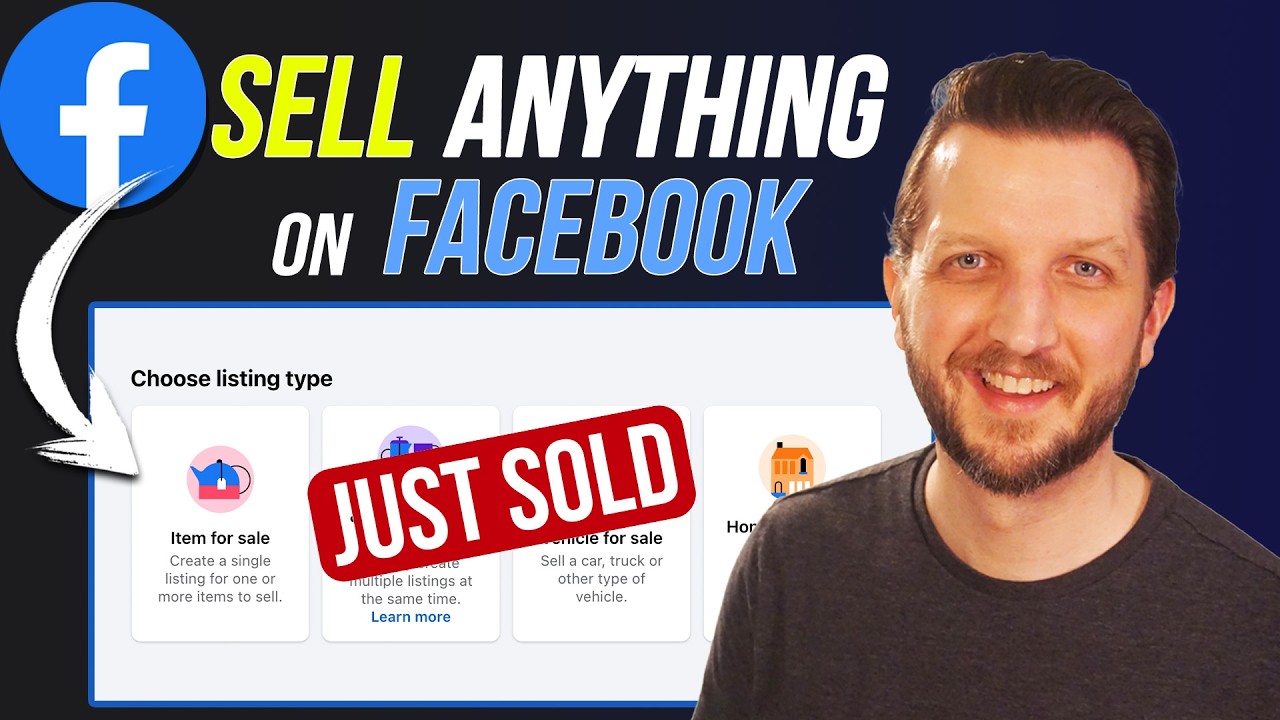
Create a New Listing – Click "Create New Listing" and select "Items for Sale."
Upload Photos – Add clear photos of your item. More images help buyers!
Set a Title & Price – Use a searchable title (e.g., "Vintage Microphone") and choose a fair price.
Pick a Category & Condition – Select the right category and be honest about the item's condition.
Write a Good Description – Include key details so buyers know exactly what they're getting.
Set Meet-Up Preferences – Choose how you'll deliver the item (public meet-up, porch pickup, etc.).
Publish Your Listing – Once posted, manage chats and offers from buyers.
That’s all it takes! With just a few clicks, your item will be live on Facebook Marketplace. Hope this helps!
Доступные форматы для скачивания:
Скачать видео mp4
-
Информация по загрузке:


