How To Create Invoice / Billing System In Ms Access | Creating Forms - Part 6
Автор: Ag tech
Загружено: 2025-08-12
Просмотров: 1424
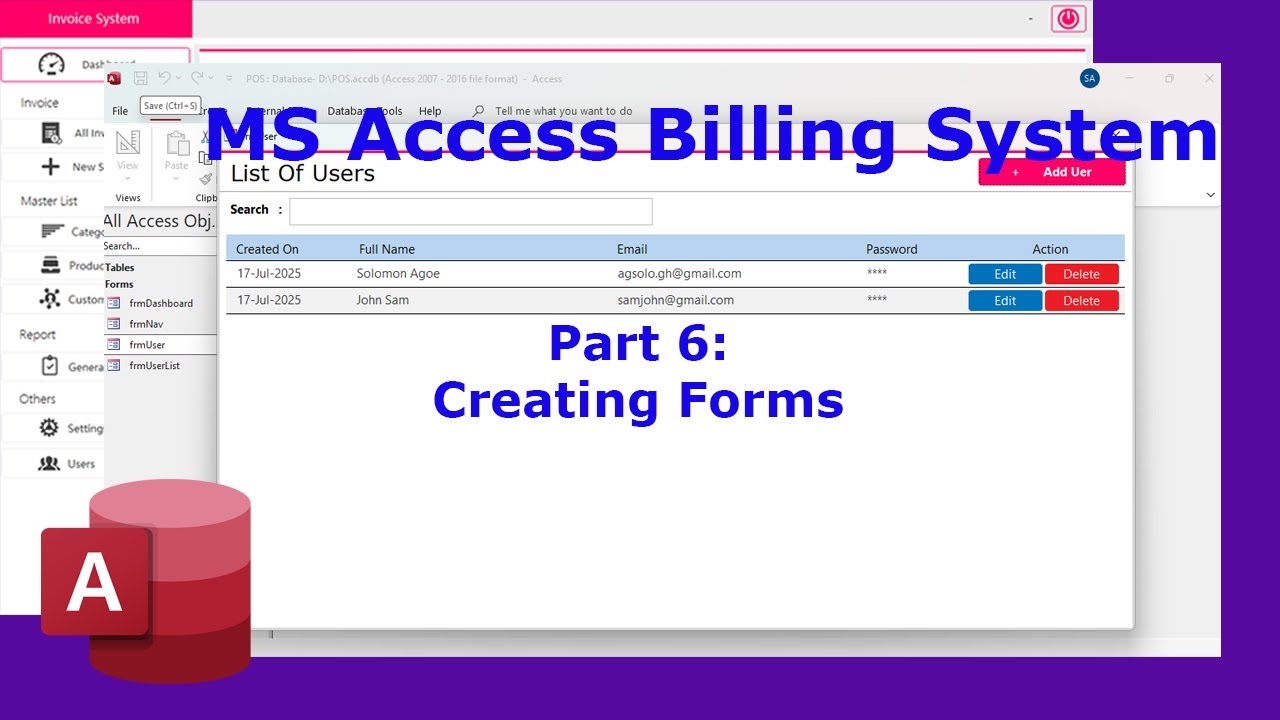
Welcome to Episode 6 of our Billing System / Invoice Management System in Microsoft Access tutorial series! In this episode, we design and build three important forms that make your application more professional and user-friendly:
✅ Customer List Form – View and manage all customers in a clean, organized list.
✅ Customer Entry Form – Add and edit customer details with an easy-to-use interface.
✅ About Store Form – Display your business information in a professional layout.
These forms give your billing system a polished, real-world feel and prepare it for advanced features like invoice generation, payment tracking, and reporting.
👨💻 In This Episode, You’ll Learn:
1. Creating continuous forms for customer listing
2. Building single forms for customer data entry
3. Adding fields, combo boxes, and navigation buttons
4. Designing an About Store form to showcase business details
5. Improving UI/UX for better database interaction
Whether you’re building this for your own shop, office, or as a school project, this episode will guide you step-by-step to create forms that your users will actually enjoy using.
🔔 Subscribe and turn on the bell icon to keep up with the rest of the series — invoice entry, payment management, and automated reporting are coming soon!
#MSAccess #AccessForms #BillingSystem #InvoiceSystem #CustomerForm #MicrosoftAccess #MSAccessTutorial #AccessDatabase #CustomerListForm #AboutStoreForm #FormDesign #SmallBusinessTools #NoCode #DatabaseDesign #CustomerManagement
Доступные форматы для скачивания:
Скачать видео mp4
-
Информация по загрузке: