Itel Vision 1 Pro L6502 FRP Bypass Without PC Android 10 | itel l6502 frp bypass | Itel L6502 FRP
Автор: GSM MOBILE BABA
Загружено: 2026-01-09
Просмотров: 9
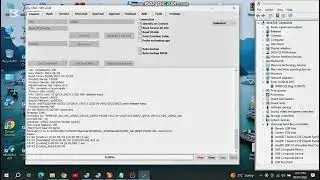
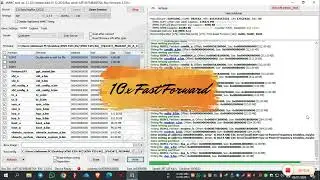
In this video, I will show you how to bypass/reset the Google Account (FRP) Lock on the Itel Vision 1 Pro (L6502) using the Infinity-Box CM2 (CM2SP2) tool. This device is equipped with the SC9832E Spreadtrum chipset, and we will use the CM2 SPD module for a safe and quick unlock.
🛠 Tools Required:
Infinity-Box CM2 Dongle
CM2SP2 Module (Latest Version)
SPD USB Drivers installed on your PC
Standard Micro-USB Cable
📖 Step-by-Step Guide:
Launch CM2SP2: Open the Infinity-Box CM2SP2 module on your computer.
Select CPU: Under the "Settings" or "Flash" tab, select the platform [SC9832E] or choose the specific Itel L6502 model if listed in the base.
Service Tab: Navigate to the "Service" tab.
Format/Reset: Select "Reset FRP" or "Smart Reset."
Connect Device: * Power off the phone completely.
Press and hold the Volume Down (or Volume Up + Down) as the Boot Key.
Connect the USB cable.
Wait for Finish: The tool will detect the device, boot it into Diag/Flash mode, and clear the FRP partition.
Once you see the "Done" message, disconnect the phone and power it on. Your Itel Vision 1 Pro will now be free of the Google Account lock!
⚠️ Disclaimer: This video is for educational purposes and for users who have forgotten their own credentials. I do not support or encourage the unlocking of stolen or lost devices.
#ItelVision1Pro #ItelL6502 #FRPBypass #CM2 #Spreadtrum #SC9832E #GoogleLock #MobileRepairing

Доступные форматы для скачивания:
Скачать видео mp4
-
Информация по загрузке: