Building & Programming Pedestal Radio Panels with Mobiflight
Автор: HeliMech
Загружено: 2026-01-15
Просмотров: 389
Hello Sim Builders! Karl here from Simworkshop UK.
In today’s video, I’m tackling a topic that can be exceptionally dull to film, edit, and produce — programming your hardware for the sim. These videos never perform amazingly on YouTube, but they’re absolutely essential for anyone starting out and needing that first push in the right direction.
Using Mobiflight as the interface between hardware and software has never been easier… once you know the correct variable names!
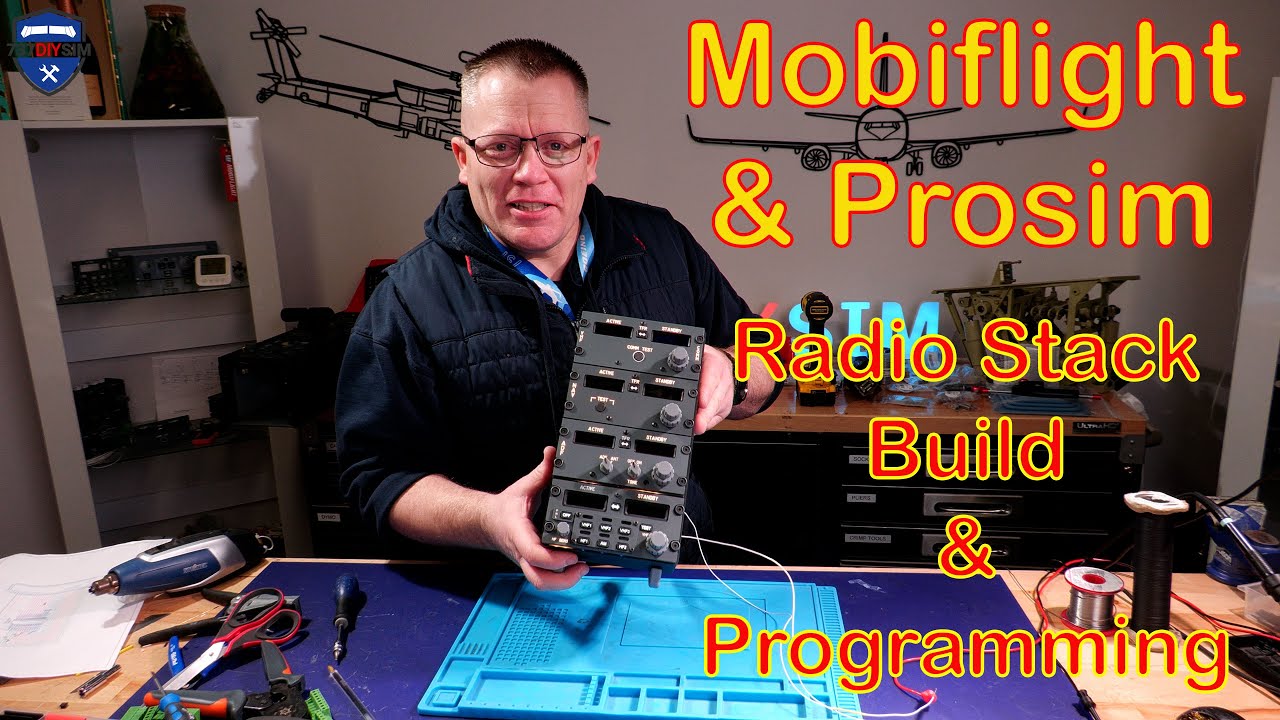
In this tutorial, I take the pedestal radio panels, build a radio stack case (available on the website), and demonstrate how to build and program each radio step by step.
👉 Feel free to skip to the sections that are most relevant to you — this video functions more like an in‑depth reference guide rather than something you’d watch start to finish.
🔗 Useful Links
PATREON:
/ 737diysim
WEBSITE:
https://www.737diysim.com
Facebook: Boeing738v2
Instagram: 737DIYSIM
A massive thank you to Sebi Woelke for the intro and logo!
00:00 Intro
00:18 Building the Desktop Radio Case
02:49 Building the BOB
06:09 Building the COMM Panel
12:37 Building the Multi-Panel Radio (MPR)
18:46 Installing the radios into the Case
20:43 How to decide the correct wire length
23:52 Cable Labelling & identification
24:00 Creating the Radio Wiring Loom
26:03 Cable Lacing and Tywraps (cable ties)
32:15 Installing the looms in the BOB
35:36 Cable Management
39:30 Radio Stack Reveal
40:41 Radio Programming with Mobiflight & Prosim
Доступные форматы для скачивания:
Скачать видео mp4
-
Информация по загрузке:


