Windows: Copy files to multiple folders or computers in Windows using Copywhiz
Автор: Copywhiz
Загружено: 2019-07-22
Просмотров: 3129
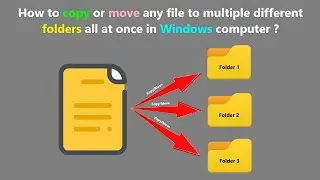
Easily copy files to multiple locations (folders or computers) in one click in Windows using Copywhiz. Automatically schedule copy for repeatedly accessed destinations. For more information on Copywhiz: https://www.conceptworld.com/Copywhiz
Copywhiz enhances your file copy experience in Windows. It offers more flexibility when copying files by letting you choose which type of files to copy & which to ignore - Selective File Copy. Also schedule automatic file backups using Copywhiz.
Here are other attractive features of Copywhiz:
Copy only new or modified files
Copy only specific type of files or folders
Review files before copying them
Schedule your file copy for backups
Organize files based on their attributes
Select once copy many times
Pick & copy files from multiple folders
Copy files to multiple folders or computers
Auto-rename files with duplicate names
Sync files between source and destination folders
Verify data integrity of files copied
Copy just the files without their folders
Pick & compress files from multiple folders
Retry or skip files on error
Replace files only if newer or different
Copy locked files, replace files on reboot
Paste files to every sub-folder of the destination folder

Доступные форматы для скачивания:
Скачать видео mp4
-
Информация по загрузке: