ATTACHING the FRONT PANEL CONNECTORS (& others) to a MOTHERBOARD – FULLY DETAILED – Build Brief 1
Автор: PE4Doers with David Rivera
Загружено: 2020-01-21
Просмотров: 6638
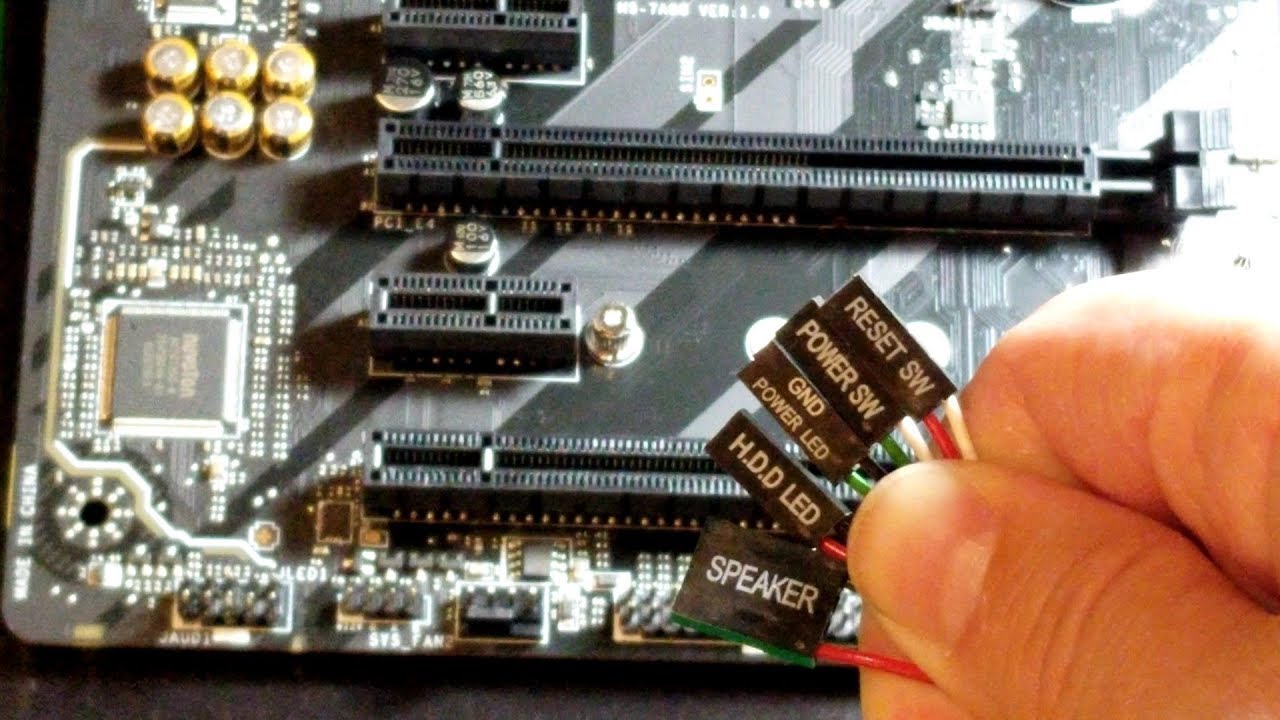
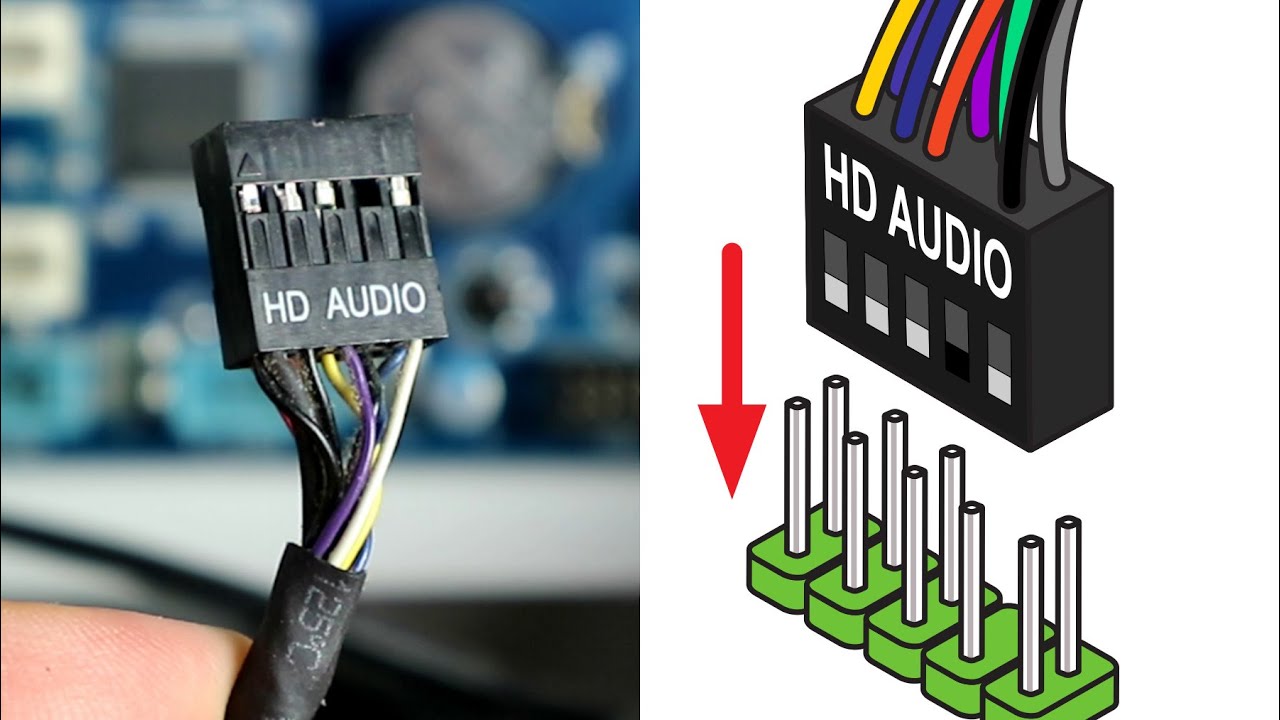
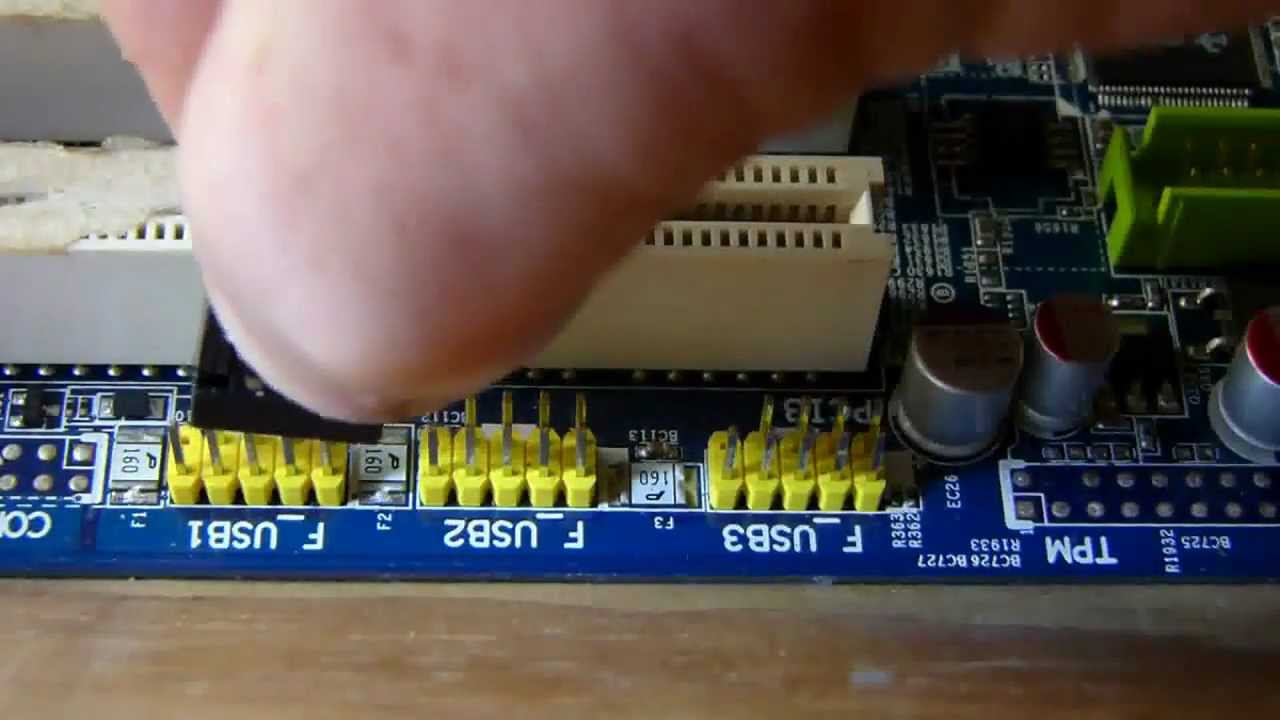
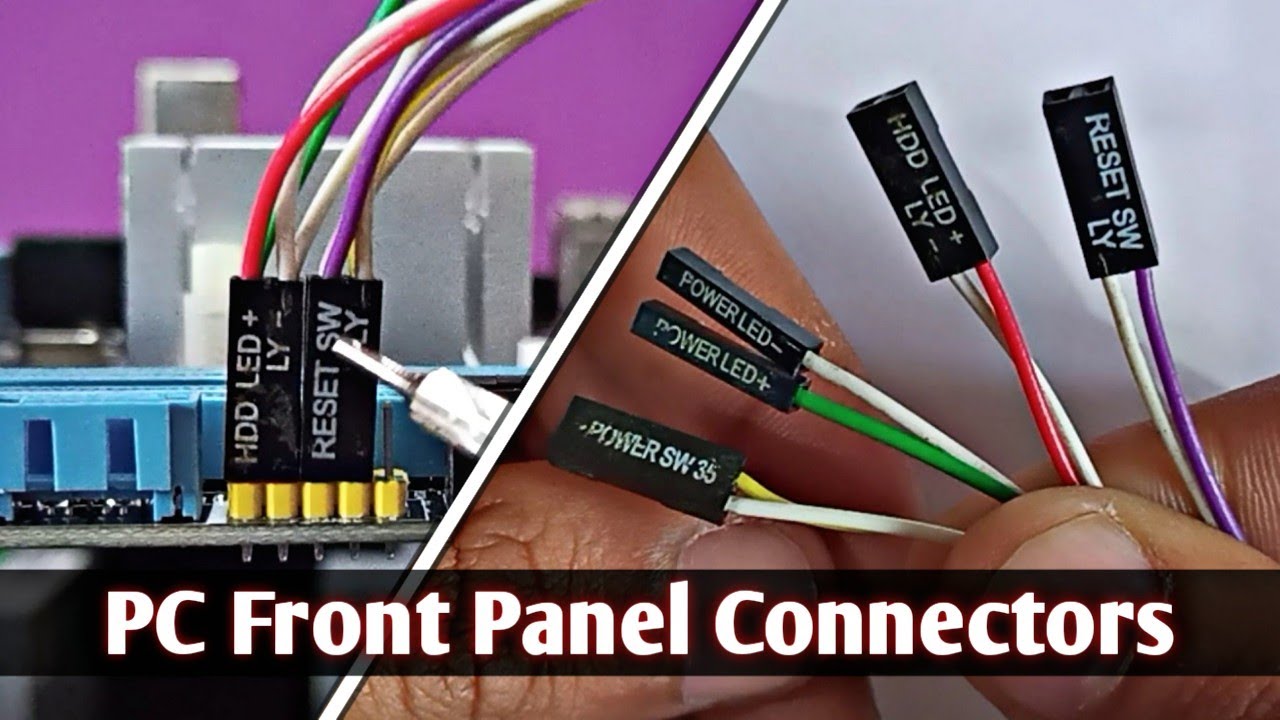
This video illustrates, in complete visual detail, the proper method for attaching all the Front Panel (and other commonly used cables) to a modern motherboard. The connectors detailed here include:
Click one of these Time-Code to advance to a specific section of this video
0:00 Start of Video on Attaching the Front Panel Connectors to a Motherboard
0:04 Introduction to How to Attach the Front Panel Connectors to a Motherboard
0:42 Using the Motherboard Manual to Identify the Proper Locations for the Front Panel Connections
2:40 Connecting the 'Power On Switch' front panel connector to a Motherboard
3:24 Connecting the 'Hard Disk LED' cable to a Motherboard
4:19 Connecting the 'Power LED' cable to a Motherboard
5:26 Connecting the 'Reset Switch' cable to a Motherboard
5:53 Attaching the Motherboard 'Speaker' connector
7:12 Attaching the external USB 2.0 connector to a motherboard
8:36 Attaching the external USB 3.0 (or 3.1) connector to a motherboard
9:27 Attaching the 'High Definition Audio' connector to a motherboard
10:35 Attaching the 12v RGB Connector(s) to a motherboard
11:19 Connecting the SATA Disk Storage connectors to a motherboard
12:16 Conclusion on how to Attach Front Panel Connectors (plus others) to a Motherboard
Specific attention is given to detail, cable orientation, cable polarities (where applicable), and proper cable seating.
Note: I have NOT received any sponsorship or commission for using the product shown in this video.
Please subscribe to my Channel, and click ‘Like’, if you find this video useful. I will endeavor to answer any and all questions posted for any of my videos as quickly as I possibly can.
MSI B450 Tomahawk Motherboard
https://amzn.to/2Vt1F4S
Please subscribe to my Channel, and click ‘Like’, if you find this video useful. I will endeavor to answer any and all questions posted for any of my videos as quickly as I possibly can.
If you have any questions or suggestions, I can be reached on Email at: PE4Doers@gmail.c om, or on Twitter #PE4Doers, or Instagram #PE4Doers. Or on a more professional basis, through LinkedIn at: / davidrrivera

Доступные форматы для скачивания:
Скачать видео mp4
-
Информация по загрузке: