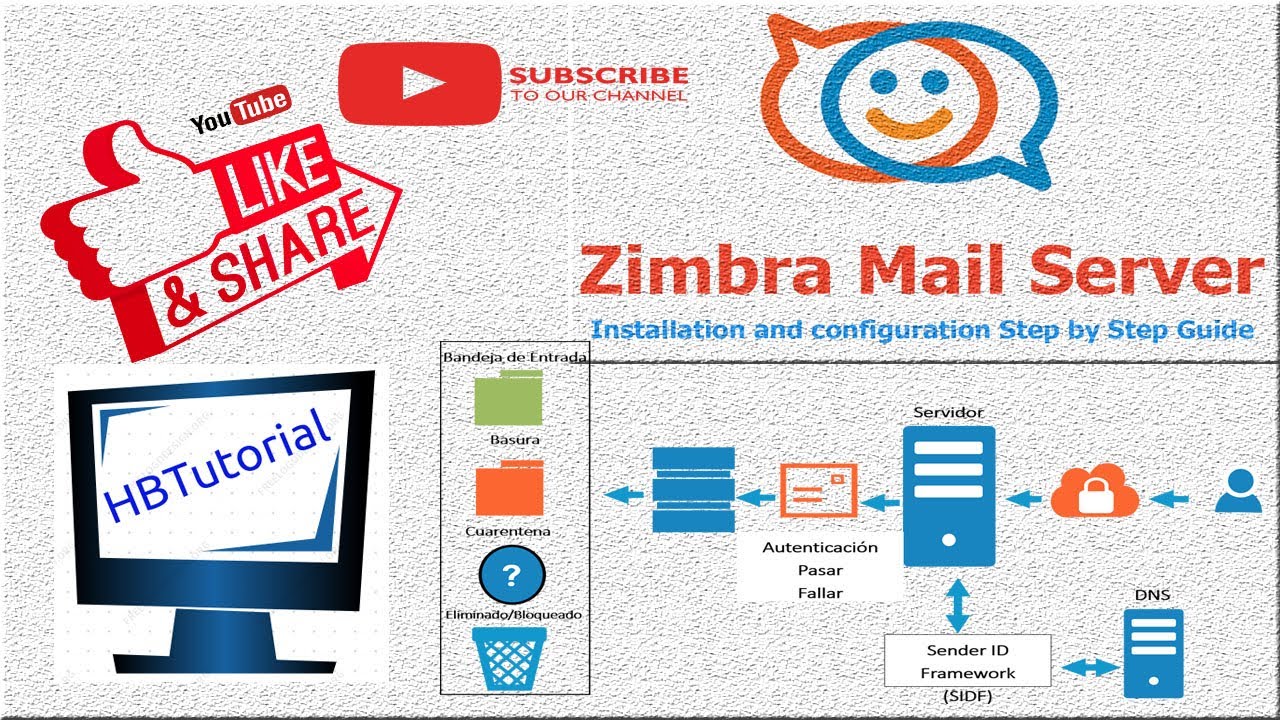
Zimbra Mail Server 8.8.15 Installation on AWS EC2 | Ubuntu Setup for Seamless Email Management
Автор: HBTutorial (HaroldB)
Загружено: 2020-02-26
Просмотров: 10857
00:00 - Intro
03:34 - DNSmasq install - apt install dnsmasq
06:00 - disable systemd-resolved
06:20 - Remove resolv.conf and setup
07:30 - system update
15:00 - Configure Hosts and dnsmasq.conf
21:50 - Dowdloading Zimbra server and install
54:40 - 1st Login on Zimbra
Welcome to the comprehensive and detailed Ultimate Guide to Zimbra Mail Server 8.8.15 Installation on AWS EC2! If you are eager to set up a robust and reliable email server using Zimbra on AWS EC2 with Ubuntu 18.04, you've come to the right place! This in-depth tutorial will meticulously guide you through every essential step necessary for a successful Zimbra installation and configuration on your virtual server.
Why Choose Zimbra Mail Server?
Zimbra is an extraordinary open-source collaboration solution that integrates email, calendar, and contact management seamlessly. As remote work and digital communication continue to thrive, mastering Zimbra can significantly elevate your IT capabilities. Here’s why this tutorial is a must-read for anyone in the tech space
Cost-Effective Utilizing AWS EC2 enables you to efficiently manage resources, striking a perfect balance between quality and affordability.
User-Friendly The intuitive interface of Zimbra is designed for both administrators and users, making management less of a headache.
Scalable Solution Zimbra is perfect for small to medium-sized businesses, adept at handling thousands of users without a hitch.
Robust Security Features Zimbra comes equipped with numerous security features, allowing for reliable protection against threats and vulnerabilities.
Community and Support Engaging with a vast community provides you with endless support and resources.
What You’ll Learn in This Tutorial
1. System Preparation
Prerequisites for Installing Zimbra
Configuring your Ubuntu 18.04 server to ensure compatibility with Zimbra
2. Installing Dnsmasq as Your DNS Server
Step-by-step installation and configuration of Dnsmasq
Fine-tuning DNS settings for maximal performance
3. Zimbra Installation
Downloading the latest Zimbra Collaboration Suite (ZCS)
Configuring your network settings and DNS records to align with best practices
4. Post-Installation Configuration
How to set up domains, email accounts, and manage user privileges effectively
Essential configurations for maximizing spam protection and security
5. Troubleshooting Common Issues
Identifying and resolving frequent installation-related challenges
Proactive tips for maintaining your Zimbra server efficiently
Additional Features
Detailed Visuals Each step is supported by illustrative screen captures to navigate yourself through the installation process effortlessly.
Expert Tips Learn preventative measures to dodge common pitfalls during installation.
Hands-On Approach We recommend hands-on exercises to cement your understanding of the complete installation workflow.
Don’t Miss Out!
Whether you're an IT professional aiming to sharpen your skills or a tech enthusiast diving into server management, this Zimbra tutorial is overflowing with actionable insights, high-traffic SEO keywords, and strategic tips to propel you forward in the tech landscape. Bid farewell to tedious installation processes; achieve your Zimbra setup swiftly and effectively! Remember, your success in mastering Zimbra is only a video away!
Engage With Us!
If you found this tutorial beneficial, please show your support by liking this video, commenting your questions, subscribing to our channel, and sharing it with others who could benefit from this crucial knowledge. Join our community striving for a more connected and productive digital workspace with Zimbra today! Your inquiries are welcome in the comments section, and our team is excited to assist you.
Contact Us
For personalized support
Skype live.cid.9b6cdbf98b6441ef
WhatsApp +639174521009
Stay updated with our latest course offerings and live training sessions through our website and on social media platforms. Like, share, and subscribe to ensure you never miss an update on the latest tech guides!
== Setup DNS dnsmasq==
https://computingforgeeks.com/install...
==Anti Spam Zimbra server Config kindly run the command below using user zimbra==
zmprov mcf zimbraMtaSmtpdSenderLoginMaps proxy:ldap:/opt/ zimbra/conf/ldap-slm.cf +zimbraMtaSmtpdSenderRestrictions reject_authenticated_s ender_login_mismatch
Доступные форматы для скачивания:
Скачать видео mp4
-
Информация по загрузке: