Скачать
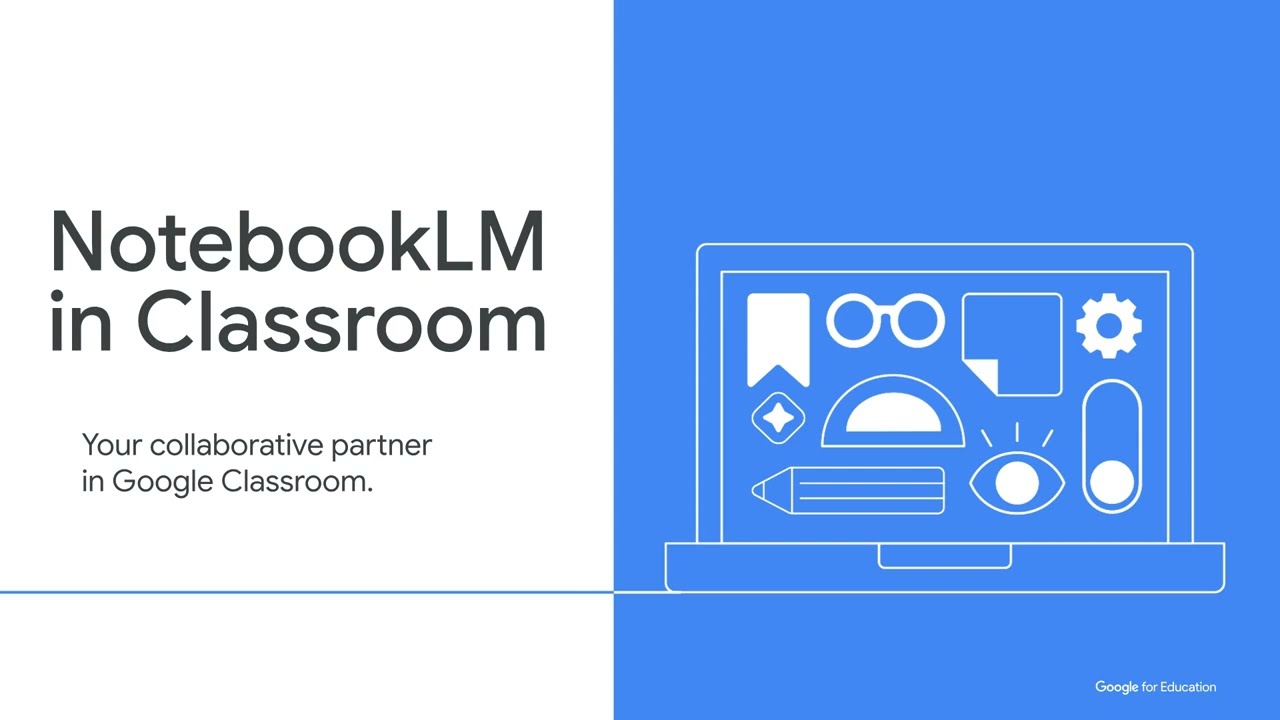
AI in 30: NotebookLM and Google Classroom
Автор: Sara Hoffman
Загружено: 2025-11-12
Просмотров: 336
Описание:
This is the fourth session in our "AI in 30: Gemini Series"! We're connecting all the dots by showing you how to take your powerful, curated NotebookLM notebooks and share them effectively with both colleagues and students using the brand new Google Classroom integration.
In this video, you will see how to:
Collaborate with colleagues by sharing Notebooks with "Viewer" vs. "Editor" access for co-planning.
Use the new, direct Google Classroom integration to post your NotebookLM.
How to add a NotebookLM as a "Material" in your Classwork tab.
*Crucial Tip: Why you must model how to use the notebook with your students first.
Доступные форматы для скачивания:
Скачать видео mp4
-
Информация по загрузке: