How to Create DynamoDB Table in AWS | Beginner Hands-On Tutorial
Автор: LEARNMORE TECHNOLOGIES
Загружено: 2025-12-24
Просмотров: 18
Welcome to Learn More Technologies! 🚀
In this video, you’ll learn AWS DynamoDB, a fully managed NoSQL database service, and perform a hands-on demo to create your first DynamoDB table and items.
This tutorial is beginner-friendly and perfect for anyone learning AWS databases, serverless applications, or cloud-native development.
📦 What You Will Learn in This Video:
1️⃣ What is AWS DynamoDB?
Fully managed NoSQL key-value database
Serverless & highly scalable
Low latency & high availability
2️⃣ DynamoDB Core Concepts
Tables
Items
Attributes
Partition Key & Sort Key
3️⃣ Create Your First DynamoDB Table
Choose table name
Define partition key
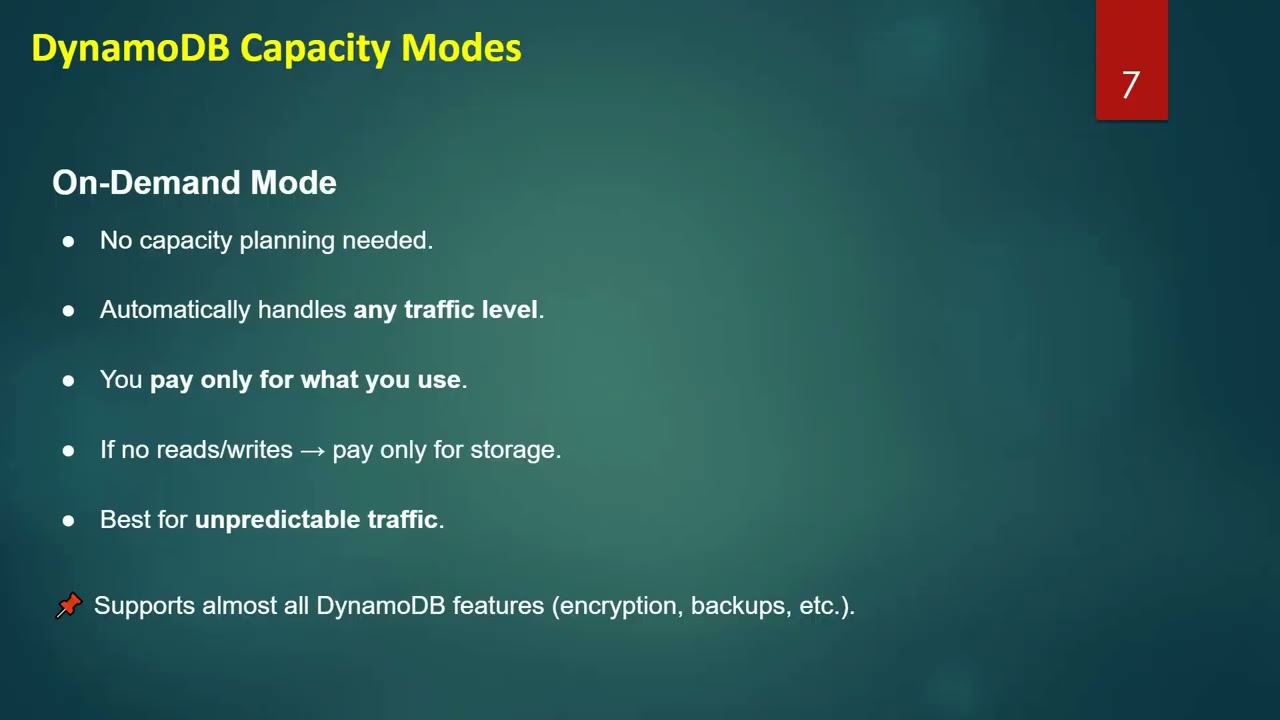
Capacity mode (On-Demand vs Provisioned)
4️⃣ Add Items to DynamoDB Table
Insert items using AWS Console
Understand item attributes
View stored data
5️⃣ Read & Query Data
Get item by primary key
Scan table
Understand basic access patterns
6️⃣ Real-World Use Cases
Serverless applications
User profile storage
Session management
IoT & gaming applications
🎯 Who Should Watch This?
✔ AWS beginners
✔ Cloud & DevOps engineers
✔ Backend & serverless developers
✔ Students preparing for AWS certifications
📌 Why Learn AWS DynamoDB?
DynamoDB is widely used in modern, serverless, and high-scale applications because it requires no server management, scales automatically, and integrates seamlessly with AWS Lambda and API Gateway.
👍 If this video helped you, Like 👍, Share 📤, and Subscribe 🔔 to Learn More Technologies for more AWS hands-on tutorials!
💬 Comment below if you want a DynamoDB + Lambda integration demo next.
#aws #dynamodb #AWSDynamoDB #nosql
#awstutorial #learnaws #cloudcomputing
#serverlesscomputing #awsbeginner #devops
#learnmoretechnologies #itcareer #techlearning
Доступные форматы для скачивания:
Скачать видео mp4
-
Информация по загрузке: