How to Setup Professional Animated Lower Thirds in OBS Studio (FREE)
Автор: MML Tech
Загружено: 2025-12-24
Просмотров: 3110
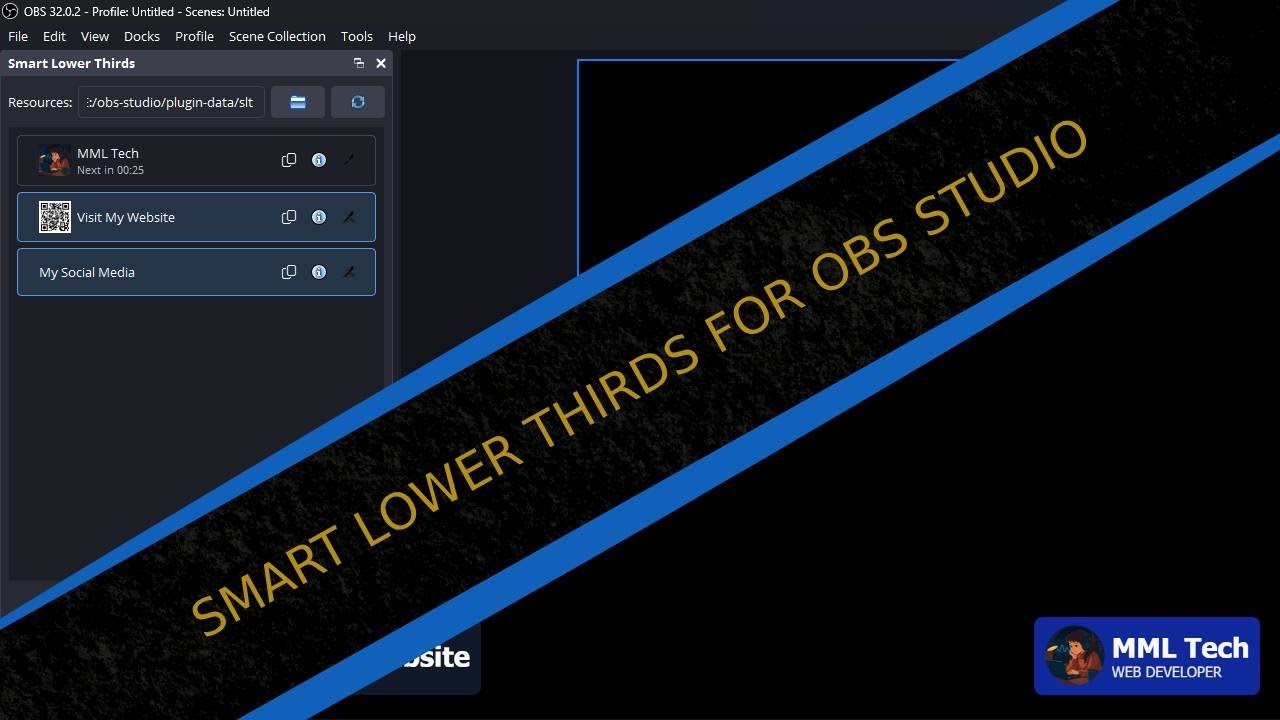
Stop struggling with messy OBS overlays! In this video, I show you how to use Smart Lower Thirds, one of the most powerful OBS Studio plugins for creating professional, animated name bars and social media pop-ups.
Whether you need fully automated stream graphics or hotkey controlled lower thirds for your Stream Deck, this tutorial walks you through the complete setup for hosts, guests, sponsors, and rotating on screen information.
⬇️ DOWNLOAD SMART LOWER THIRDS HERE:
👉 https://obscountdown.com/r/smart-lowe...
🛒 Visit my Streaming Resources Shop:
👉 https://ko-fi.com/mmltech/shop
🔧 What You’ll Master in this Tutorial:
👉 Unlimited Lower Thirds - Create endless templates for guests, topics, and social media.
👉 Timed Automation - Set overlays to appear automatically every X seconds.
👉 Stream Deck Integration - Trigger lower thirds instantly using OBS Hotkeys.
👉 Template Packs - Import/export designs to keep a consistent brand style.
📊 Timeline:
00:00 - Intro: Why you need Smart Lower Thirds
00:40 - Installation & Plugin Setup
01:30 - Creating Your First Animated Lower Third
02:30 - Advanced Configurations (Fonts, Colors, Positioning)
08:26 - Outro & Final Tips
🌐 Join the Community & Follow Me:
Discord: / discord
Facebook Group: / freestreamerspromotion
Mastodon: https://mastodon.social/@obscountdown
X (Twitter): https://x.com/streamcd_net
#OBSStudio #OBSPlugin #LowerThirds #StreamOverlay #LiveStreaming #StreamingTools #BroadcastGraphics #ContentCreator #StreamDeck #TwitchStreamer #YouTubeStreamer #KickStreamer
Доступные форматы для скачивания:
Скачать видео mp4
-
Информация по загрузке: