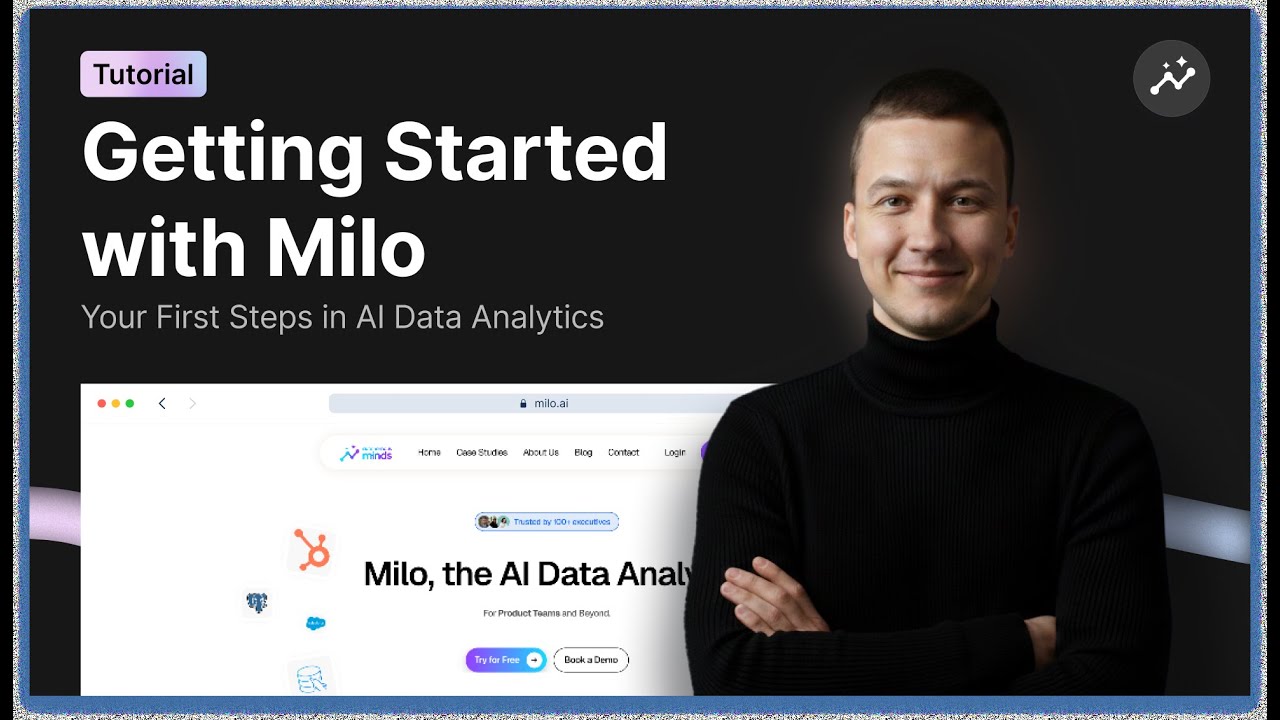
Getting Started with Milo: Full Platform Overview & First Steps
Автор: Autonomous Minds
Загружено: 2026-01-14
Просмотров: 25
Welcome to Milo 👋
In this first video of our Milo tutorial series, Faustas from Autonomous Minds walks you through everything you need to know to get started with Milo at a high level.
We’ll cover how to sign up, what’s included in the free trial, and give you a complete walkthrough of Milo’s interface - including chat, dashboards, data sources, integrations, design, and knowledge management.
In this video, you’ll learn how to:
• Create your Milo account and get access
• Understand the free trial and usage limits
• Navigate the Milo UI and chat interface
• Work with dashboards and insights
• Connect and manage data sources
• Use Data Studio to define table relationships
• Set up integrations like Slack, HubSpot, and Ads platforms
• Customize dashboard design and visuals
• Use Knowledge to help Milo understand your business
This video is designed to help new users get comfortable with Milo quickly, so you can start asking better questions and getting better insights from your data.
📩 Need help or have questions?
If you get stuck or need assistance at any point, you can reach out to our support team using the support email listed below. We’re happy to help.
Support: milo@milo.ai
In the next video, we’ll walk through practical Milo integrations to help you get value even faster.
Thanks for watching - and welcome to Milo.
Доступные форматы для скачивания:
Скачать видео mp4
-
Информация по загрузке: