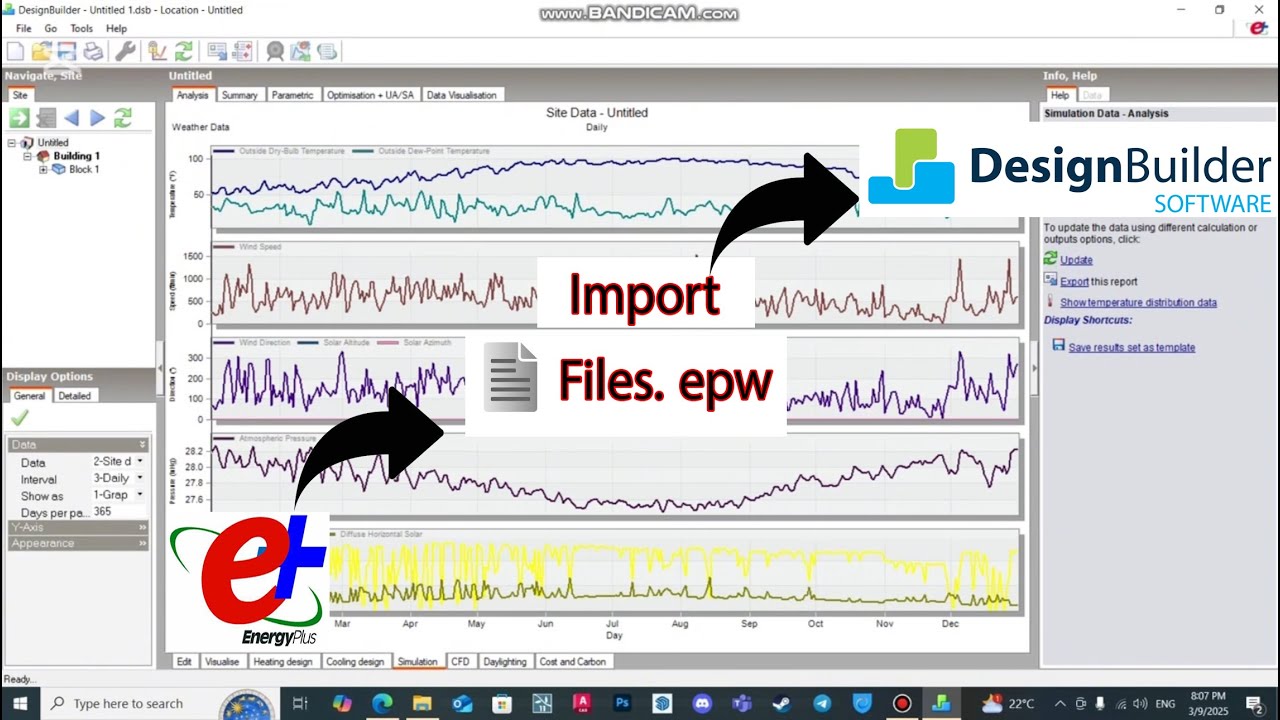
How to Import Weather Files into Design Builder from EnergyPlus
Автор: EduZone
Загружено: 2025-03-09
Просмотров: 1701
🚀 How to Import Weather Files into DesignBuilder from EnergyPlus 🌍
In this tutorial, we’ll guide you step by step on how to import hourly weather data files (EPW) from EnergyPlus into DesignBuilder for accurate building energy simulations. ✅
🔹 Topics Covered:
✔️ Downloading weather files from the EnergyPlus database
✔️ Understanding EPW file format
✔️ Importing weather data into DesignBuilder
✔️ Setting up climate conditions for energy modeling
✔️ Tips for accurate building performance analysis
📂 Useful Links:
🔗 EnergyPlus Weather Database: [Insert link]
🔗 Official DesignBuilder Website: [Insert link]
💡 Why Use Weather Files?
Weather data is essential for energy performance analysis, allowing you to simulate real-world conditions and optimize building efficiency. 🌱🏢
🔔 Subscribe for More Tutorials!
If you found this video helpful, don’t forget to like 👍, subscribe 🔔, and share for more DesignBuilder & Energy Modeling tutorials!
📩 Have questions? Drop a comment below! ⬇️
Доступные форматы для скачивания:
Скачать видео mp4
-
Информация по загрузке: