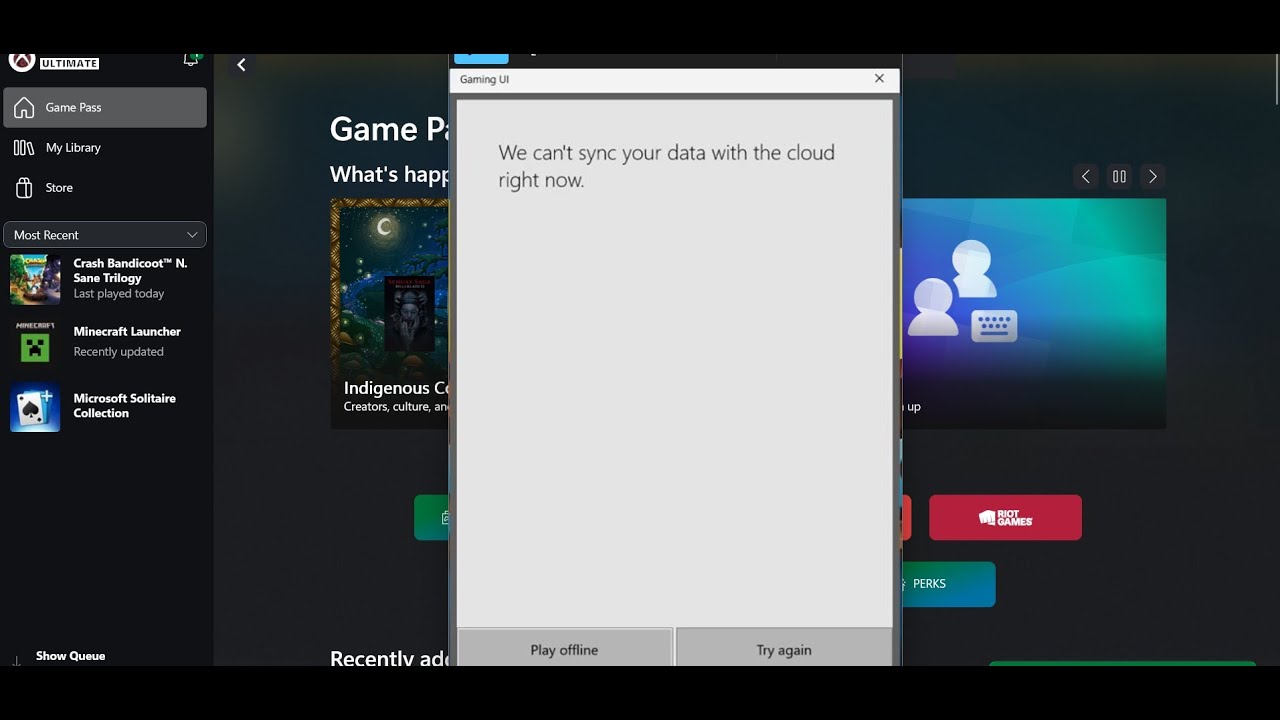
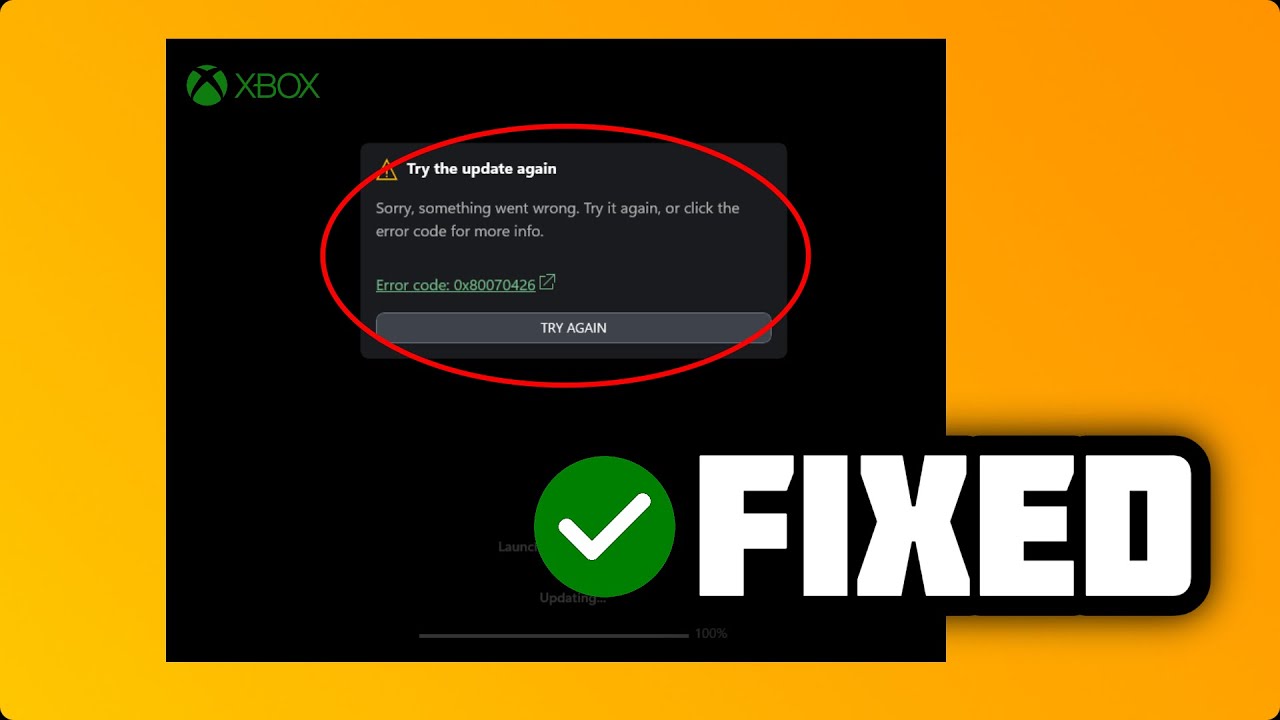
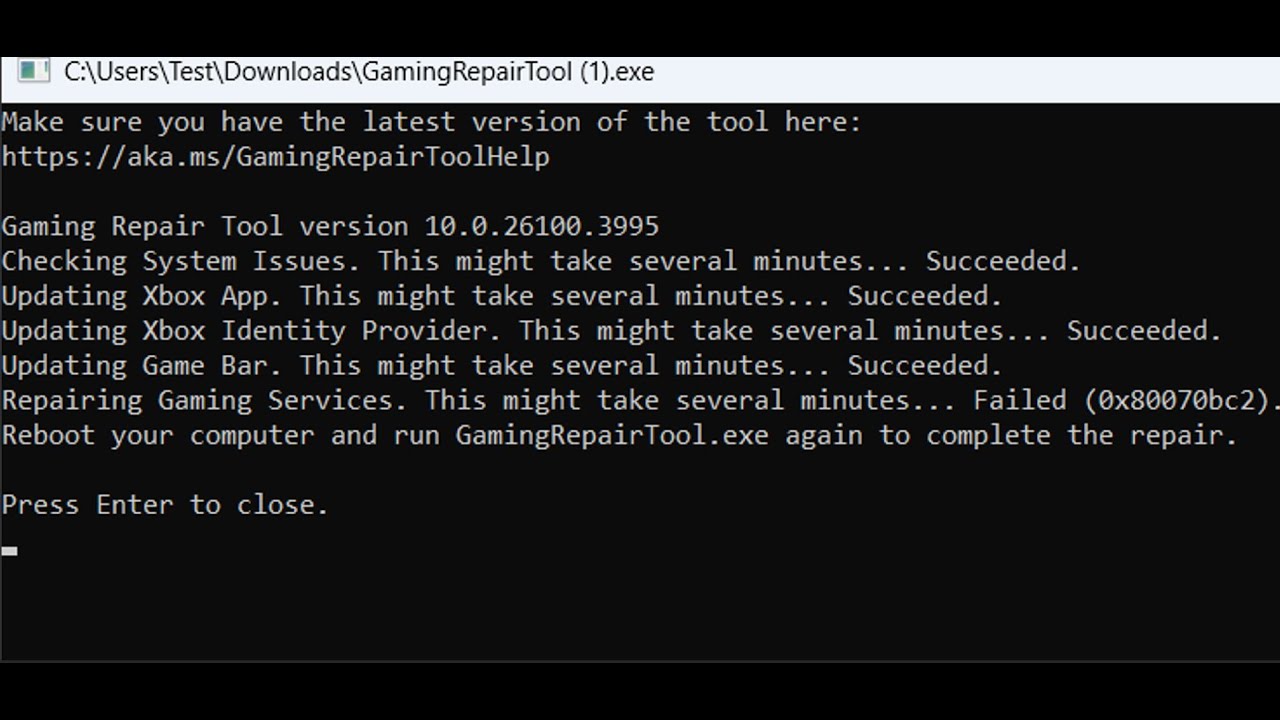
Fix Gaming Services Repair Tool Error Repairing Gaming Services Failed (0x80070bc2)
Автор: MenakaTechWorld
Загружено: 2025-08-01
Просмотров: 562
How To Fix Gaming Services Repair Tool Error Repairing Gaming Services Failed Error Code (0x80070bc2)
Step 1) Run Gaming Service Repair Tool
https://support.xbox.com/en-IN/help/g...
Step 2) Repair/Reset Gaming Services
Step 3) Click on get update on Microsoft Store
Step 4) Uninstall and reinstall gaming Services
Uninstall gaming service
get-appxpackage Microsoft.GamingServices | remove-AppxPackage -allusers
Install Gaming service
start ms-windows-store://pdp/?productid=9MWPM2CQNLHN
Step 5) Make changes in the registry
HKEY_LOCAL_MACHINE\SYSTEM\CurrentControlSet\Services\GamingServices
HKEY_LOCAL_MACHINE\SYSTEM\CurrentControlSet\Services\GamingServicesNet
Restart your PC- Restart is a must
Now uninstall remains of gaming services using the command below:
get-appxpackage Microsoft.GamingServices | remove-AppxPackage -allusers
Now Install gaming services the from the command provided below:
start ms-windows-store://pdp/?productid=9MWPM2CQNLHN
Step 5) Uninstall and reinstall Xbox App
Доступные форматы для скачивания:
Скачать видео mp4
-
Информация по загрузке: