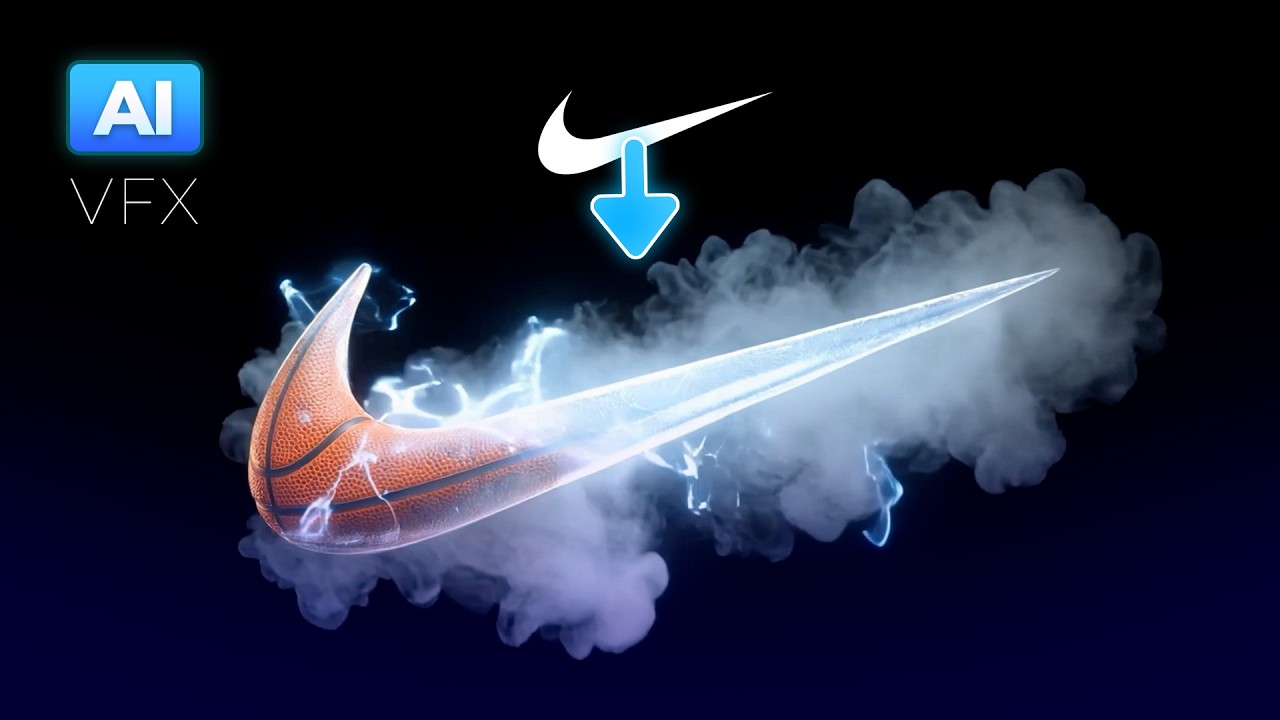
AI Logo Animation with Nano Banana + Kling
Автор: Blue Lightning
Загружено: 2026-01-23
Просмотров: 765
🙌 Join Artlist (our sponsor) - https://tinyurl.com/bl-artlist
🧠 Free GPT - https://tinyurl.com/bl-ai-stinger
💙⚡Become a member – https://tinyurl.com/blmember
Have you ever wanted your logo to leap off the screen like something out of a high-end commercial? Thanks to AI, you no longer need to be a motion designer or animation pro to make that happen. In this beginner-friendly tutorial, I’ll walk you through the exact workflow I use to create cinematic, 3D logo animations using AI tools.
Get CapCut - https://tinyurl.com/b-capcut
We’ll start with a basic logo and turn it into a fully animated visual story using Artlist’s new AI Toolkit, a custom GPT prompt generator, and free tools like CapCut and MM Audio. You’ll learn how to generate realistic scene transitions, add pro-level sound design, and export a final logo animation that looks like it took weeks to create—in just hours.
Whether you're creating YouTube intros, commercial branding, or elevating your freelance work, this guide gives you a full pipeline from concept to final export.
🔥 No 3D software. No motion graphics skills. Just a powerful AI workflow anyone can use.
A huge thanks to Artlist for sponsoring this video and providing the tools that make this magic possible.
Subscribe here – https://tinyurl.com/bluelighting
🔍 CHAPTER MARKERS
00:00 – Intro: Why AI Logo Animation is Game-Changing
00:22 – Tools You'll Need for This Project
01:18 – Prepping Your Logo in Photoshop
01:34 – Using GPT to Generate Scene Prompts
02:02 – Generating Images in Artlist’s AI Toolkit
03:00 – Building Scene-by-Scene Logo Animation
04:04 – Creating Transitions Between Scenes
05:17 – Assembling Final Video in CapCut
06:10 – Adding Sound Effects with MM Audio
06:33 – Creating Full Background Logo Stories
07:27 – Voiceovers & Final Touches
Доступные форматы для скачивания:
Скачать видео mp4
-
Информация по загрузке: