Creating a Dust Boot for your CNC Router using Fusion 360 Part 1
Автор: Bigfoot Woodshop
Загружено: 2020-09-11
Просмотров: 855
PLEASE NOTE: At 1:06 in the video I say mouse and not mouse wheel. What I meant to say is that you can orbit your view by holding shift and clicking in the mouse's scroll wheel.
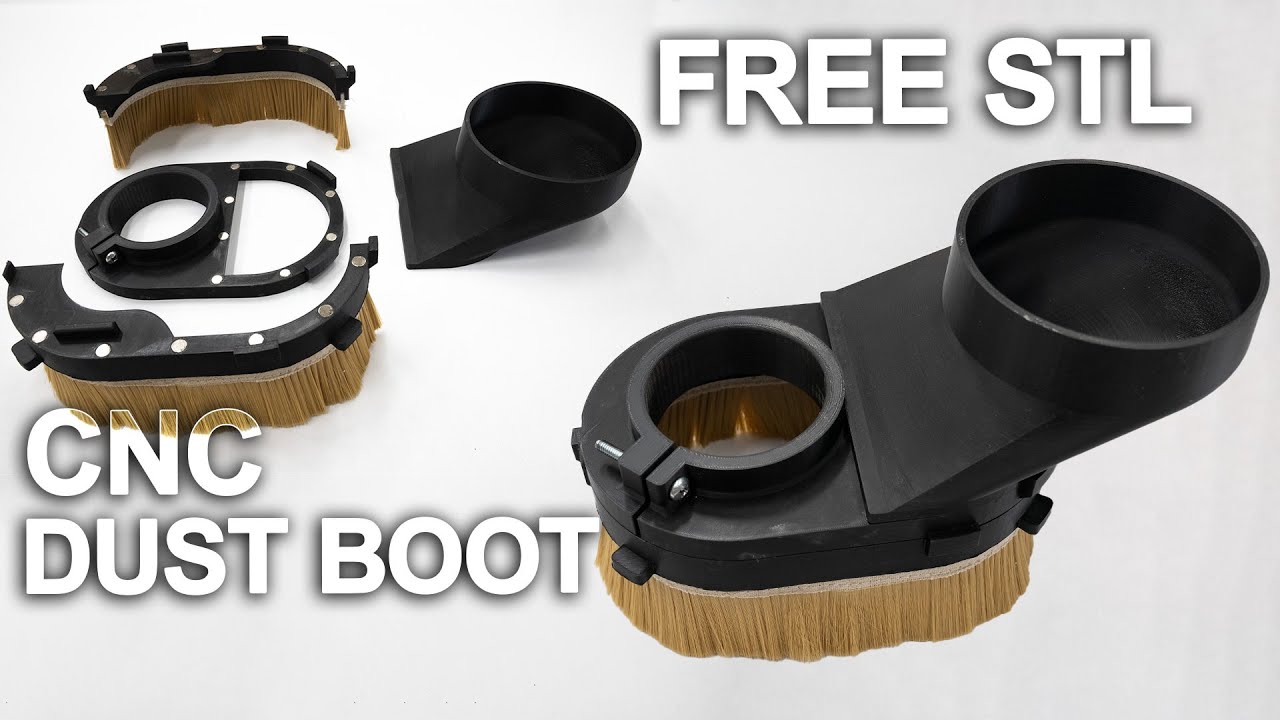
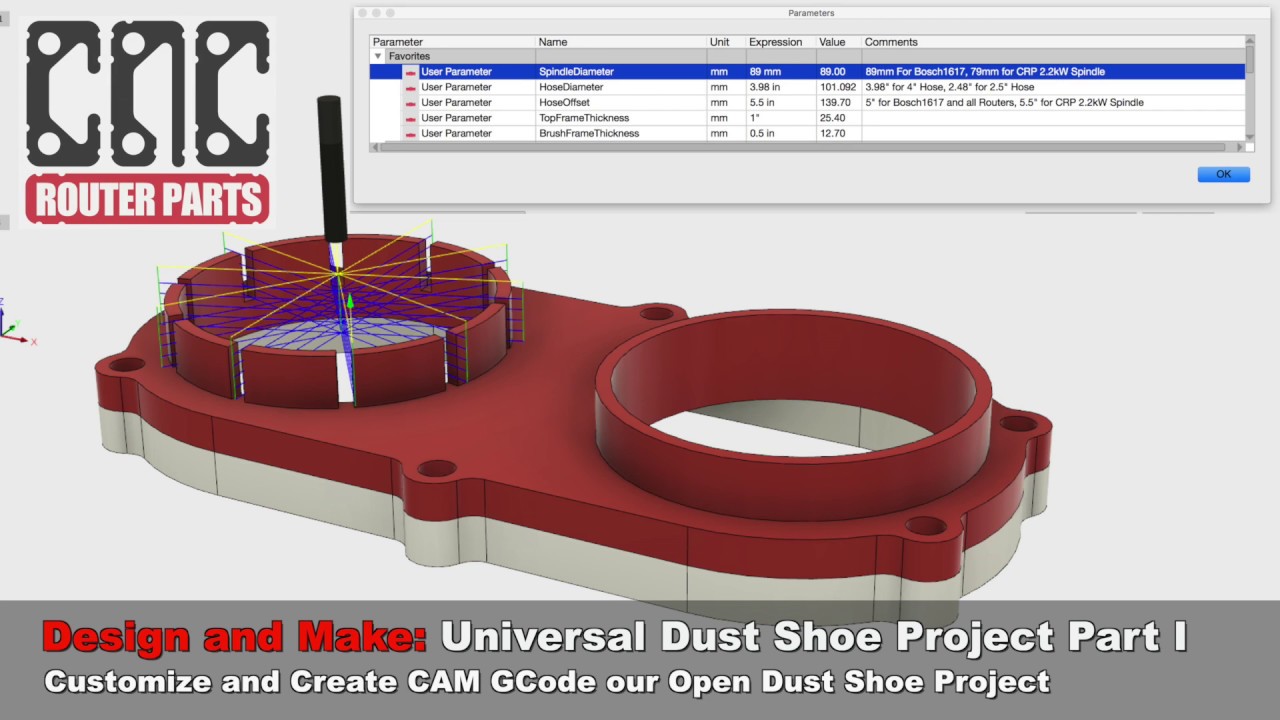
This is a 4 part video, parts 1+2 will teach you how to use Fusion 360 to model a dust boot. In part 3 we will create a tool path in Fusion 360 and simulate our CNC cutting it out, then we'll generate the G-code to give to Universal G Code Sender in part 4 where we will cut it out on my Mega V CNC then put it together and test it out.
Even if you have NEVER used a computer before you'll be able to follow this tutorial and create your own custom dust boot to fit your machine.
Part 2- • Creating a Dust Boot for your CNC Router u...
Part 3- • Creating a Dust Boot for your CNC Router u...
Part 4- • Creating a Dust Boot for your CNC Router u...

Доступные форматы для скачивания:
Скачать видео mp4
-
Информация по загрузке:




![2018: A Dust Collector Odyssey [CNC Router]](https://imager.clipsaver.ru/WIhFcK5mLU0/max.jpg)