Популярное

Музыка Кино и Анимация Автомобили Животные Спорт Путешествия Игры Юмор

Интересные видео

2025 Сериалы Трейлеры Новости Как сделать Видеоуроки Diy своими руками

Топ запросов

смотреть а4 schoolboy runaway турецкий сериал смотреть мультфильмы эдисон
dTub
Скачать

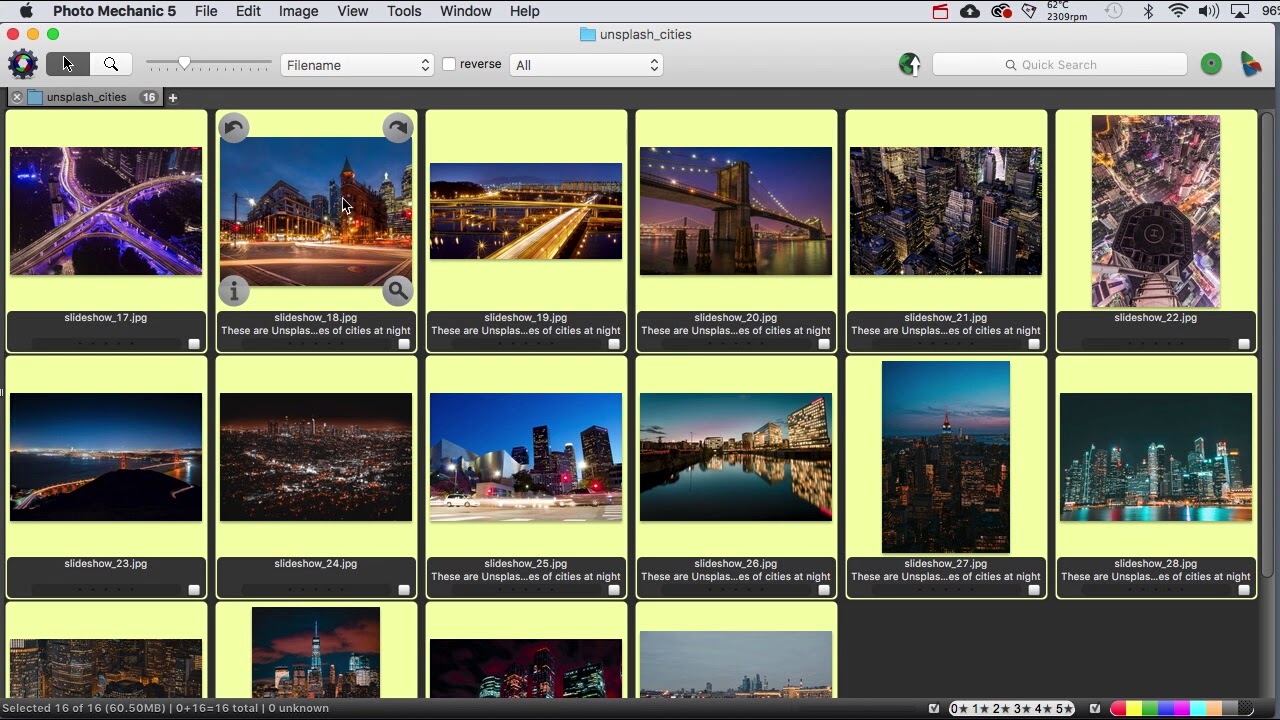
Manage Filenames in Photo Mechanic with Rename and Variables

Автор: Carl Seibert

Загружено: 2018-06-14

Просмотров: 9205

Описание:

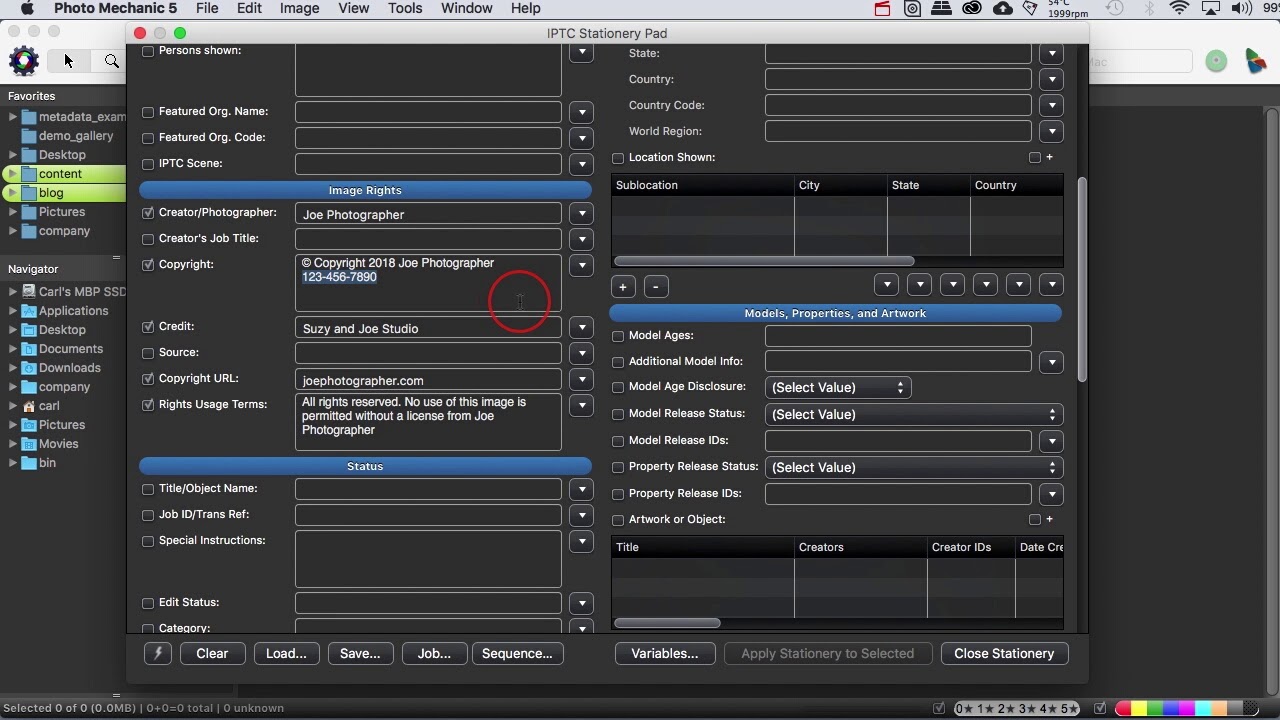
NOTE: This video was recorded using Photo Mechanic Version 5. In it, I mention the Stationery Pad about a zillion times. In Photo Mechanic 6 and Photo Mechanic Plus, what was once the Stationery Pad is now called the IPTC Template Editor. It still does the same stuff, and everything in the video about how to turn fields off and is still relevant.

The rename functionality works just the same in Version 6 as it did in Version 5.

Photo Mechanic's unassuming-looking Rename dialog packs a lot of power.

Using Rename and Variables, we'll organize files, retain old filenames after renaming, and name files automatically, using information from our metadata.

Along the way, we'll learn how we can use the Stationery Pad to work around existing metadata.
Manage Filenames in Photo Mechanic with Rename and Variables

Поделиться в:

Доступные форматы для скачивания:

Скачать видео mp4

  • Информация по загрузке:
Скачать аудио mp3

Похожие видео

Adding metadata - including Google Images metadata - to photos in Photo Mechanic

Adding metadata - including Google Images metadata - to photos in Photo Mechanic

Using Photo Mechanic to work with metatdata

Using Photo Mechanic to work with metatdata

Photo Mechanic Sports Photography Workflow - Prepare, Shoot, Edit and Upload

Photo Mechanic Sports Photography Workflow - Prepare, Shoot, Edit and Upload

Photo Mechanic 101: A Quick Overview

Photo Mechanic 101: A Quick Overview

Two IPTC Metadata Editors in Photo Mechanic - When to use each one

Two IPTC Metadata Editors in Photo Mechanic - When to use each one

Photo Mechanic: Controlled Vocabulary right in the Keywords field

Photo Mechanic: Controlled Vocabulary right in the Keywords field

IPTC/IIM, XMP, or Exif - which version of your metadata do you see?

IPTC/IIM, XMP, or Exif - which version of your metadata do you see?

Photo Mechanic 201 Overview: Advanced Techniques Overview

Photo Mechanic 201 Overview: Advanced Techniques Overview

Работа с данными Exif в Photo Mechanic Plus

Работа с данными Exif в Photo Mechanic Plus

Keywording in Photo Mechanic Part 1

Keywording in Photo Mechanic Part 1

Photo Mechanic 6 Master the Ultimate Browser

Photo Mechanic 6 Master the Ultimate Browser

Culling Through Images with Photo Mechanic | Ask David Bergman

Culling Through Images with Photo Mechanic | Ask David Bergman

Black Cats Groove Tonight: Глубокий басовый джаз для стильной концентрации

Black Cats Groove Tonight: Глубокий басовый джаз для стильной концентрации

How to do Code Replacements with Photo Mechanic 2021

How to do Code Replacements with Photo Mechanic 2021

Photo Mechanic IPTC METADATA - How to Use & Why

Photo Mechanic IPTC METADATA - How to Use & Why

Easy Photo Keywording with Structured Keywords in Photo Mechanic

Easy Photo Keywording with Structured Keywords in Photo Mechanic

PHOTO MECHANIC - How to create CODE REPLACEMENTS and CAPTION images in Photo Mechanic 5

PHOTO MECHANIC - How to create CODE REPLACEMENTS and CAPTION images in Photo Mechanic 5

How To Use PHOTO MECHANIC Like a Pro

How To Use PHOTO MECHANIC Like a Pro

Полное руководство по обработке и редактированию фотографий на профессиональном уровне в Photo Me...

Полное руководство по обработке и редактированию фотографий на профессиональном уровне в Photo Me...

Image Management with Photo Mechanic

Image Management with Photo Mechanic

© 2025 dtub. Все права защищены.


  • Контакты
  • О нас
  • Политика конфиденциальности


Контакты для правообладателей: infodtube@gmail.com