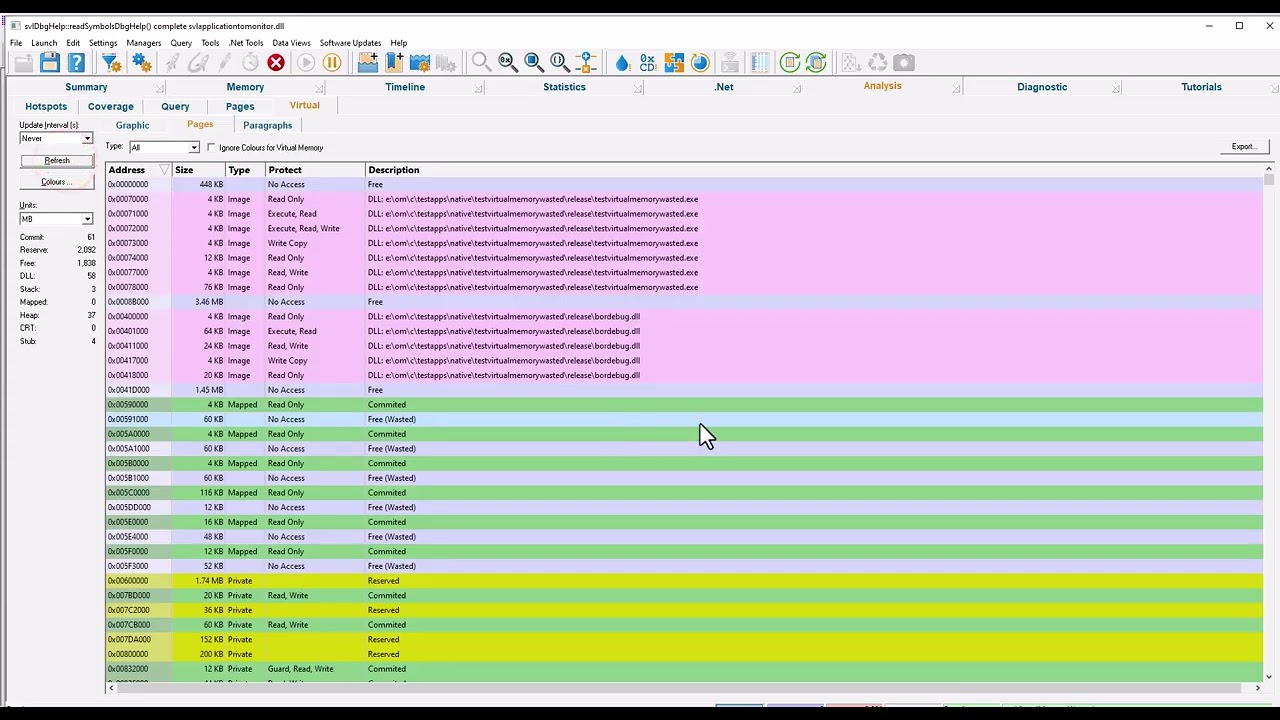
Memory Validator, how to only display results that include a particular dll
Автор: softwareverify
Загружено: 2026-01-20
Просмотров: 0
0:01 Hello, I'm going to show you how to restrict the display of C memory validator using filters to display only call stacks containing a particular DLL name.
0:12 So first of all we need to get some data to work on.
0:14 So we're going to relaunch example application by clicking the relaunch icon
0:21 and the application is displayed.
0:24 Now for this particular test we need some extra DLLs as well as these example application.
0:30 These DLLs are in the memory validator installation directory and the DLLs are DLLC, DLLB dependent on C and
0:38 DLLA dependent on B. The source code and project files are in those folders and if you build those projects the DLLs will be copied to the right place automatically.
0:49 Now I've prebuilt those DLLs so I'm going to click on the DLL menu and launch the test by clicking Load Dependent DLLs using load library and dismiss that dialog
1:01 The DLLs are loaded, and I'm going to display the data that Memory Validator is collected by clicking the Refresh button.
1:08 Now, ordinarily, for most filters, you would actually choose the item you want to filter on, and then right-click and choose the filter, and the filter will be initially created based on what
1:18 you've selected.
1:19 For this particular test, I don't care which item I'm searching because I'm going to create a custom filter, so right-click, choose Local, so the filter is local to this particular display and
1:28 choose Custom.
1:32 I'm going to choose Match using DLL, and then Match as any trace, so if I had a DLL name anywhere in the call stack, and it matches this name, then the filter matches, so I'm going to choose DLL
1:42 being dependent on C DLL,
1:45 now a normal filter excludes the data from the display.
1:50 Very useful for removing data that you're not interested in, or, for example, data from third-party DLLs and so on, but for this particular example.
1:59 we're restricting the display to only include call stacks that have this DLL, so we need to invert the filter by clicking the invert match checkbox.
2:06 And then click okay.
2:08 The display gets updated.
2:09 Now, I've expand one of these.
2:11 You can see there's the DLL name. I think we choose another one.
2:14 The DLL name is always in the call stack.
2:16 And if I expand all of those, you'll see just the same in all of
2:20 them.
2:21 So that's how you can restrict the display using filters to zoom in on a particular part of your application. Now, if you wanted to know about allocations that are only happening in that DLL, you'd
2:32 choose match on first trace, not match on any trace.
2:37 There you go.
2:39 Restricting the display with filters for memory validator.
#memoryvalidator #memoryleak #memory #leak #dll

Доступные форматы для скачивания:
Скачать видео mp4
-
Информация по загрузке: