How to Change App Color on iPhone (iOS 26 Custom Icons)
Автор: UnlockiOS Tech
Загружено: 2025-07-28
Просмотров: 773
Want to give your iPhone home screen a fresh, colorful look?
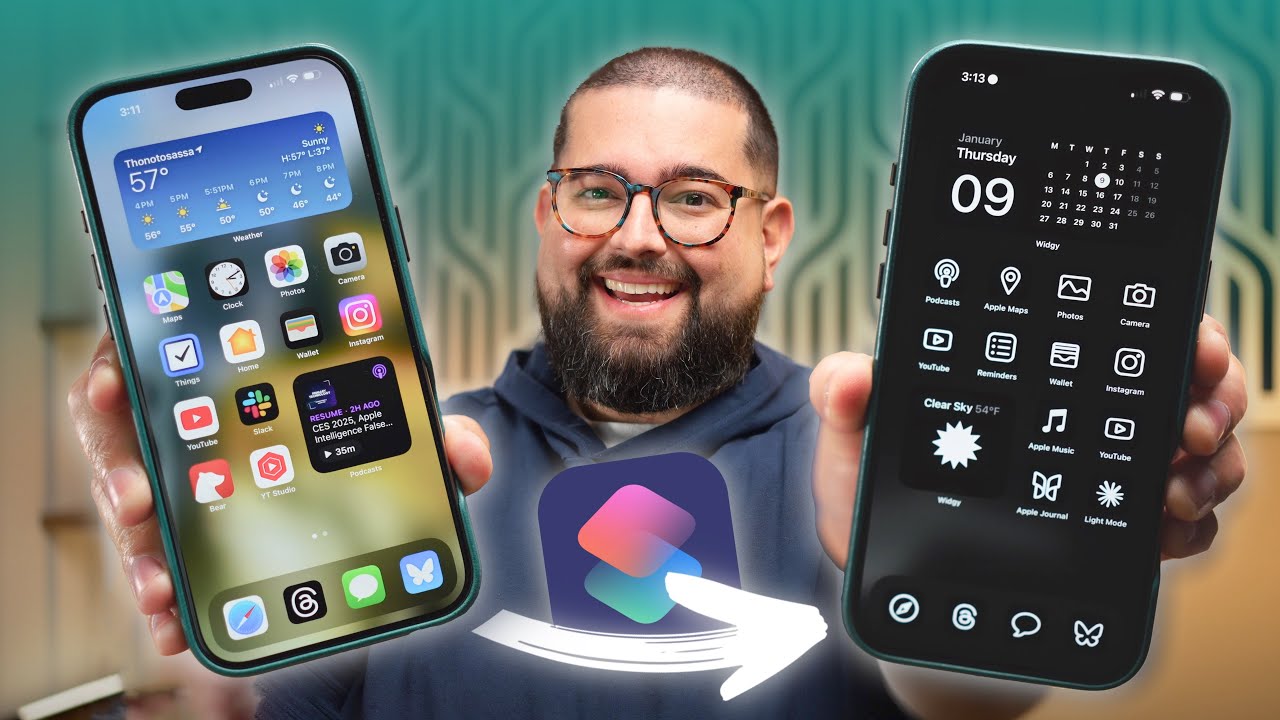
In this video, UnlockiOS Tech shows you how to change app icon colors on iPhone using the Shortcuts app and custom icon packs – no jailbreak needed.
✅ Fully works on iOS 17 and iOS 18
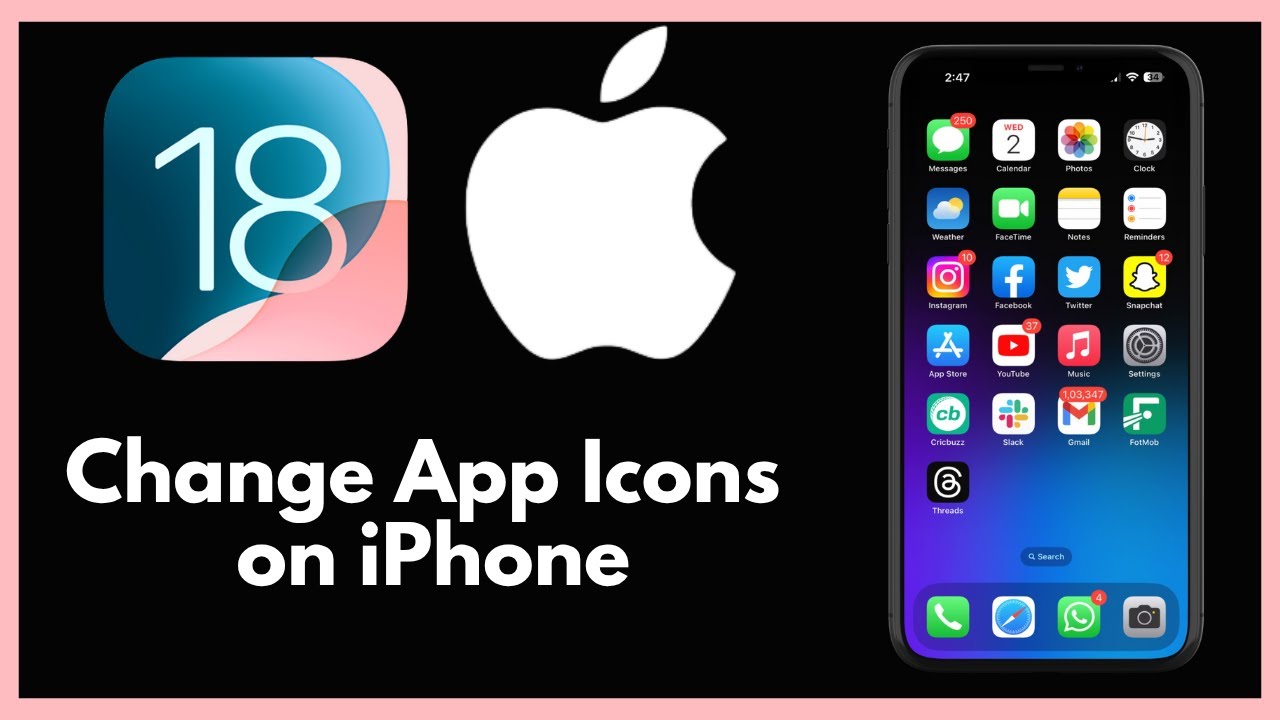
✅ Change the icon color, shape, and style
✅ Customize any app: Instagram, YouTube, WhatsApp & more
✅ Perfect for creating a minimalist, colorful, or aesthetic setup
🔍 What’s Covered:
How to use Shortcuts to create colored icons
Where to download free app icon packs
How to match your iOS wallpaper/theme
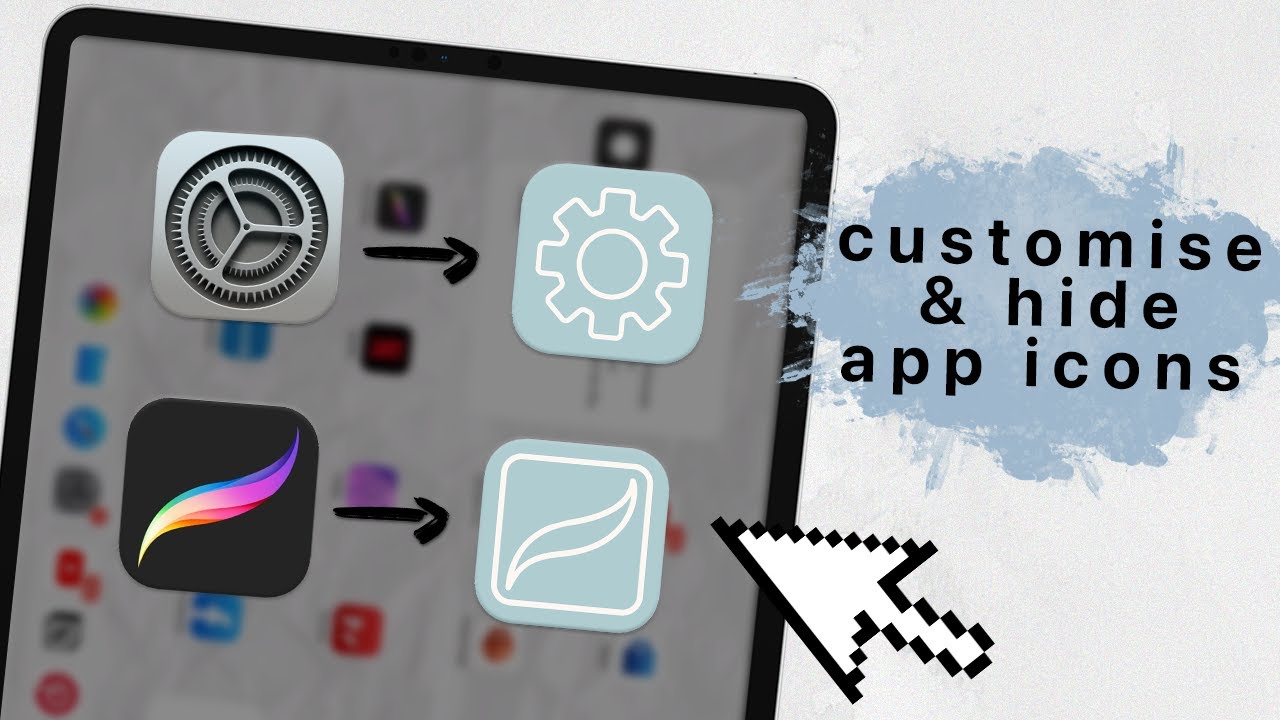
Hide original apps for a clean look
Optional: Use Widgetsmith or Color Widgets
📲 Compatible Devices:
iPhone 8 to iPhone 15 Series
iOS 16 / 17 / 18 supported
🔔 Like + Subscribe to UnlockiOS Tech for more iPhone customization hacks!
#iPhoneTips #AppIconColor #UnlockiOSTech #iOS18 #AestheticiPhone #iPhoneCustomization #ShortcutsApp
change app color iphone, iphone icon color change, custom app icons ios 18, iphone aesthetic setup, ios app icon color, shortcuts app iphone, unlockios tech, iphone color themes
Доступные форматы для скачивания:
Скачать видео mp4
-
Информация по загрузке: