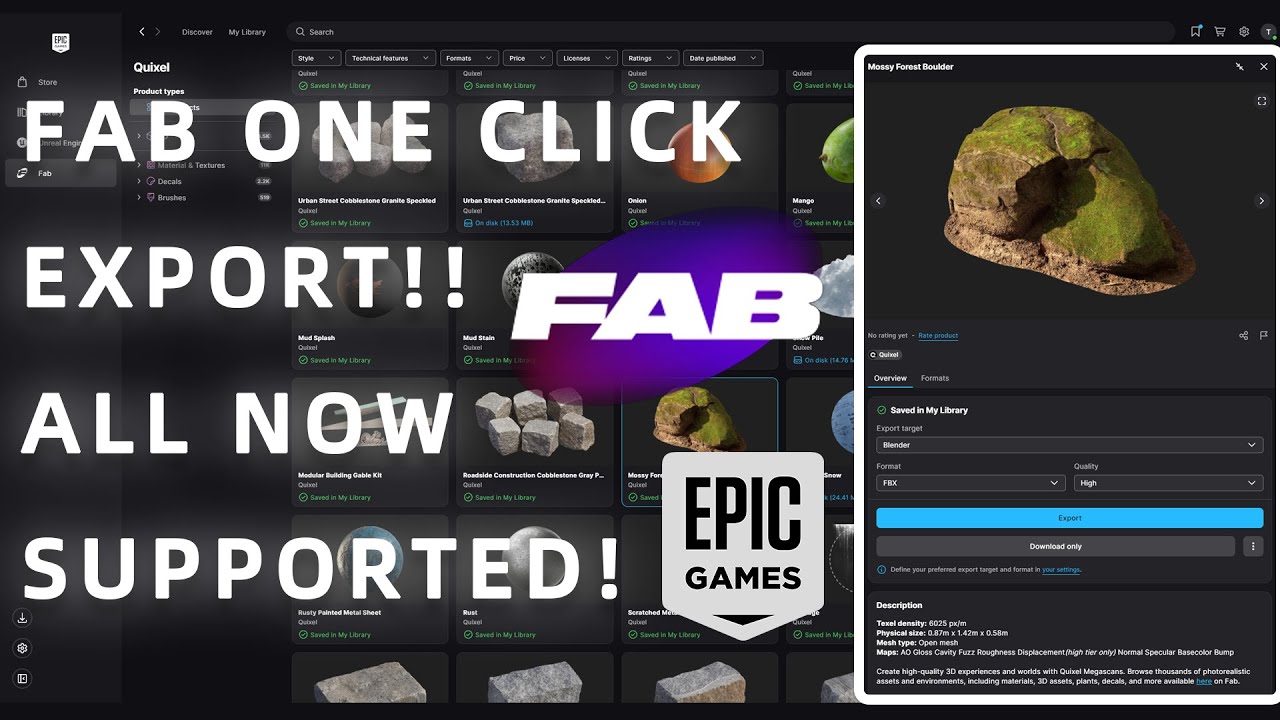
FAB in Launcher ONE CLICK EXPORT!! ALL CG Tools SUPPORTED (Blender, Unreal, C4D, Maya, Max, Unity)
Автор: TommyLingL (Tommy LU)
Загружено: 2025-09-23
Просмотров: 1327
Epic Games Launcher: https://store.epicgames.com/download
For those who missed claiming Megascans before they become paid, I have many spare claimed epic accounts to share)
You can contact me via Discord id: tommylingl
or Email me: TommyLingL@hotmail.com
If you still need to use Megascans via Bridge in your workflow, check out my other video about it:
• FAB too Hard to use? Quixel Bridge STILL W...
Timecodes:
0:00 - Intro
0:14 - Install the New Epic Launcher
2:09 - Download and Install Export Plugins
3:17 - Export to Blender
4:05 - Export to 3dsMax
4:27 - Export to Cinema 4D
4:52 - Export to Disk
5:24 - Export to Maya
6:04 - Batch Exports
6:36 - Change Download Path
7:19 - Export to Unity
8:53 - Export to Unreal 5
11:09 - Outro
ABOUT: In this video, we learn how to One Click Export any Megascans assets from Fab to almost all mainstream CG programs via the new Epic Games launcher, demonstrations including: Blender, Unreal Engine 5, Maya, Cinema 4D, 3dsMax, Unity
#unrealengine5 #blender3d #vfx #cinema4d #maya #3dsmax #epicgames #fab #quixel #bridge #cg #assets #environmentdesign
Доступные форматы для скачивания:
Скачать видео mp4
-
Информация по загрузке:





![Этот бесплатный плагин навсегда меняет кинопроизводство [Unreal 5]](https://image.4k-video.ru/id-video/LUoUVC5tXCo)


