iPhone 15 Camera Replacement – Full Step-by-Step Repair Guide
Автор: Wireless Reboot
Загружено: 2025-12-25
Просмотров: 190
📱 iPhone 15 Camera Replacement – Step-by-Step Repair Guide
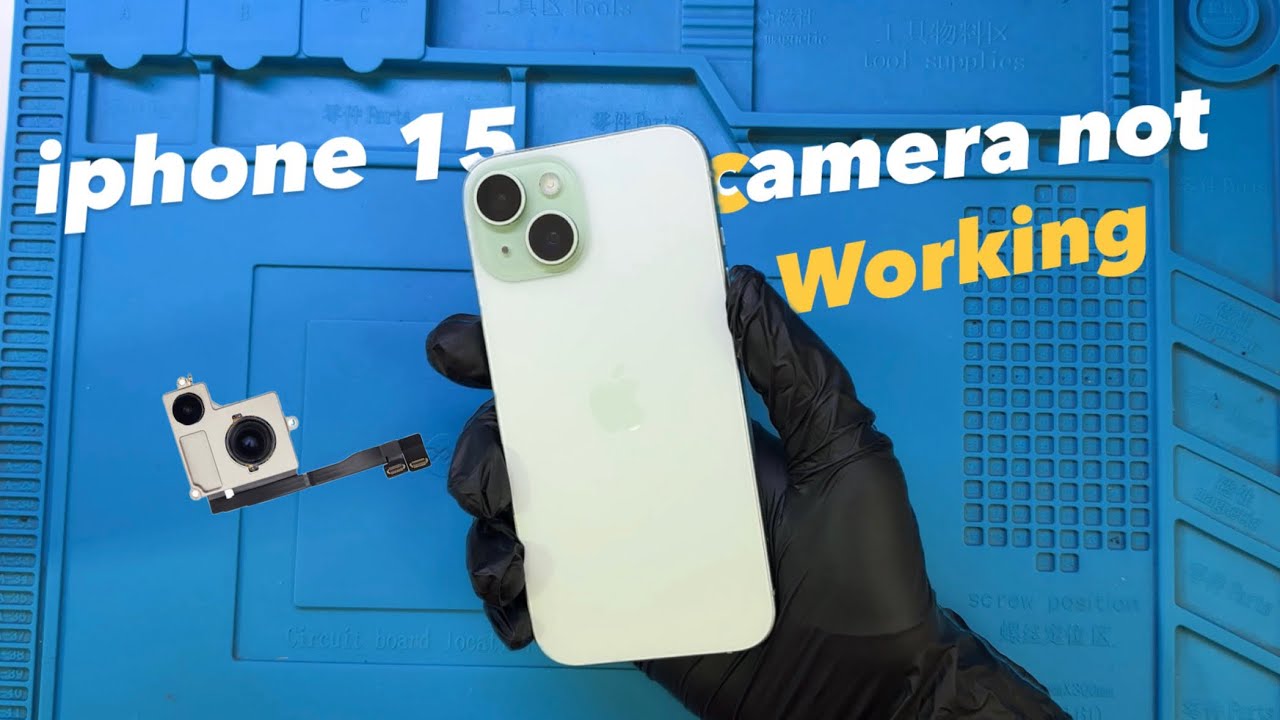
In this video, I show the complete iPhone 15 rear camera replacement process, including camera testing after repair. If your iPhone 15 camera is not working, blurry, shaking, or completely dead, this detailed repair tutorial will help you understand how the camera module is replaced safely and correctly.
The repair includes:
• Proper disassembly of the iPhone 15
• Safe handling of internal components
• Reconnecting the wireless charging coil
• Installing and testing the new camera module
• Final assembly and boot test
After installation, I fully test the camera.
✅ Wide-angle lens
✅ Telephoto zoom
✅ Lens switching
✅ Overall camera functionality
Everything is tested to ensure the repair is successful before packing the phone and handing it back to the customer.
This video is intended for educational purposes and is helpful for:
• Phone repair technicians
• Beginners learning iPhone repair
• DIY repair enthusiasts
• Repair shop owners
⚠️ Note: iPhone screws are different sizes. Always return each screw to its original position to avoid damage.
If this video helped you, don’t forget to subscribe for more iPhone repair videos, troubleshooting guides, and professional repair tips.
⸻
🔎 Common Issues Covered
• iPhone 15 camera not working
• iPhone 15 rear camera replacement
• iPhone 15 camera repair
• iPhone 15 blurry camera fix
• iPhone 15 camera shaking problem
⸻
🏷️ Tags / Keywords (add in tags section):
iPhone 15 camera replacement, iPhone 15 camera repair, iPhone 15 rear camera fix, iPhone 15 camera not working, iPhone camera repair, iPhone 15 teardown, iPhone 15 DIY repair, phone repair tutorial, iPhone hardware repair
Доступные форматы для скачивания:
Скачать видео mp4
-
Информация по загрузке: