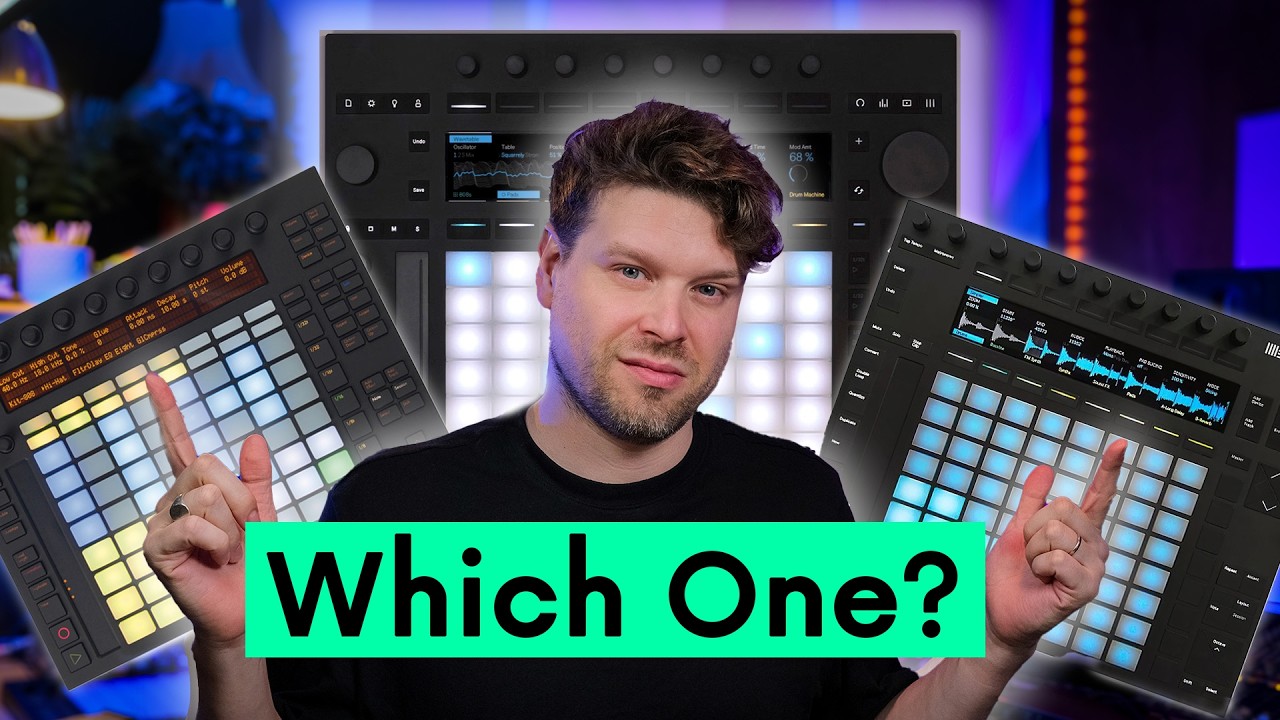
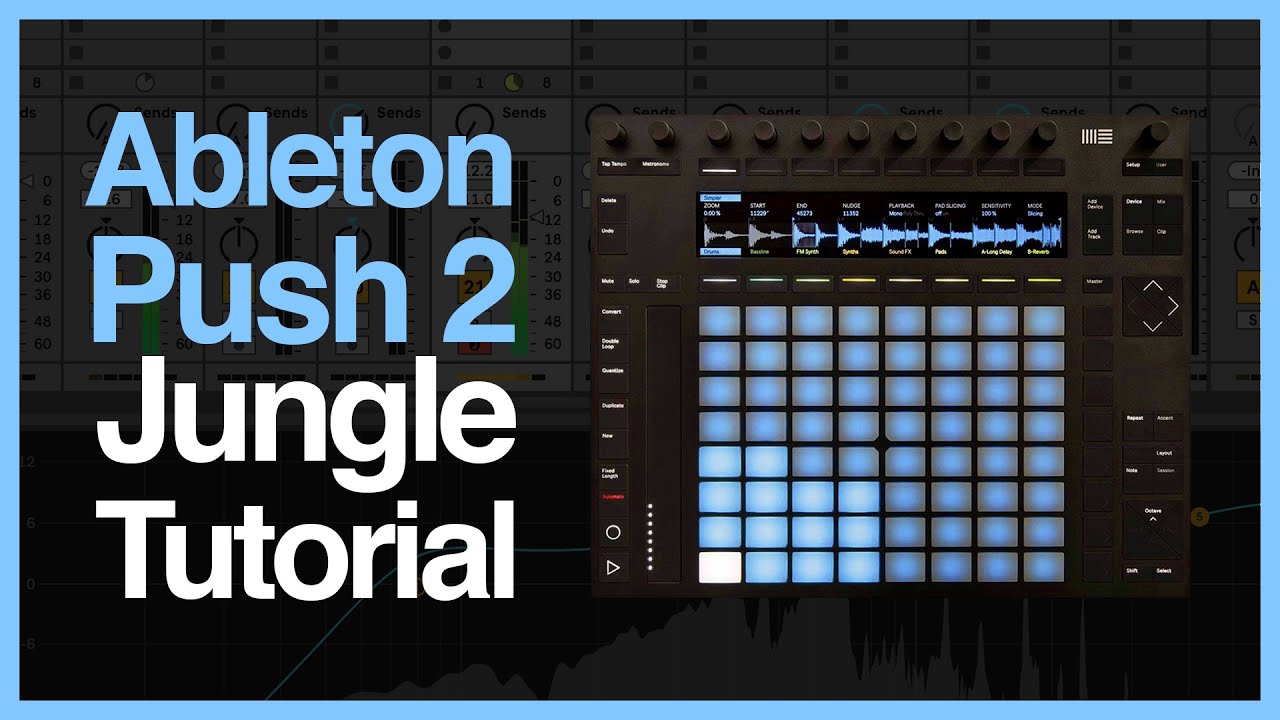
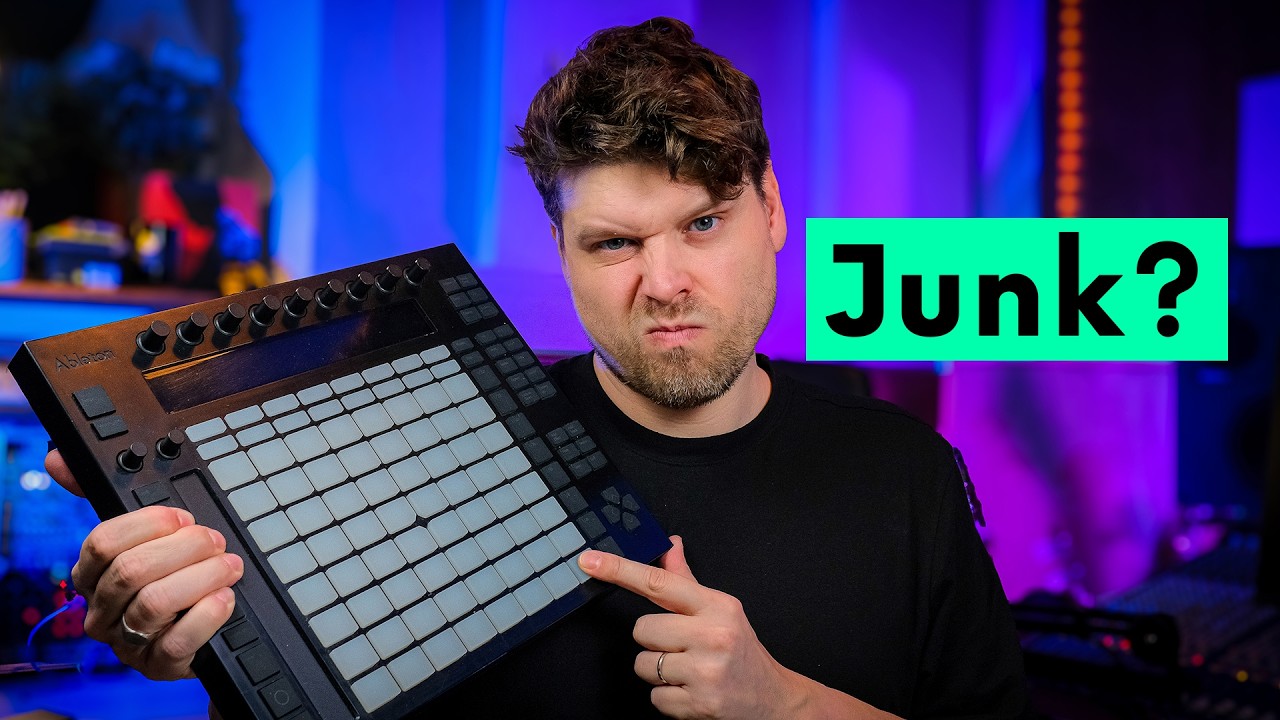
Mastering Ableton Push 2: Complete Workflow Guide
Автор: Frenchtown Media
Загружено: 2025-01-10
Просмотров: 2685
🎛️ Unlocking the Full Potential of Ableton Push 2
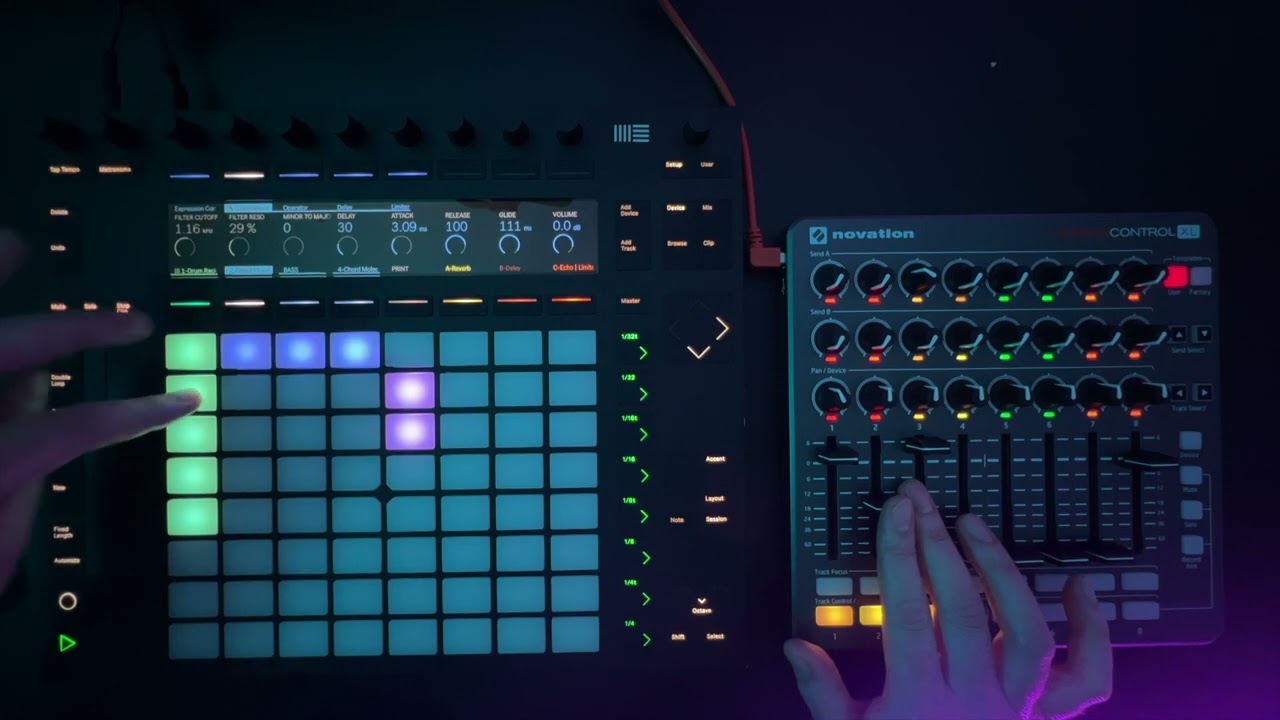
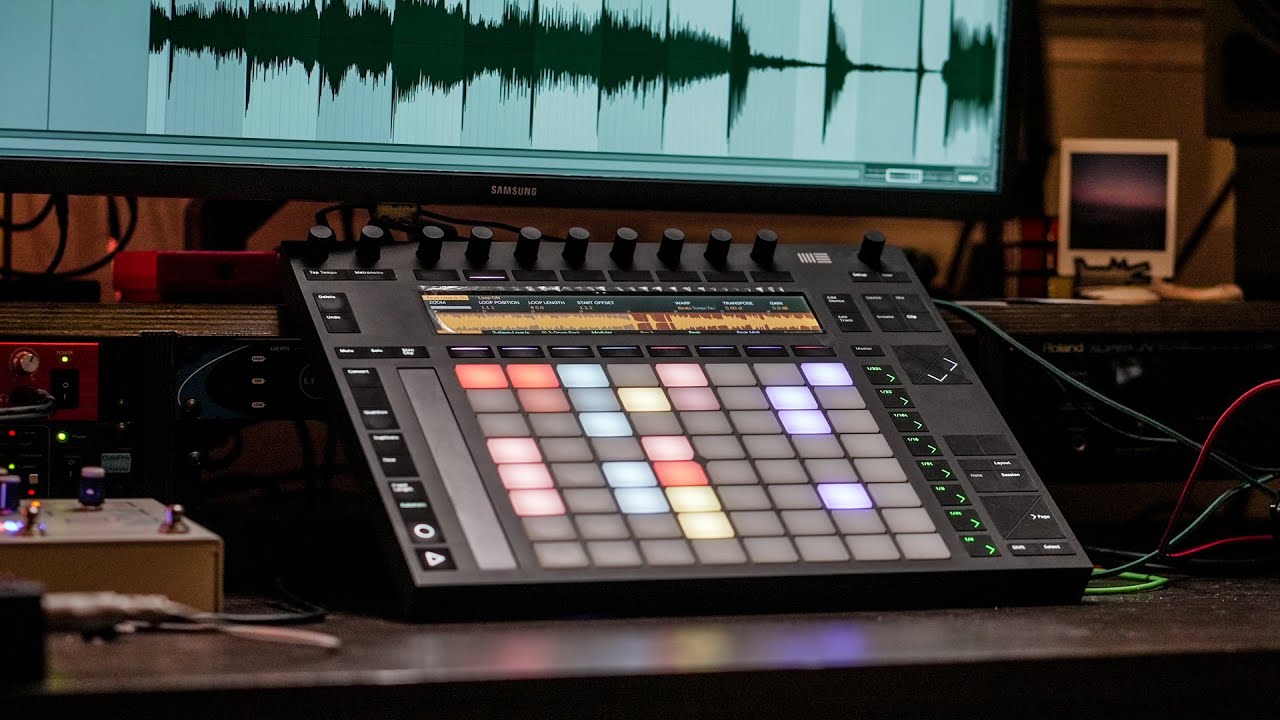
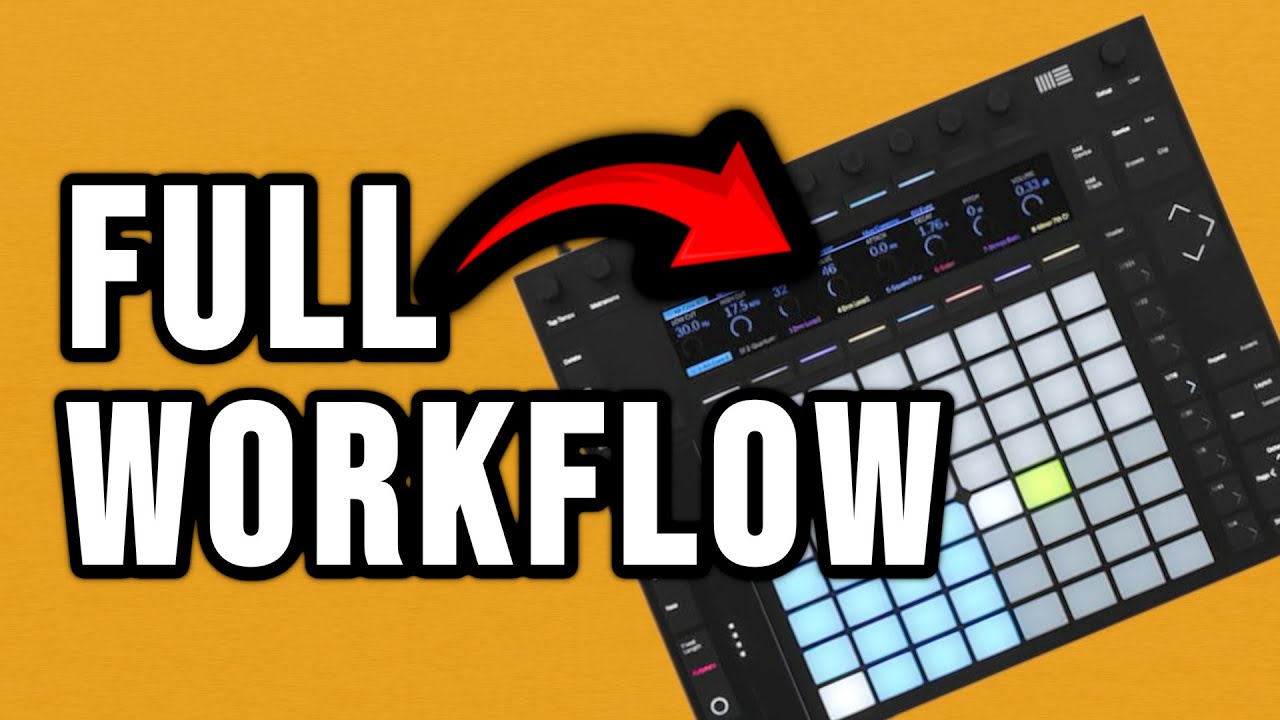
In this comprehensive video, we delve into the powerful capabilities of the Ableton Push 2 controller, demonstrating how to harness its features for an efficient and creative music production workflow. From sequencing and clip editing to mixing and performance recording, this guide covers it all.
🎬 What You'll Learn:
Advanced MIDI Sequencing: Utilize Push 2's grid for intricate beat programming and melodic composition.
Clip Creation and Editing: Craft and modify clips directly from the hardware without touching your computer.
Track Routing and Browser Integration: Navigate and load instruments, effects, and samples seamlessly using Push 2's interface.
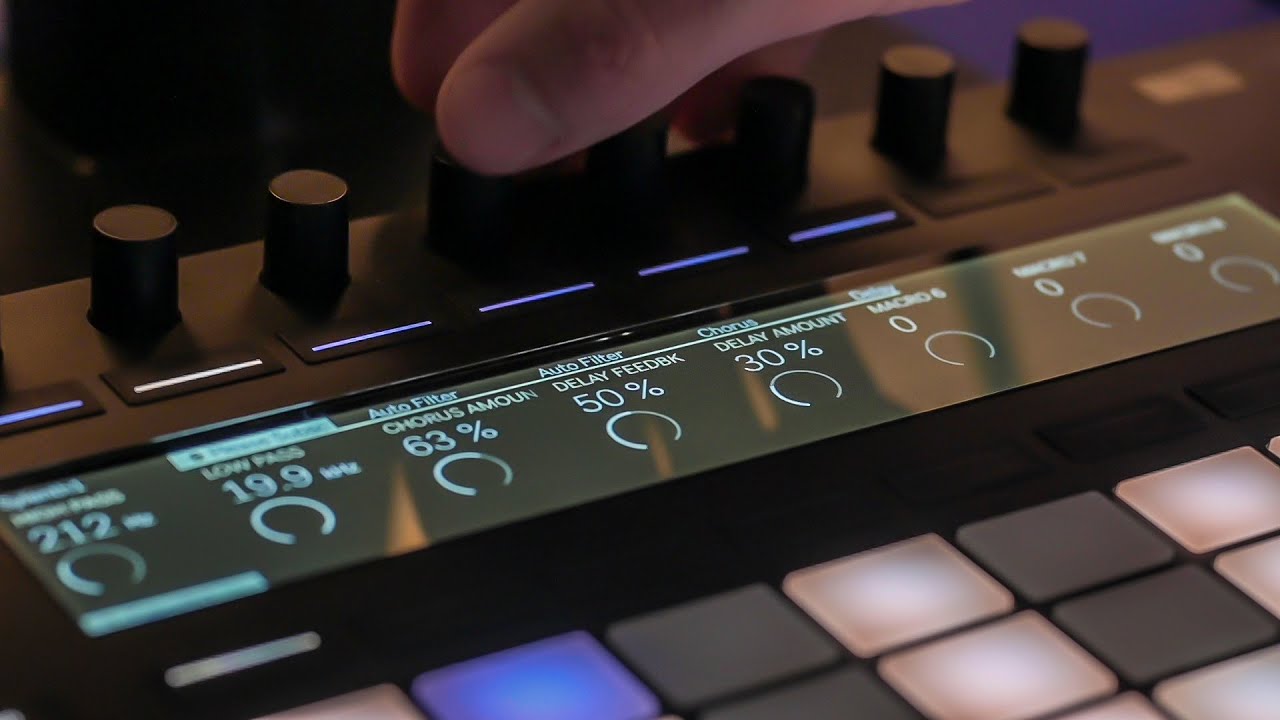
Mixing and FX Control: Adjust levels, pan, and apply effects across your project, all from the controller.
Live Performance Recording: Capture dynamic performances by launching scenes and recording automation into Arrangement View.
💡 Why This Matters:
By mastering the Push 2 workflow, you can streamline your production process, reduce reliance on mouse and keyboard, and foster a more tactile and intuitive creative environment. This approach not only enhances efficiency but also opens up new avenues for live performance and improvisation.
📸 Connect with Me:
Send me an email and ask about free samples:
rembrantmedia@gmail.com
👍 Enjoyed the Video?
If you found this tutorial helpful, please like, subscribe, and share it with fellow producers. Have questions or want to share your own Push 2 tips? Drop a comment below!
🔖 Video Tags:
#AbletonPush2 #MusicProduction #BeatMaking #AbletonLive #Push2Workflow #HomeStudio #LivePerformance
Доступные форматы для скачивания:
Скачать видео mp4
-
Информация по загрузке: