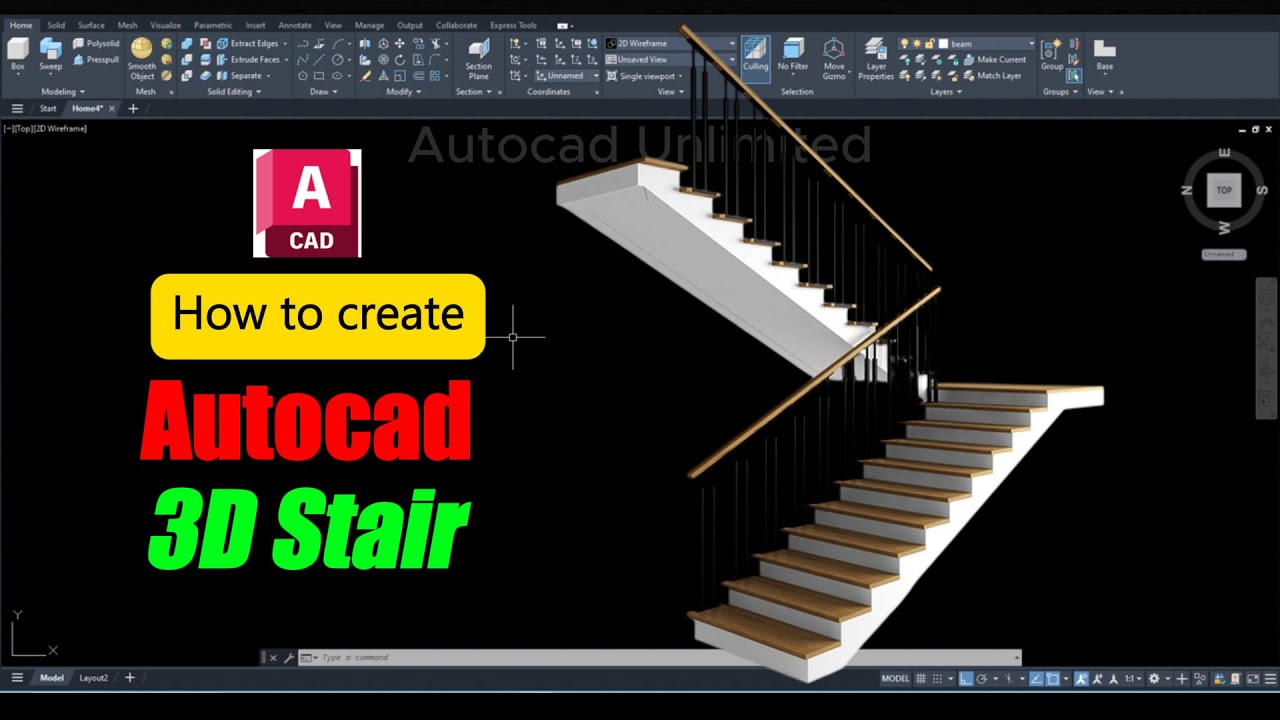
AutoCAD 3D তে Pro Level Solid Editing শেখার সহজ টেকনিক (Part-2)
Автор: Autocad Unlimited
Загружено: 2026-01-09
Просмотров: 23
Learn Advanced AutoCAD 3D Solid Editing Techniques | Bangla Tutorial (Part-2)
Are you ready to take your AutoCAD 3D skills to the next level? In this Bangla tutorial, we explore powerful and professional-level solid editing commands in AutoCAD 3D. This is Part-2 of our AutoCAD 3D Solid Editing series, specially designed for both intermediate and advanced users who want to master 3D modeling tools efficiently and practically.
In this video, you will learn how to use the following essential 3D solid editing commands:
✅ SLICE
✅ THICKEN
✅ EXTRACT EDGES
✅ SEPARATE
✅ EXTRUDE FACES
✅ CONVERT TO SURFACE
✅ CONVERT TO SOLID
These tools are vital when working with complex 3D models, especially in architecture, civil engineering, product design, and mechanical drafting. Whether you’re preparing for client presentations, industry-level modeling, or just improving your AutoCAD expertise, this tutorial will be incredibly helpful.
🔍 What You’ll Learn in This Video:
1. Slice Command in AutoCAD 3D
Learn how to cut or slice 3D solids along a defined plane or surface. This is useful for visualizing internal components or preparing detailed sectional views. This command is often used in mechanical part designs.
2. Thicken Command
Transform a surface into a solid by giving it thickness. If you're working with surface modeling, this tool is essential when converting thin surfaces into printable or manufacturable solids.
3. Extract Edges
This tool helps you extract edge curves from solid or surface geometry. These edges can be reused for creating new profiles, paths, or for referencing in future modeling.
4. Separate Command
Break a composite solid into individual 3D objects. Very useful when dealing with unioned solids or imported STEP/IGES files in AutoCAD.
5. Extrude Faces
This command allows you to push or pull specific faces of a solid to extend the geometry. It gives more control over shape modification without having to redraw the entire model.
6. Convert to Surface
Change a 3D solid into a surface for complex shaping or trimming. Surfaces allow more flexible editing in advanced modeling situations.
#AutoCAD3D #AutoCADBangla #SolidEditing #AutoCADTutorial #CADDesign #3DModeling #AutoCADTips #CivilEngineering #MechanicalDesign #LearnAutoCAD #FreelancingWithAutoCAD #BanglaTutorial #AutoCADAdvanced #CADSkills #CADTraining
---
If you enjoyed this video, don’t forget to LIKE, COMMENT, and SUBSCRIBE to stay updated with our complete AutoCAD series from Beginner to Pro level. New videos are uploaded regularly, so hit the bell icon for notifications!

Доступные форматы для скачивания:
Скачать видео mp4
-
Информация по загрузке: