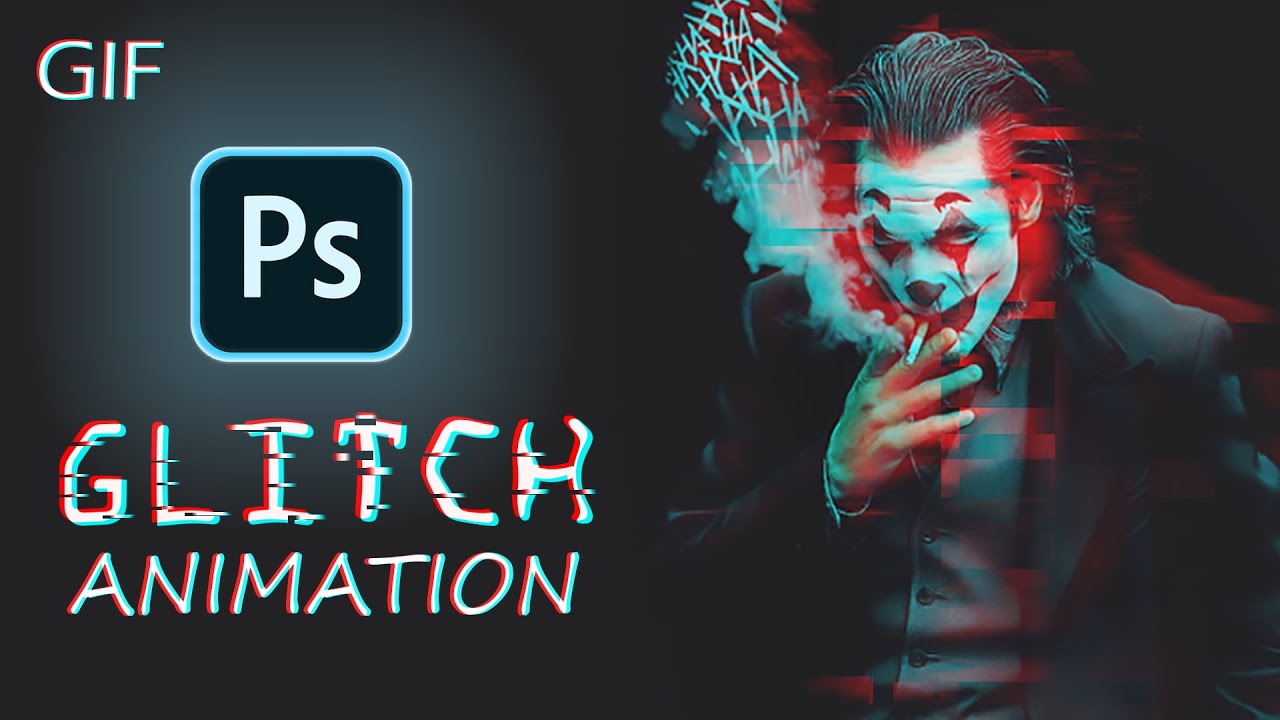
How to create Animated Glitch GIF using Photoshop | Glitch Effect | GIF Effect
Автор: colors06
Загружено: 2021-07-29
Просмотров: 758
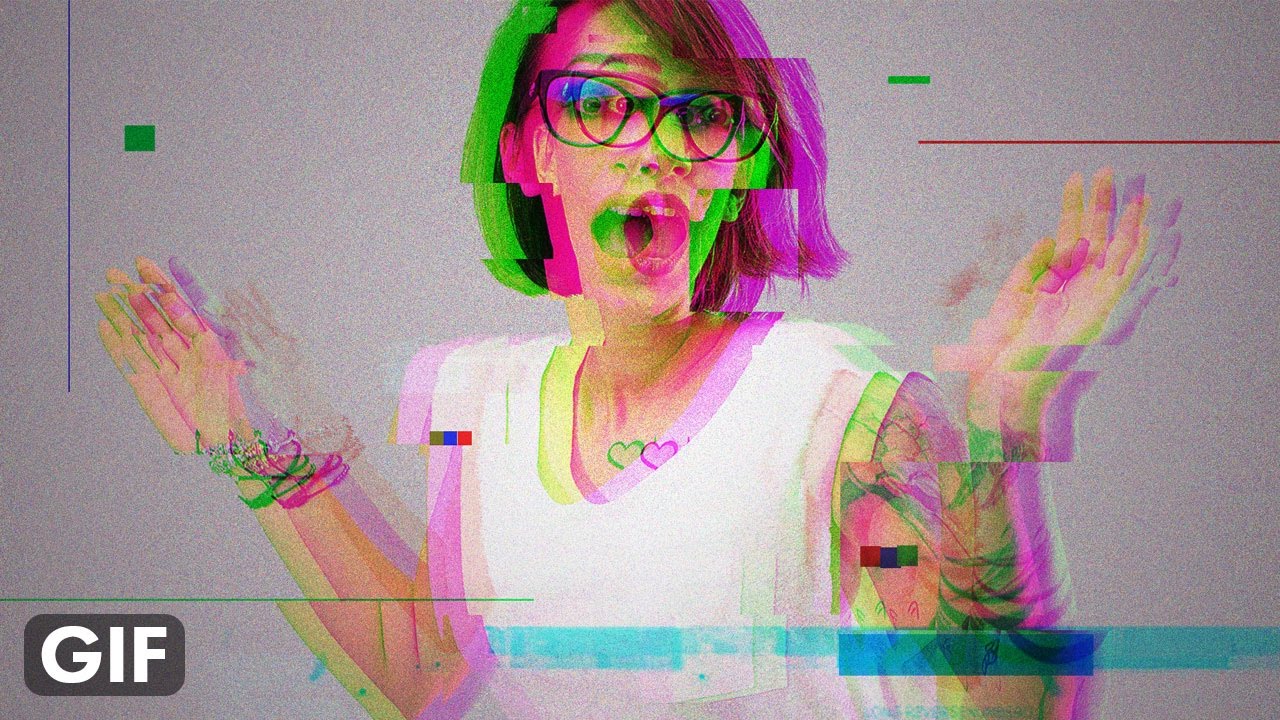
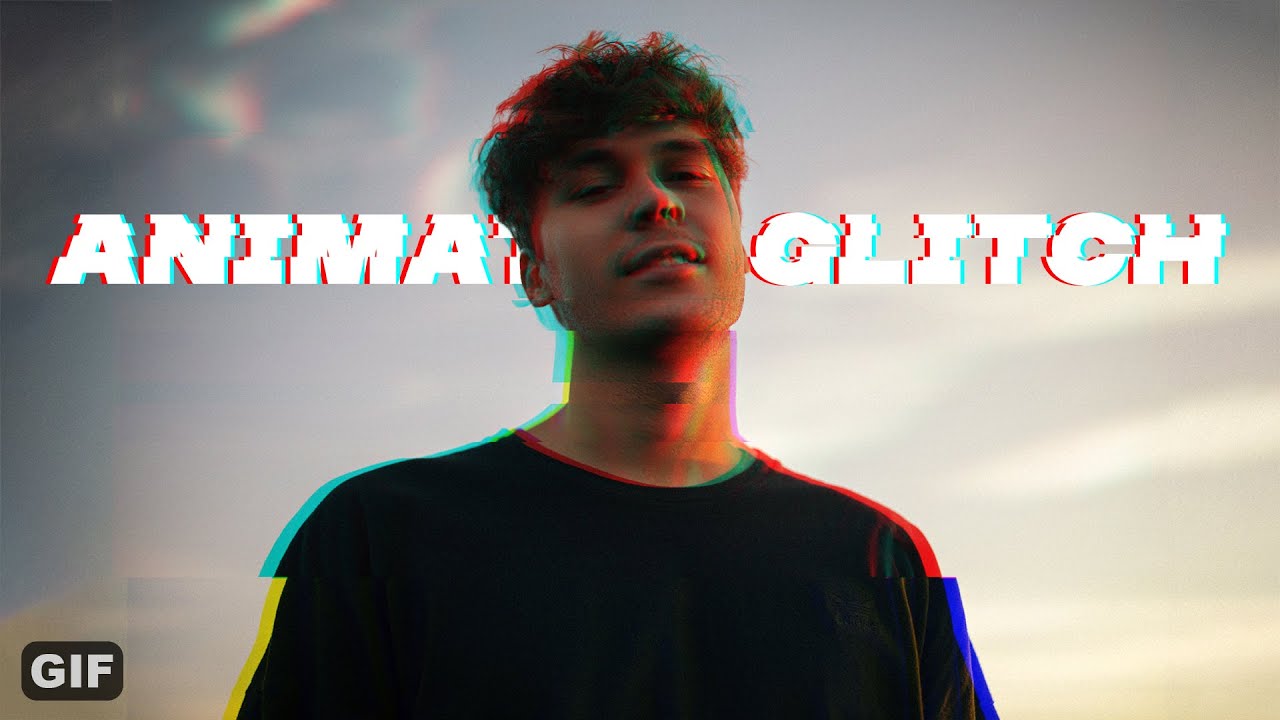
This video is all about creating an animated glitch effect. Stick till the end of the video to learn.
To make a glitch effect we have to know what frame in Photoshop is. After you open the timeline panel in photoshop and select create frame animation you will find a timeline with frames. Suppose you have some layers and you want to create frames of them. you can make different frames through different layers. The visible layers will be saved in a frame. There is a copy frame button. You can make another frame, and the visible layers will be saved in another frame. And do that process over and over again to make different frames until you get some good frames. Then play the gif to see a preview.
To save If you have to go to save for web under export which is in the file section. Reduce the file size as GIF should not be bigger than 1 MB. I usually like to save at 7.5 Percentage.
To save as MP4 you have to go to render video which is also under save for web.
Downloads
Photo by Štefan Štefančík on Unsplash: https://unsplash.com/photos/aoB1B2kkyIw
Download final PSD and images using the link below:
https://colorss06.wordpress.com/portf...
Music credit
Blue Moon - JVNA [YouTube Audio Library]
Creamy by Limujii / limujii
Creative Commons — Attribution 3.0 Unported — CC BY 3.0
Free Download / Stream: https://bit.ly/3A8mTaO
Music promoted by Audio Library • Creamy – Limujii (No Copyright Music)
#animatedglitcheffect #photoshopglitcheffect
_ _ _ _ _ _ _ _ _ _ _
colors06
https://colorss06.wordpress.com/
/ _colors06
My personal accounts
/ jobaer.hasan.942
/ jobaerhasan_org
/ thejobaerhustle
_ _ _ _ _ _ _ _ _ _ _
Check my previous videos
CyberPunk Manipulation with Glowing Social Icon: • CyberPunk manipulation with glowing social...
Colorize Black & White: • How to colorize black & white photos in Ph...
Glitch Effect: • How to make awesome portrait glitch effect...
_ _ _ _ _ _ _ _ _ _ _
Hi, I'm Jobaer.
First of all, thank you very much for clicking on this video. I hope you enjoyed this video. If you did then leave a like, comment your thoughts, and most importantly subscribe to my channel if you want to get more easy and cool tutorials.
Your every like, dislike, comment, and subscription matters.
Thank you.
Доступные форматы для скачивания:
Скачать видео mp4
-
Информация по загрузке:
![Photoshop Tutorial - How Easy to create GLITCH ANIMATION EFFECT [GIF]](https://imager.clipsaver.ru/HpKSGHK6b9M/max.jpg)