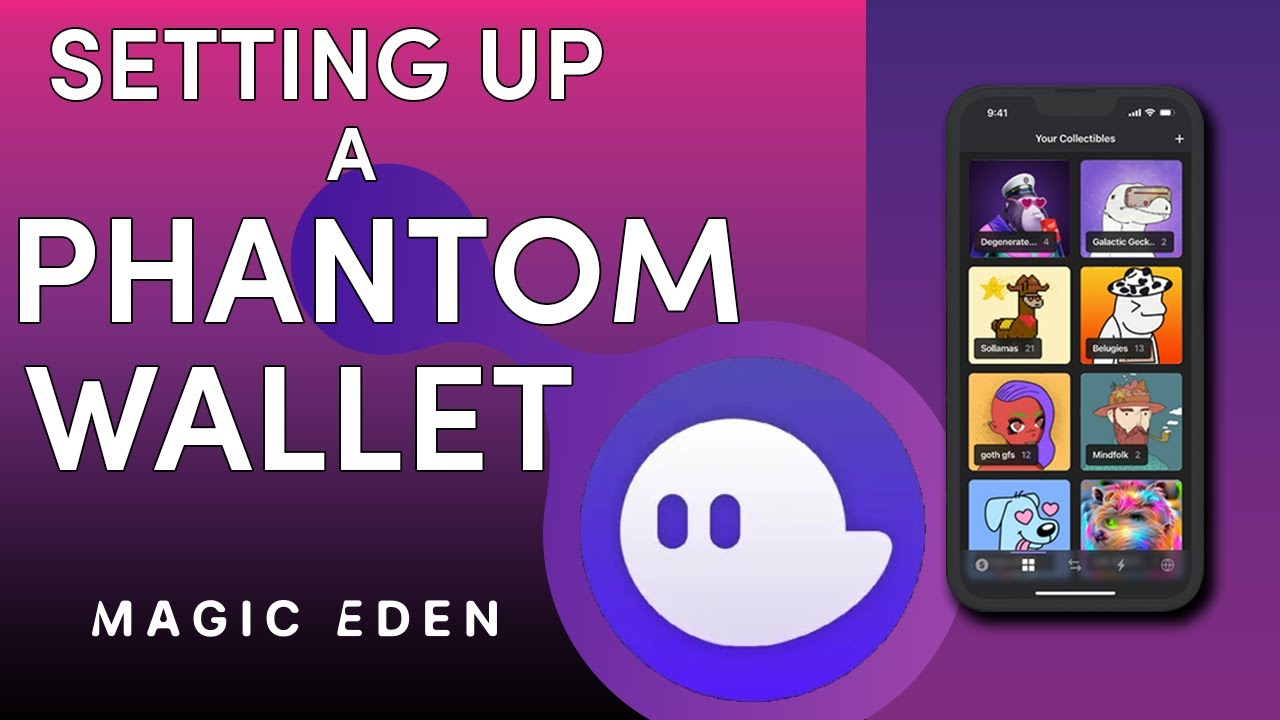
How to Setup a Phantom Wallet to Buy and Sell NFTs
Автор: Magic Eden
Загружено: 2022-02-20
Просмотров: 23404
In this video, we’ll guide you through setting up one of the most popular and user-friendly crypto wallets, Phantom. Phantom is a Solana-based wallet which you can use to buy, sell, and store your NFTs.
---
Magic Eden is the leading NFT Marketplace on Solana. Home to the next generation of digital creators.
🤝 Connect With Us 🤝
Our website ➜ https://magiceden.io/
Twitter ➜ / magiceden
Discord ➜ / discord
Instagram ➜ / magiceden_nft
Blog ➜ https://contenthub.magiceden.io
---
🪄 Essential Videos
How to sell an NFT 👉 • How to Sell an NFT on Magic Eden
How to buy an NFT 👉 • How to Buy an NFT on Magic Eden
How to fund your wallet from Binance 👉 • How to Buy Solana using Binance
---
🪄 Timestamps
00:00 Intro: How to set up a Phantom Wallet
00:23 Phantom.app
00:40 Installing the app on a desktop
00:54 Importing a wallet
01:04 Create a new Wallet
01:32 Pin the wallet to your taskbar
01:45 Your Phantom Wallet
02:05 Your wallet address
02:19 Outro: Follow us for more alpha
---
📜 Disclaimer 📜
The information in this video is for informational & educational purposes only. This does not constitute financial advice, and is meant as tools to help you learn about the exciting crypto and blockchain space, Solana, and of course NFTs!
Доступные форматы для скачивания:
Скачать видео mp4
-
Информация по загрузке:











![Как создавать и переворачивать NFT-токены для начинающих [НАЧАТЬ ЗДЕСЬ]](https://imager.clipsaver.ru/f14r-oO63VM/max.jpg)