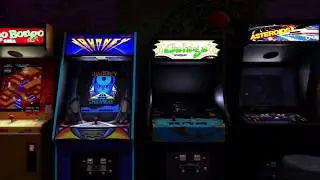
ScummVM Port on the AtGames Legends Ultimate
Автор: WildCoder
Загружено: 2020-04-03
Просмотров: 623
This is the first demonstration of the ScummVM libretro core running on the AtGames Legends Ultimate.
If you've never heard about ScummVM: https://www.scummvm.org/
There are some legal free games there: https://www.scummvm.org/games/
--- Update ----
The core is now compatible with the Windows addon tool which means you can now create your own UCE launchers.
Download ALUScummVMCore.zip from: https://bit.ly/ALUScummVMCore This is the scummvm libretro core to use in the addon tool.
Copy your games data on your USB flash drive in a folder inside "/content/ports/ScummVM/"
Copy the name of the folder you created with your game data and create an empty file on your computer with exactly the same name.
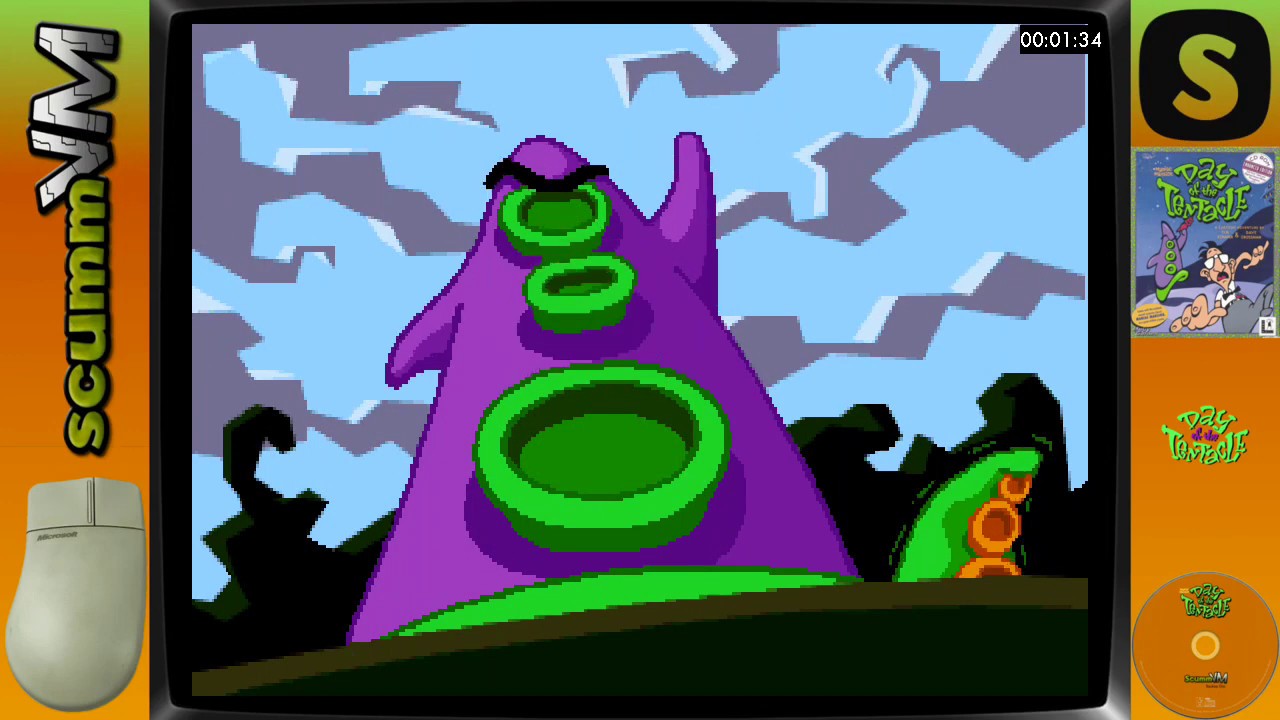
For example for "/content/ports/ScummVM/Day of the Tentacle/" create an empty file called "Day of the Tentacle" on your computer.
In the addon tool use the scummvm_libretro.so core, use an empty file for the rom, and whatever artwork you want and save the UCE.
Copy your UCE file onto your USB flash drive
Insert the flash in your AtGames Legends Ultimate and enjoy some trackball point and click adventures!
START button opens the ScummVM options menu.
A is a left mouse click.
-----------------------
I'm leaving these older instructions below for historical purpose but I will no longer be adding anymore launchers since you can make your own. (To avoid accidental downloads from old links I deleted these old zip files)
----------------------
Download ALUScummVM_content.zip from: http://bit.ly/ALUScummVMContent
Extract the zip file at the root of your USB Flash drive. It creates an empty directory structure in /content/ports/ScummVM/
It setups the structure needed for the core to find the game data on the USB drive
Copy your games data in the corresponding folder inside /content/ports/ScummVM/
Download ALUScummVM_Addons.zip from: https://bit.ly/ALUScummVMAddons
They don't include any game files, those need to be installed on your USB flash drive.
Each addon is set to launch a particular ScummVM game
Extract the zip file at the root of your USB Flash drive. It creates a /ScummVM folder with all the addons inside.
Delete the UCE files you don't want in /ScummVM/ not to clutter your menu
Insert the flash drive in your AtGames Legends Ultimate and enjoy some trackball point and click adventures!
START button opens the ScummVM options menu.
A is a left mouse click.
I will be adding more games overtime... Please leave your requests in the comments and don't forget to subscribe.
Доступные форматы для скачивания:
Скачать видео mp4
-
Информация по загрузке: