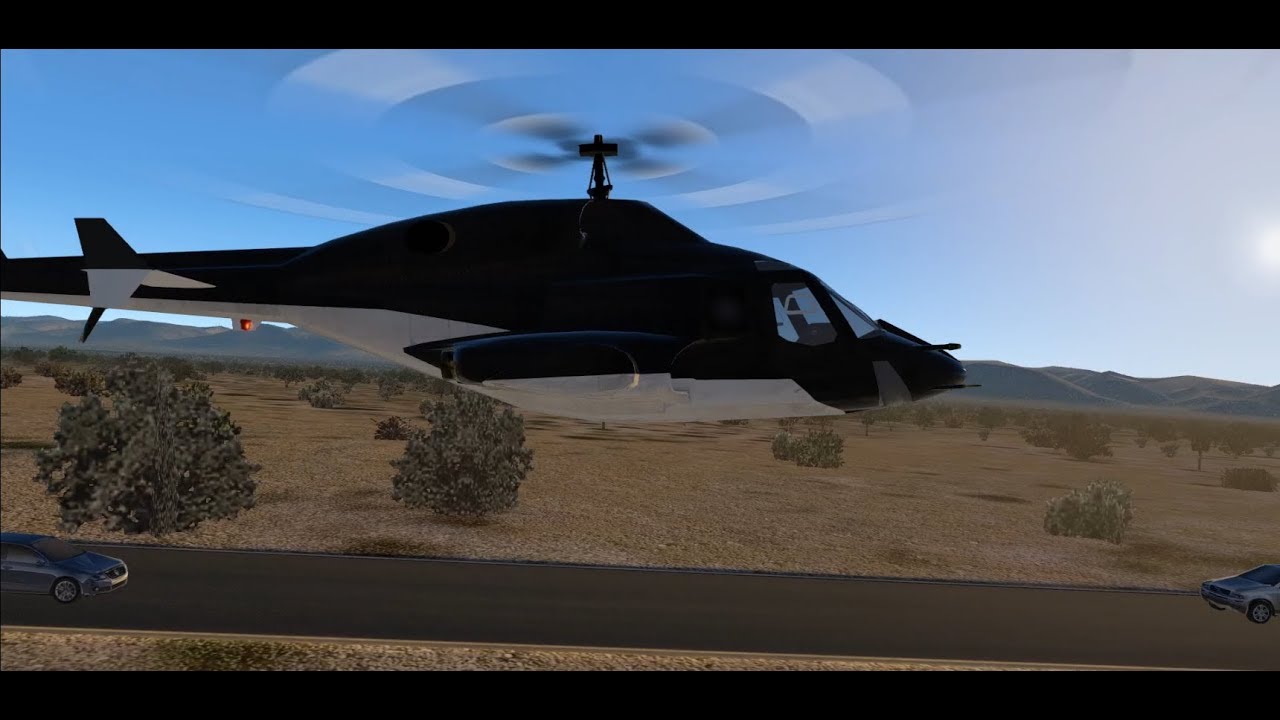
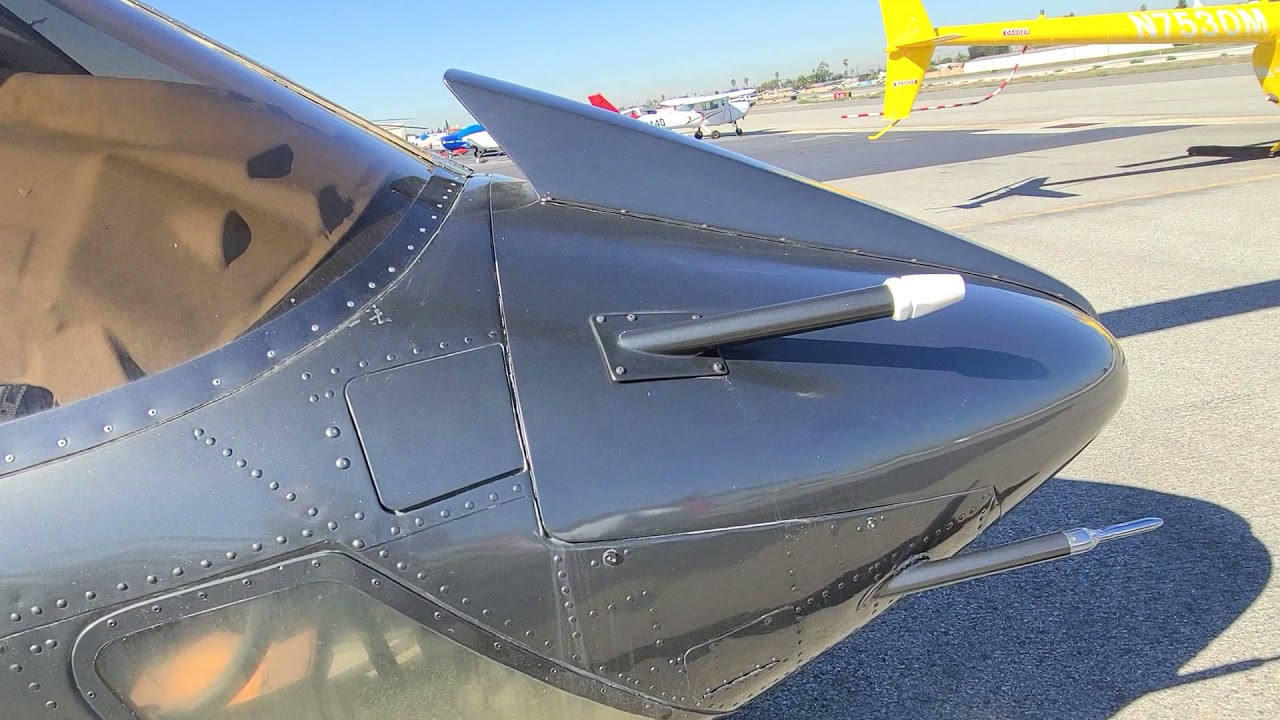
[X-Plane] Airwolf Supersonic Flight
Автор: luftbilderhd
Загружено: 2014-12-05
Просмотров: 53420
On this slowly growing playlist I would like to show you some VFR flights and the possibilities of what is possible with X-Plane if you have good hardware. VFR flights are more graphic demanding than flights with airliners in high altitudes. I am just a "home pilot". E.g. I did not switch off landing lights during flight for example.
_______________________________________________________
Start: Airport on island La Gomera (GCGM)
Landing: Tenerife North Airport "Los Rodeos" (GCXO)
Here I tested the supersonic flight capabilities of Airwolf. Flight started at La Gomera Airport (GCTS). La Gomera is one of the canarian islands. I tested the acceleration of Airwolfs Turbo Thrusters out of hovering above the GCTS runway and flew randomly through the small valleys of the island at a speed of Mach 1 and above. I crossed the sea and went over to Tenerife, the biggest island of the canarian islands. Before approaching Tenerife North Airport "Los Rodeos" (GCXO) I disengaged the Turbo Thrusters. Airwolf in X-Plane is great to fly. I suppose more videos with Airwolf in different locations will follow.
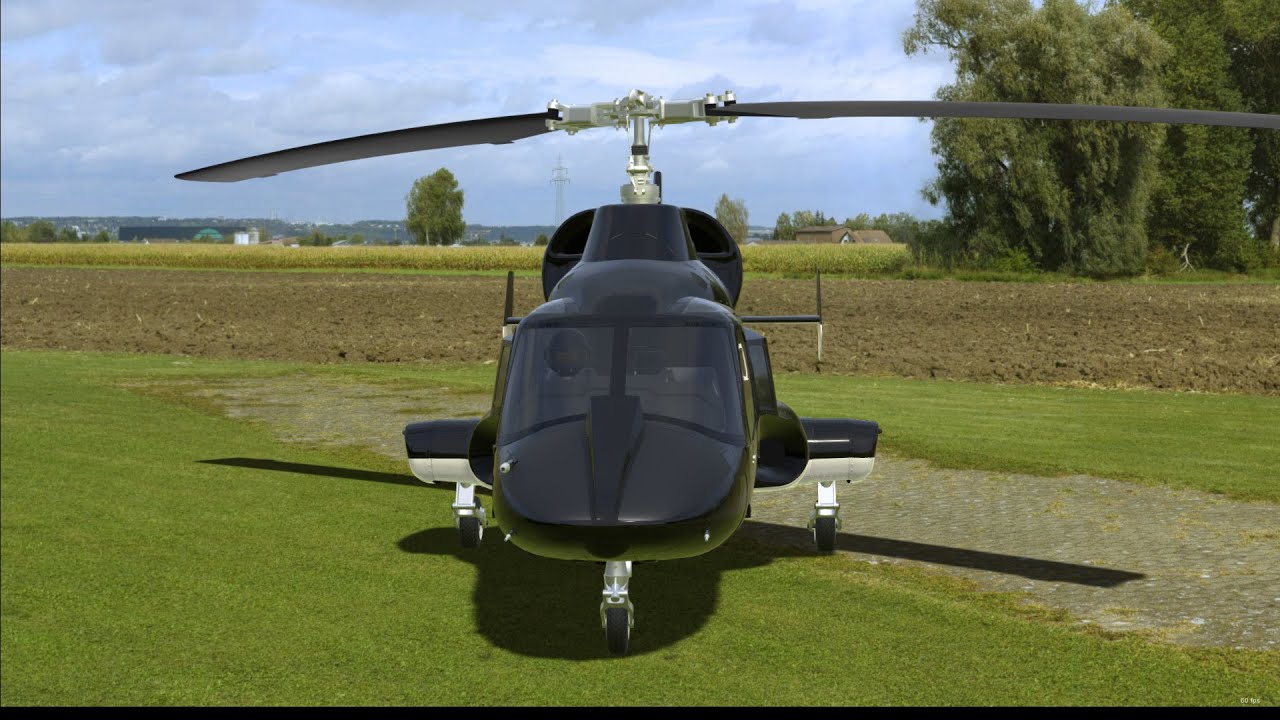
Aircraft: Airwolf (thanks a lot to "iancs" from forums.x-plane.org for developing and providing this great model!)
Music:
Marcus Bits – "Airwolf (Bootleg) [2012 Edit]"
_______________________________________________________
X-Plane Setup:
CPU: i7 4790K, 4.0 GHz, 16 GB RAM
GPU: Nvidia GeForce GTX Titan Black with stock 6 GB VRAM on board (for good results don't try running X-Plane with something lower than this)
OS: Windows 7 Home Premium 64 bit
Computer is customized and used for X-Plane only.
Additional hardware:
• TrackIR 5
• Flight Trainer Pro
• Saitek X52
X-Plane version: 10.31
X-Plane Scenery Add-Ons:
• SkyMaxx Pro 2.1
• MaxxFX
• UrbanMaxx Extreme
• SeaTraffic PlugIn
• Orthophoto overlay „Tenerife VFR 1.0“ and "La Gomera" from here: www.cestomano.com/mas/xplane/
• OSM scenery generated with World2Xplane
• HD scenery mesh v2 from here: www.alpilotx.net/downloads/x-plane-10-hd-scenery-mesh-v2/
• and airports GCTS and GCXO which you can find on forums.x-plane.org
Independent of the above-mentioned flight, with this setup I will get overall about 20 to 70 fps (my subjective assessment is about 25-30 fps in average), depending on number of objects in scenery, range of visibility and overall weather conditions. Nearby big cities fps is about 20, sometimes even a little bit less. But fluid gameplay is possible.
Recording:
Helis are difficult to control and need a lot of attention to fly (especially Airwolf when it's going supersonic), that’s why I used X-Plane flight recorder to create this video afterwards. Screen captured in full screen with Nvidia Shadowplay at 1080p30.
![[X-Plane] Airwolf Supersonic Flight](https://imager.clipsaver.ru/CCfgwynlfJ8/max.jpg)
Доступные форматы для скачивания:
Скачать видео mp4
-
Информация по загрузке:
![Airwolf – Bell 222 (by Cowan Simulation) in X-Plane 12 with custom Airwolf Bodykit [4K | 60 fps]](https://imager.clipsaver.ru/5bThlcHkdQ0/max.jpg)