Скачать
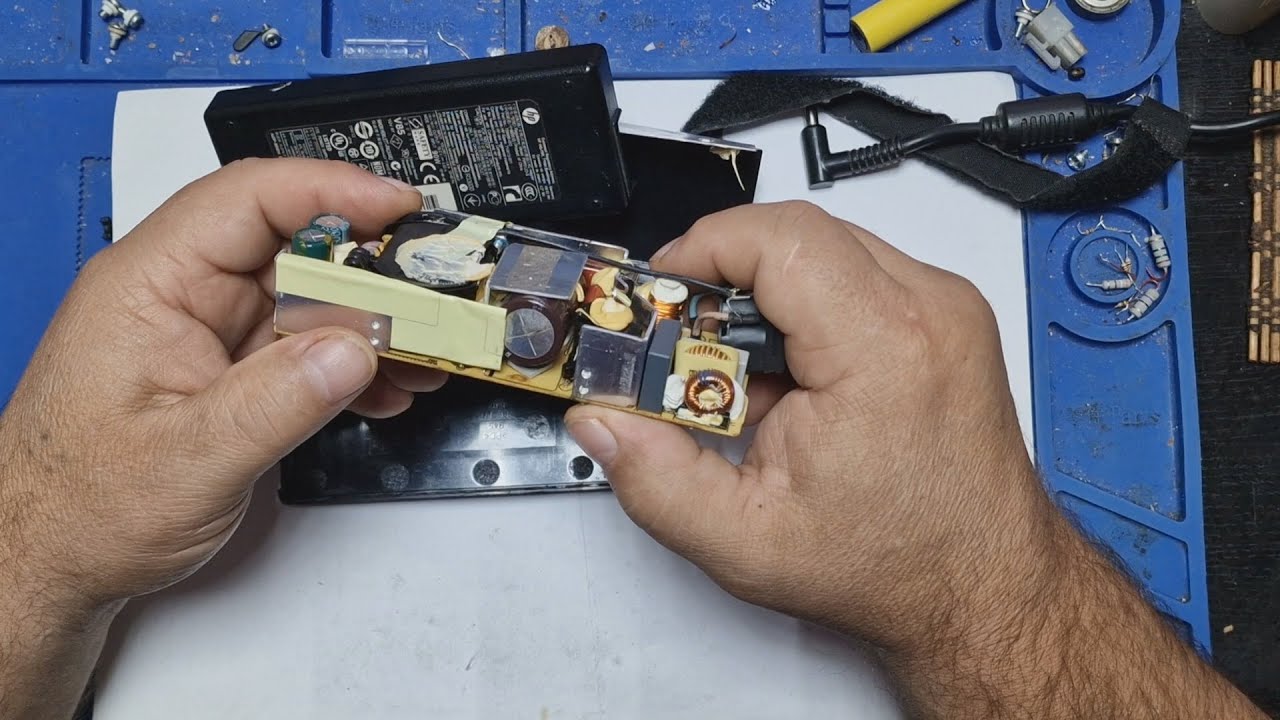
how to remove eror code sc 542 in ricoh sp 310 sfn
Автор: PRINTER XPERTS
Загружено: 2018-08-15
Просмотров: 22884
Описание:
To Enter and Exit the SP Mode 1. Press Clear Modes key . 2. On the operation panel keypad, press 107 3. Hold down Clear key more than 3 seconds. The Copy SP or PM Counter items are displayed. If the printer or scanner/printer option is installed, the Printer SP and Scanner SP items are also available. 4. Press Copy SP. 5. To exit the SP mode, just press Exit in the upper right corner of the SP mode screen.

Доступные форматы для скачивания:
Скачать видео mp4
-
Информация по загрузке: