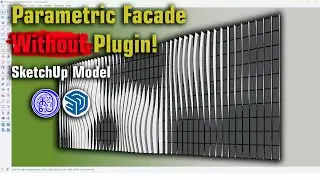
Step-by-Step with Plugin to Model a Real Parametric Façade in SketchUp | Tips and Tricks
Автор: KH SketchUp Tips Up
Загружено: 2025-05-21
Просмотров: 6870
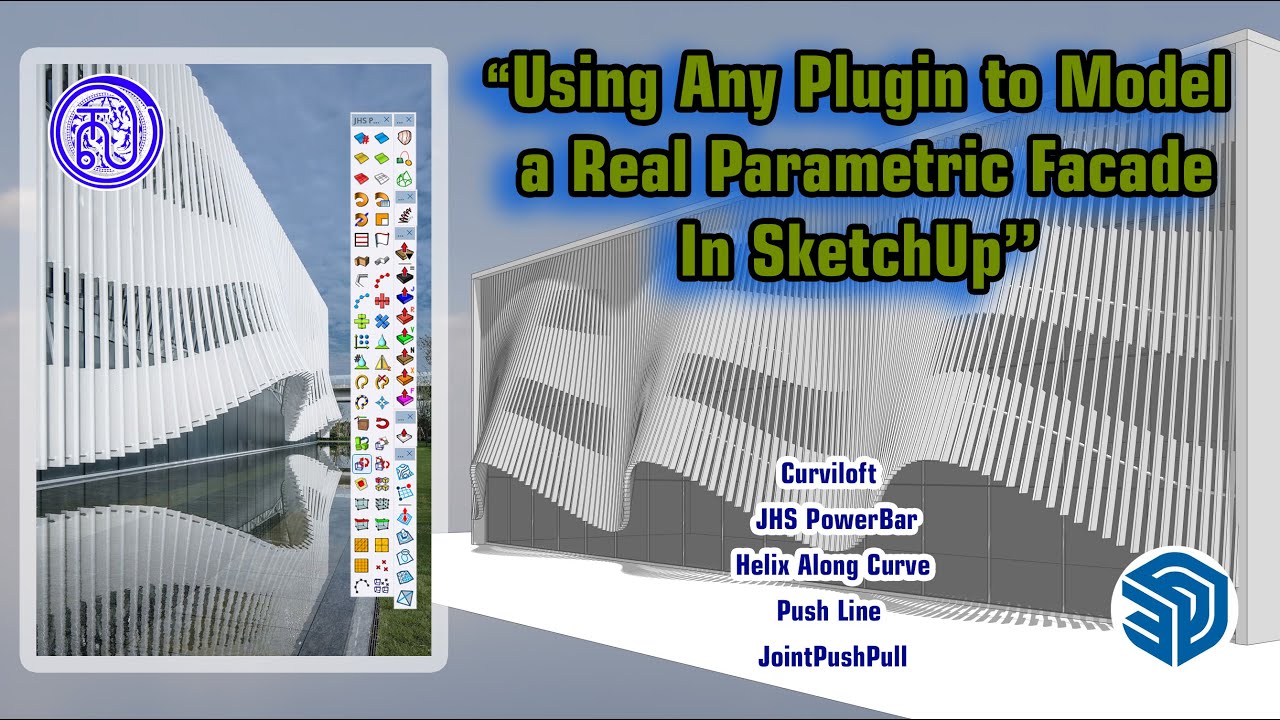
In this tutorial, I’ll show you how to model a real parametric façade in SketchUp using plugins like PushLine, Curviloft, JointPushPull, Helix Along Curve, and JHS Power Bar.
This method is ideal for architects and designers who want full parametric control inside SketchUp — no Rhino or Grasshopper needed! If you like it, please subscribe, like, and comment on my channel I always upload my videos every week.
Any questions? Let me know, I'm happy to answer and reply to your comment. Thanks!
🔧 Plugins used in this video:
1. Helix Along Curve (to draw wave curves)
2. Curviloft (to create the parametric surface)
3. JointPushPull (to offset parametric surface)
4. PushLine (to transfer line to surface)
5. JHS Power Bar ( to create the round tube that is a structure supporting)
📐 Learn how to:
Create curved or dynamic base forms
Divide surfaces into façade panels
Tips and tricks step by step for model conception
sketchup,
sketchup tutorial for beginners,
sketchup lesson,
sketchup free course,
3d modeling,
#sketchUp #facadedesign #parametricmodeling #architecturegoals #3dmodeling #architecture #plugins #pluginsketchup #3d
Доступные форматы для скачивания:
Скачать видео mp4
-
Информация по загрузке: