Snakes and Ladders Game Tutorial in Visual Studio with WPF and C#
Автор: Moo ICT
Загружено: 2020-10-30
Просмотров: 13353
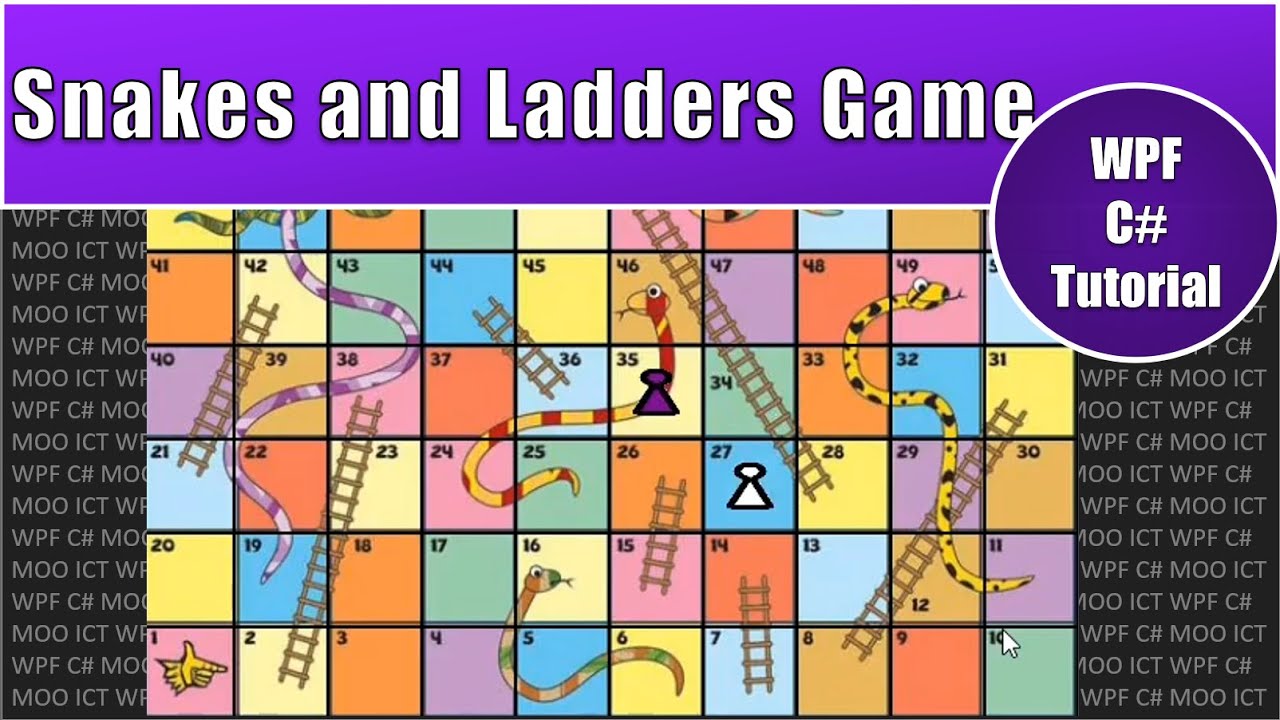
Hello and welcome to this tutorial. This this tutorial we will make a snakes and ladders game in visual studio using WPF and C#. In this game you will click on the board to move the player and after the player makes a move the CPU will make its move too. You will move between 1 and 6 steps. The player and CPU will move to the numbered location on the board and If you land on bottom of the ladder you move up to where the ladder ends and if you land on the mouth of the snake then you will go down to where the tail ends.
Source code and images - https://www.mooict.com/wpf-c-tutorial...
You will win by making it to the top of the board before the CPU. One important rule of the game is that if you are on the top you will need the exact number of steps before you can make it to the end. Lets say you are on 97 in that case you will need to roll a 3 or below to move forward, if you roll anything bigger than that you will pass your round to the CPU and the same rules apply to the CPU.
Lesson Objectives -
Create a fun Snakes and Ladders Game in Visual Studio using WPF and C# programming
Use different variables to make this work such as Rectangles, Integers, Boolean and more
Create the UI inside of the XAML code first and the move on the C# Programming
Inside the C# programming code the timer event and mouse click event to add interactivity to the game
Use custom functions such as set up game, restart game, move pieces and more
Use sprite sheets to dynamically generate the game board and interact with it inside of the game
Play with the CPU as you are progressing through the game
Create logic to interact with the snakes and ladders inside of the game
Доступные форматы для скачивания:
Скачать видео mp4
-
Информация по загрузке: