APT & Git in Linux Explained | Add and Remove Software the Right Way
Автор: CodeAndHackLab
Загружено: 2026-01-16
Просмотров: 1
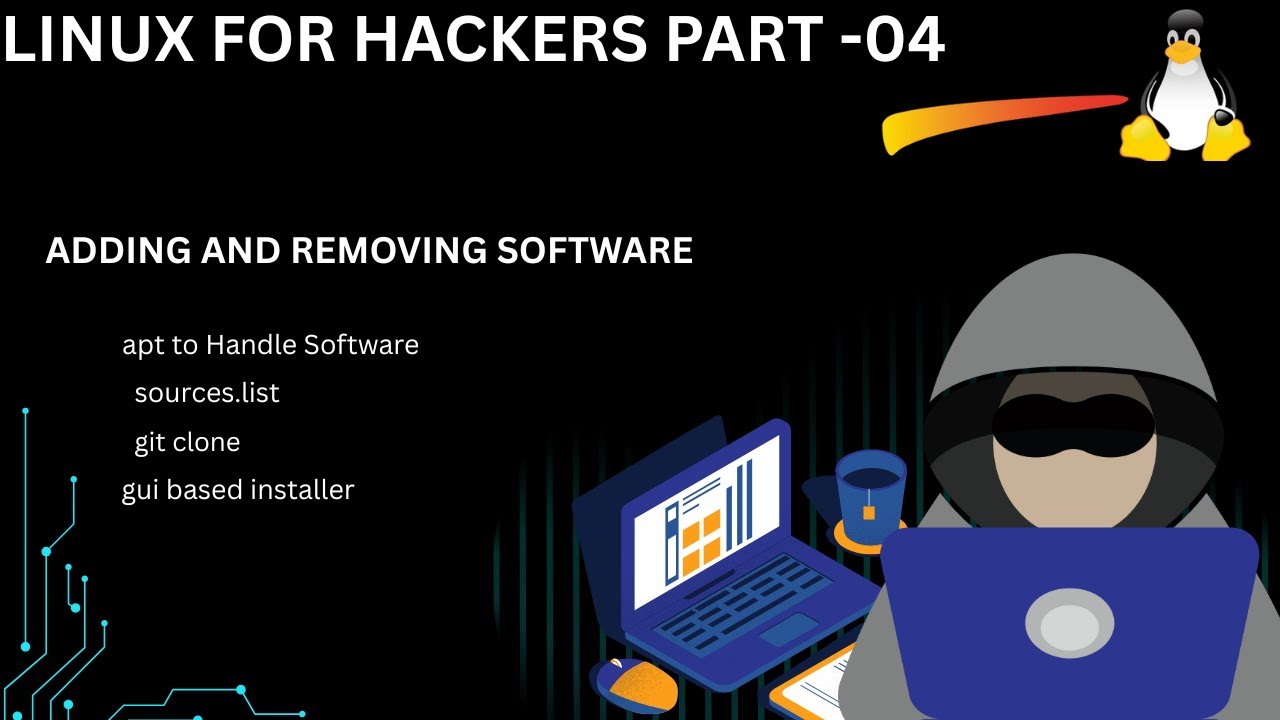
Master Linux software management in minutes! Learn how to use APT and Git to install, update, and remove software like a pro without breaking your system.
Are you tired of "command not found" errors or struggling to uninstall apps on Linux? In this tutorial, we dive deep into the two most essential tools for any Linux user: APT (Advanced Package Tool) and Git.
Whether you are on Ubuntu, Debian, or Kali Linux, knowing the "Right Way" to manage software will save you hours of frustration. We cover everything from basic sudo apt install commands to cloning professional repositories with git clone.
What you will learn in this video:
How to update and upgrade your system repositories.
The difference between apt install and git clone.
How to safely remove software and clean up "junk" files (Purge vs Remove).
Pro-tips for troubleshooting broken dependencies.
🔔 Subscribe for more Linux tips & Terminal mastery
#Linux #LinuxTips #TerminalMastery #AptGet #Git #Ubuntu #TechTutorial #LinuxBeginner #Coding #OpenSource #SoftwareInstallation #LinuxMint #KaliLinux #2026Tech
Доступные форматы для скачивания:
Скачать видео mp4
-
Информация по загрузке: