How to Use Topaz DENOISE AI as a LIGHTROOM PLUGIN
Автор: Anthony Morganti
Загружено: 2020-06-10
Просмотров: 41925
If you're interested in Denoise AI by Topaz Labs, click the link below and scroll down to the Denoise section:
https://bit.ly/3cDqa5J
To purchase, click on the link above then use my discount code to save 15% off Denoise AI and on everything at the Topaz Labs:
AMDISC15
*Note that the discount code may not work on sale product.
Follow me on Instagram: / anthonymorganti
Gear & Settings Info:
Nikon D500: https://amzn.to/2WyO8Lt
Nikon 70-200mm F2.8 VRii Lens: https://amzn.to/2WG1p5f
Spider Pro Hand Strap: https://amzn.to/30k170u
Sony 120GB XQD Card: https://amzn.to/2HlfR8Y
Sony XQD/SD Card Reader: https://amzn.to/2NBuSHB
1/320, F8.0, iso: 6400 at 200mm
View my recommended gear list: https://www.amazon.com/shop/anthonymo...
I use this software to record my screen and make parts of my screen enlarge and zoom out so you can see it:
Screenflow: https://telestream.pxf.io/DMrW2
Unsure of how to price your photography? Check the 2019 Guide to Pricing Your Photography:
https://amzn.to/2S1CiU7
I am an affiliate for all of the companies listed. Please read my Code of Ethics Statement here:
https://onlinephotographytraining.com...
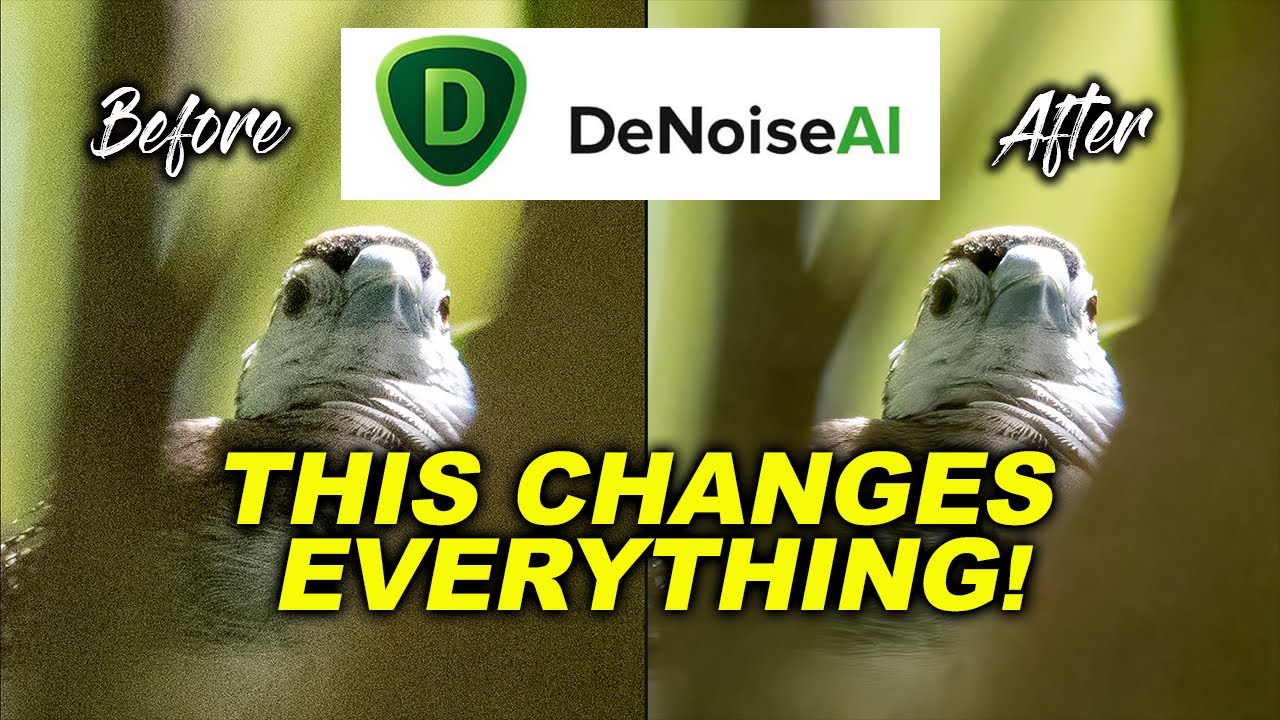
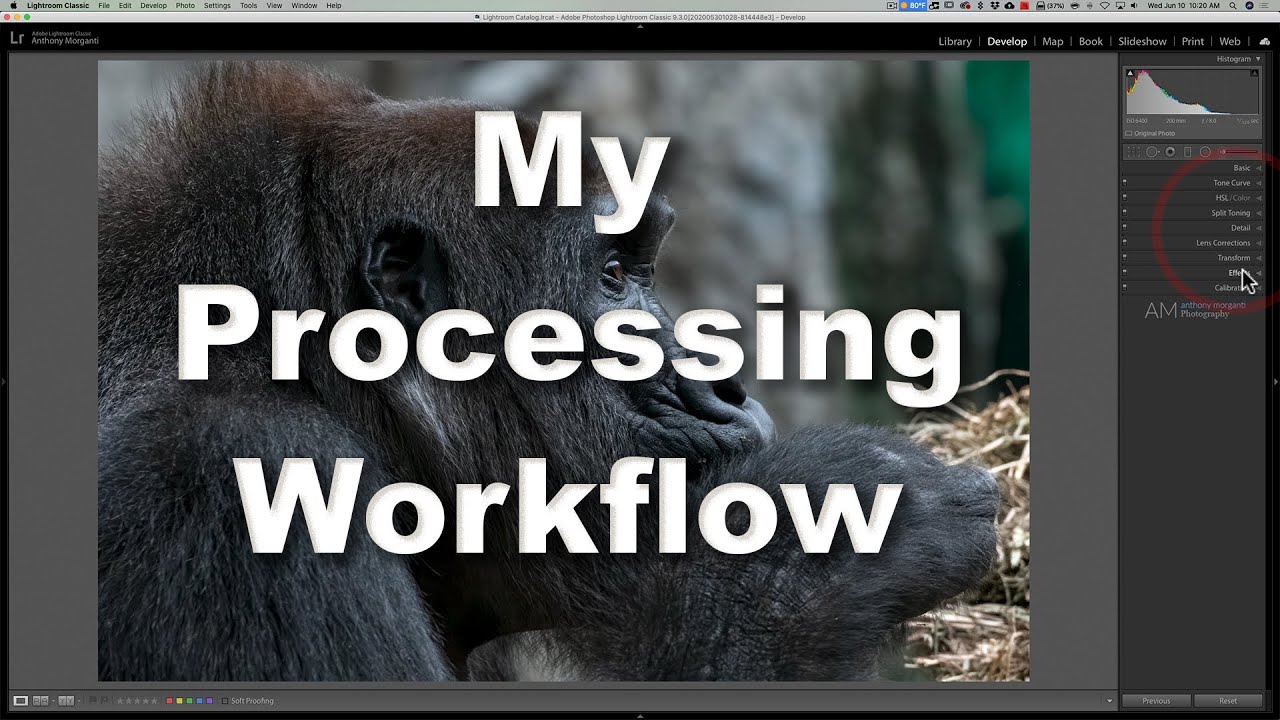
In this tutorial, I demonstrate all of the things I do in Lightroom BEFORE sending an image to Topaz Labs Denoise AI and just as importantly, what I do after the image returns to Lightroom from Denoise AI.
Thank you!
Доступные форматы для скачивания:
Скачать видео mp4
-
Информация по загрузке: