DICOM to STL Conversion Tutorial with Threshold Editor
Автор: Austin Quinn
Загружено: 2018-03-12
Просмотров: 4784
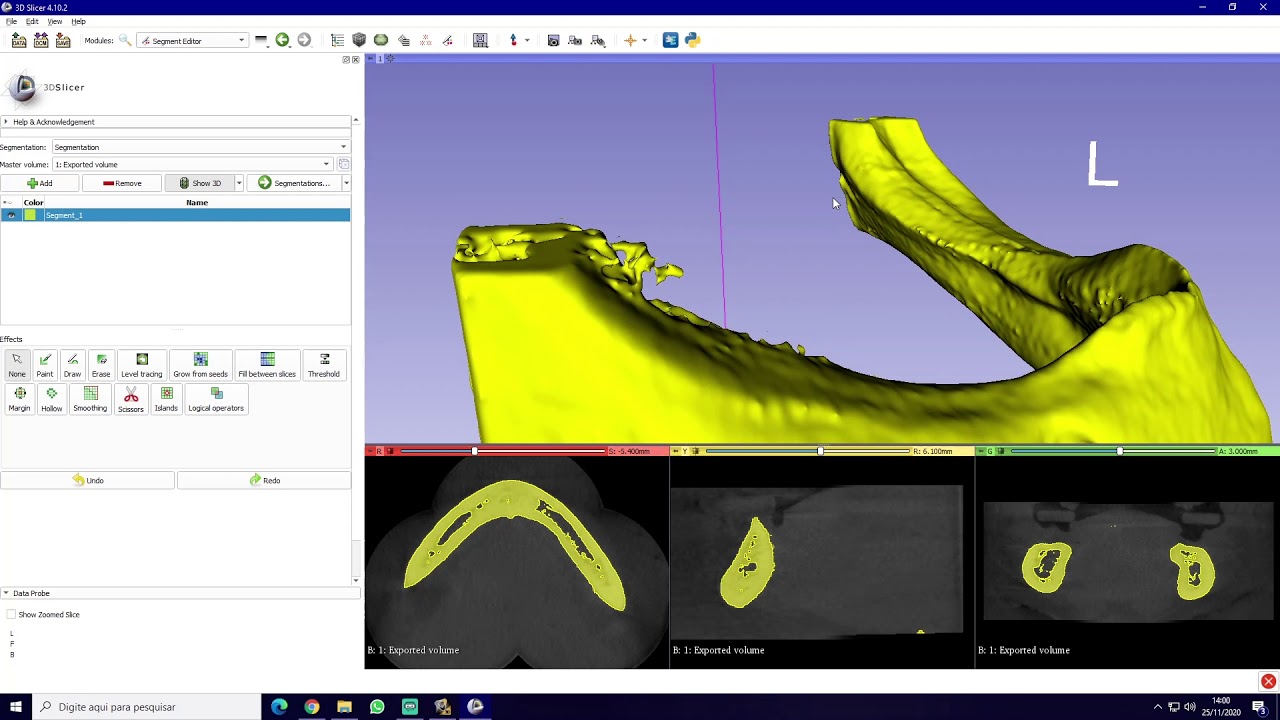
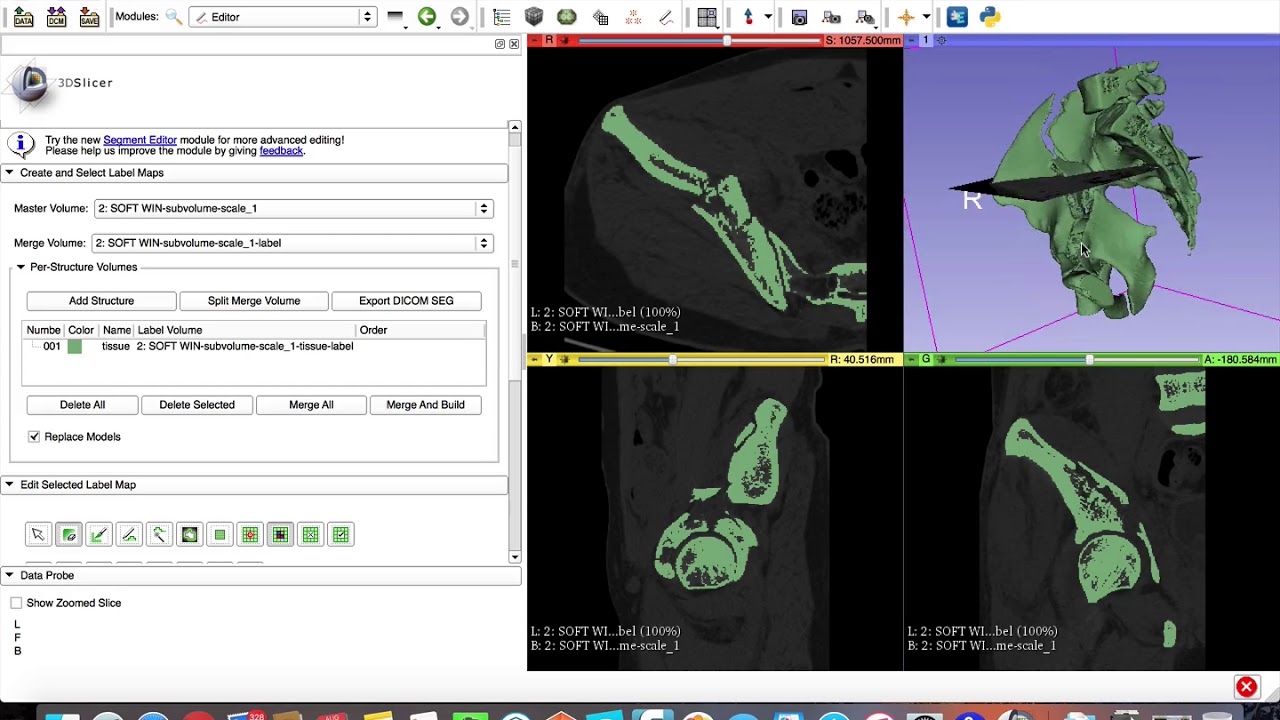
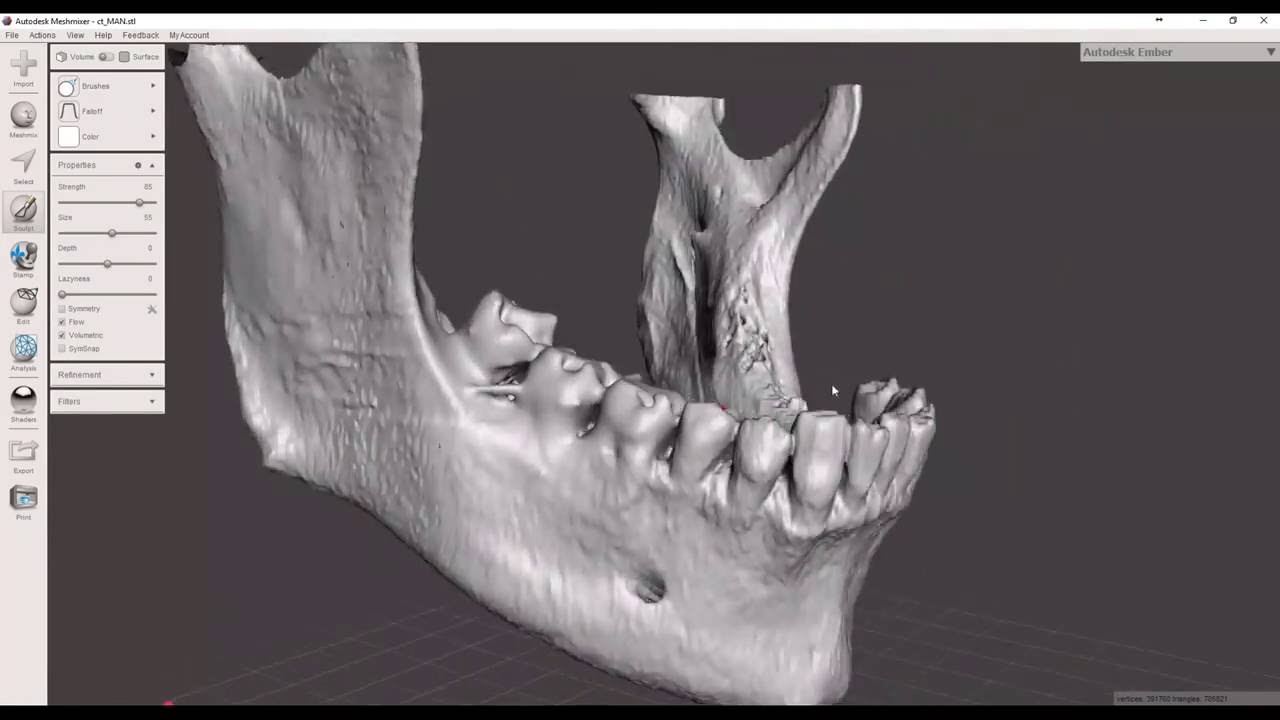
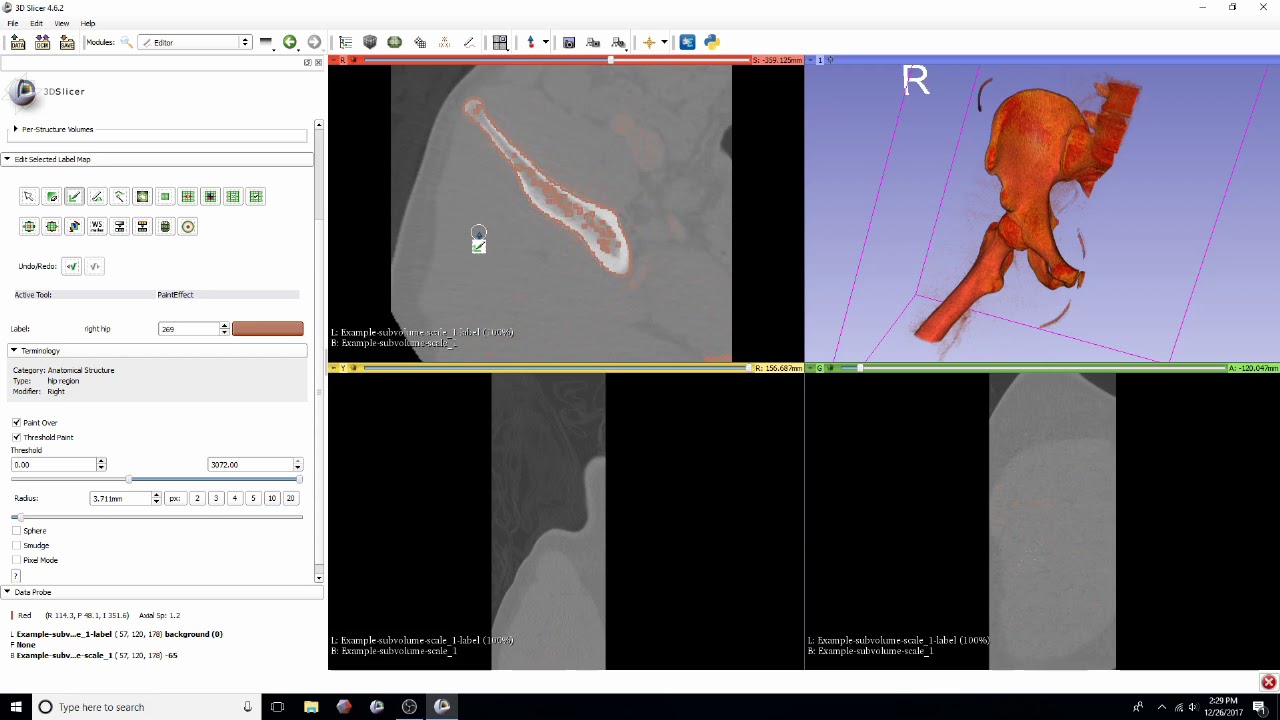
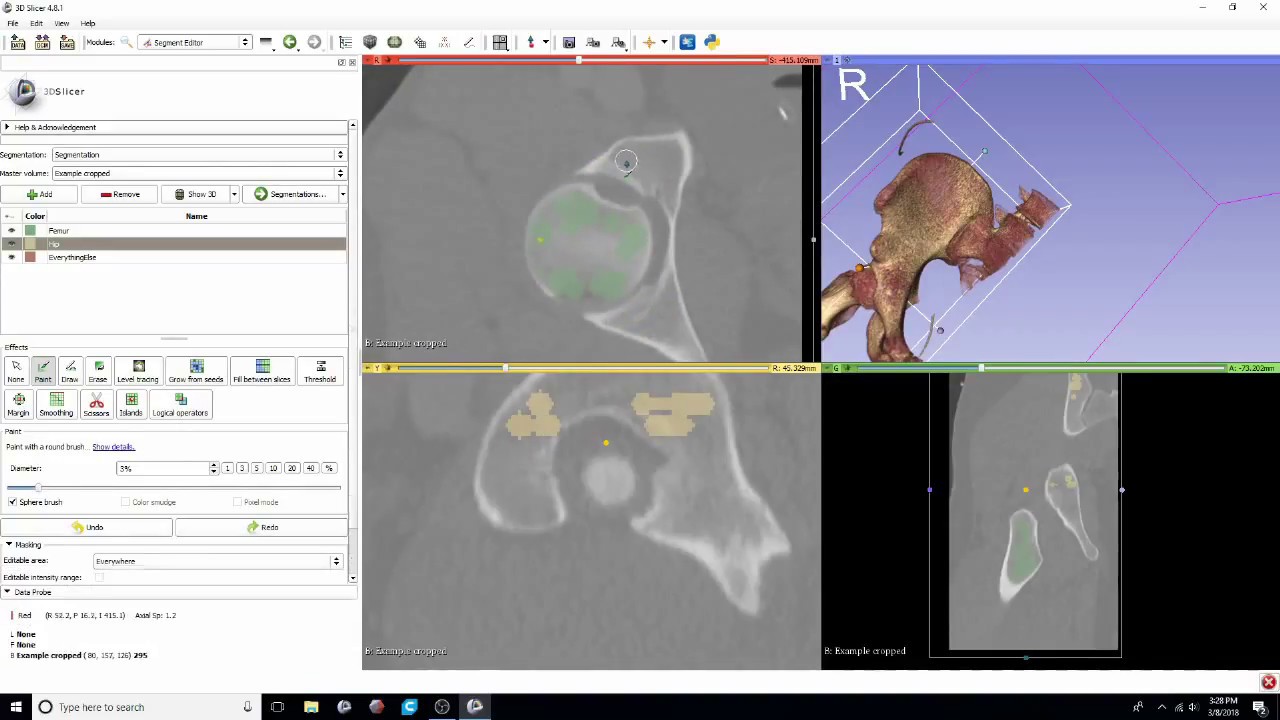
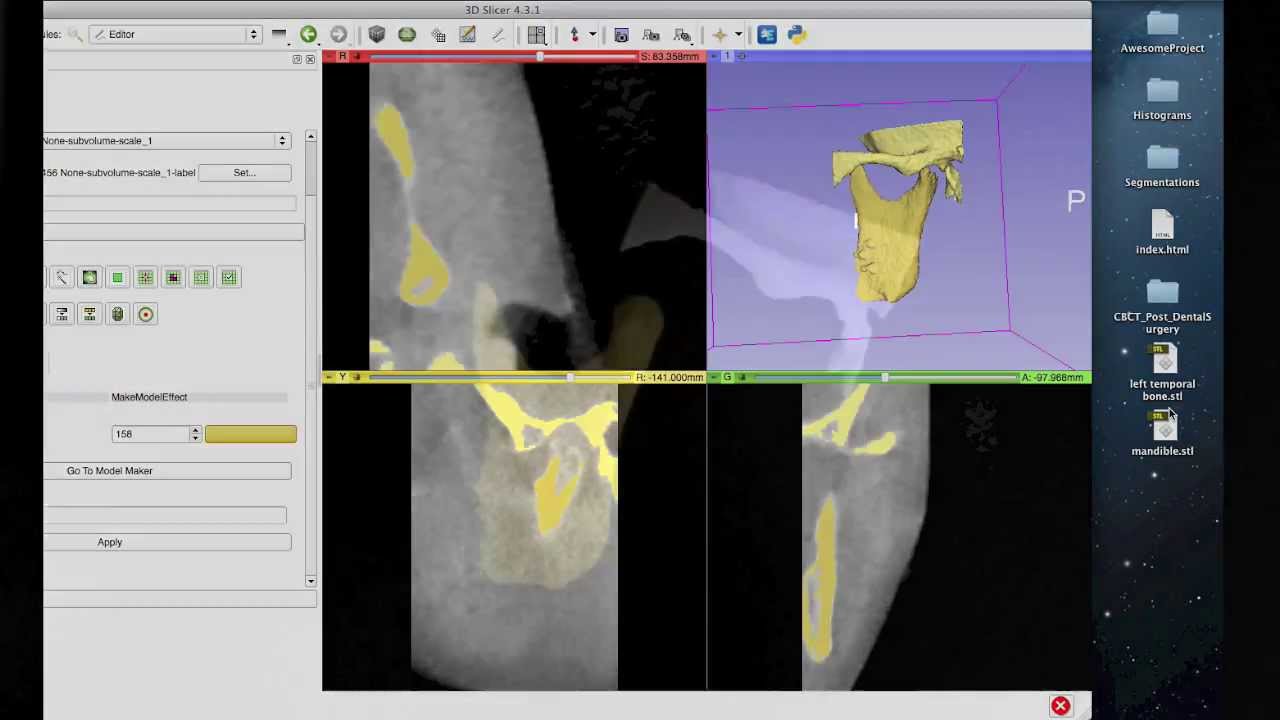
This is a tutorial that demonstrates how to extract specific patient anatomy from DICOM images (CT, MRI etc.), create multiple models, and to clean and prepare those models for 3D printing. This particular method utilizes 3D Slicer's Editor module. Within this module, I use the threshold paint tool to select certain anatomical structures based on their color. This method is great for manual extraction of anatomy, but is being replaced by the Segment Editor in future versions of 3D Slicer. I've also found the latter to be quicker and easier, so check it out! I put up a tutorial demonstrating this method and it can be found at the link below:
• DICOM to STL Conversion Tutorial with Segm...
Please feel free to leave comments if you have questions about the process or if you have any feedback on the tutorial. Thank you for checking it out!
Where to get the software used in this tutorial:
3D Slicer - http://download.slicer.org/
Meshmixer - http://meshmixer.com/download.html
Cura: https://ultimaker.com/en/products/ult...
Доступные форматы для скачивания:
Скачать видео mp4
-
Информация по загрузке:









![CT Scan DICOM Files to 3D [HD]](https://imager.clipsaver.ru/Z9ObbjxNCz8/max.jpg)