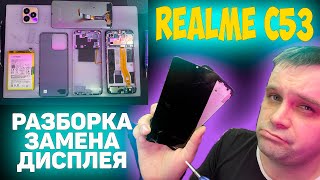
realme C65 Green Line Display Fix | Teardown Video | Fix By Mamun
Автор: Fix By Mamun
Загружено: 2024-10-16
Просмотров: 4622
Replacing the display on the realme C65 involves the following steps:
Turn off the device and remove the SIM tray.
Open the back cover using a plastic pry tool—start from the edges to avoid damaging it.
Disconnect the battery and display connectors from the motherboard.
Gently remove the broken display if it's glued, applying heat (with a heat gun) to soften the adhesive.
Install the new display by reconnecting the cables and securing it in place.
Reassemble the phone and test it.
Check Mobile Activation Date
• Check Mobile Activation Date | realme and ...
ridmik keyboard not working video
• realme Fixing The ridmik Keyboard Not Show...
#realmebangladesh
#realme
#fixbymamun

Доступные форматы для скачивания:
Скачать видео mp4
-
Информация по загрузке: