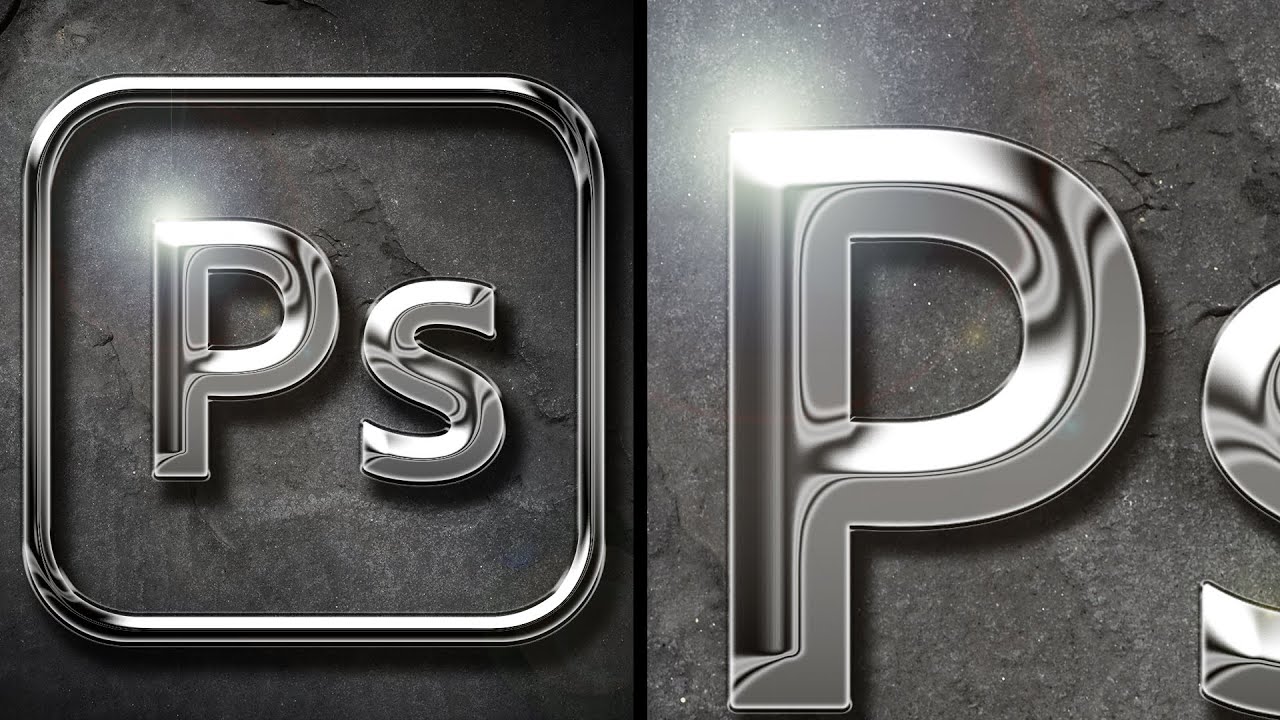
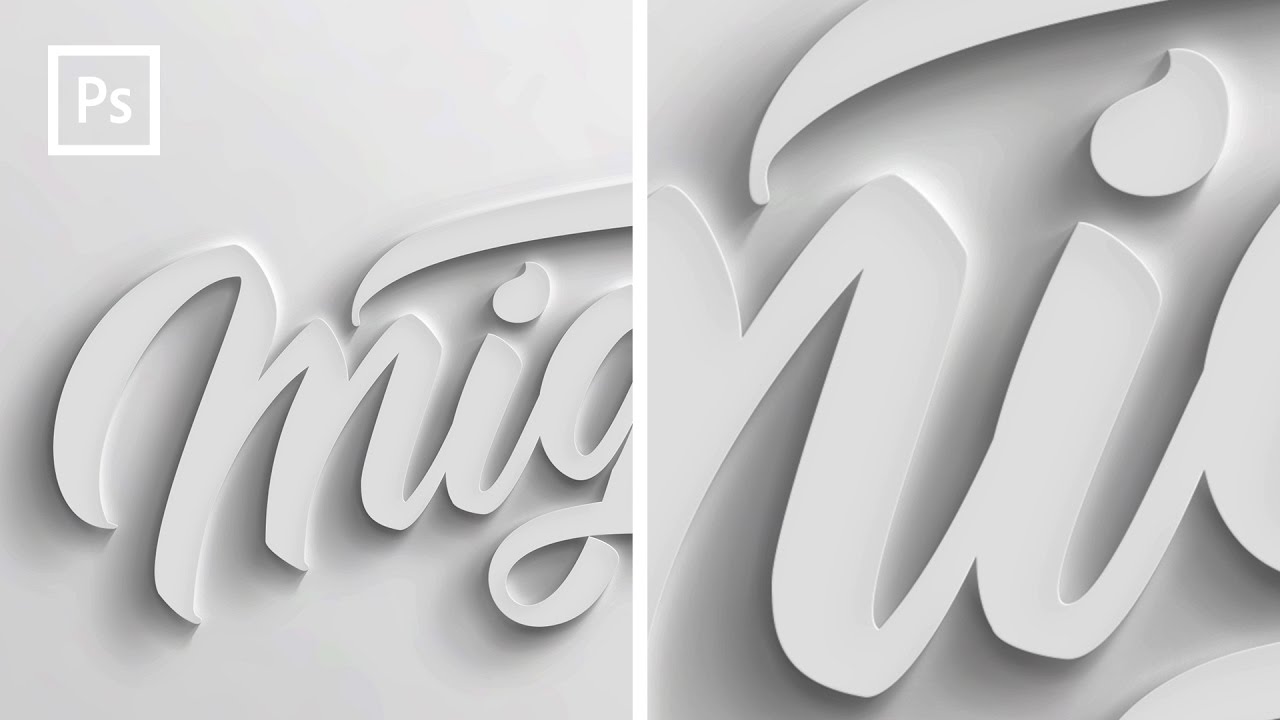
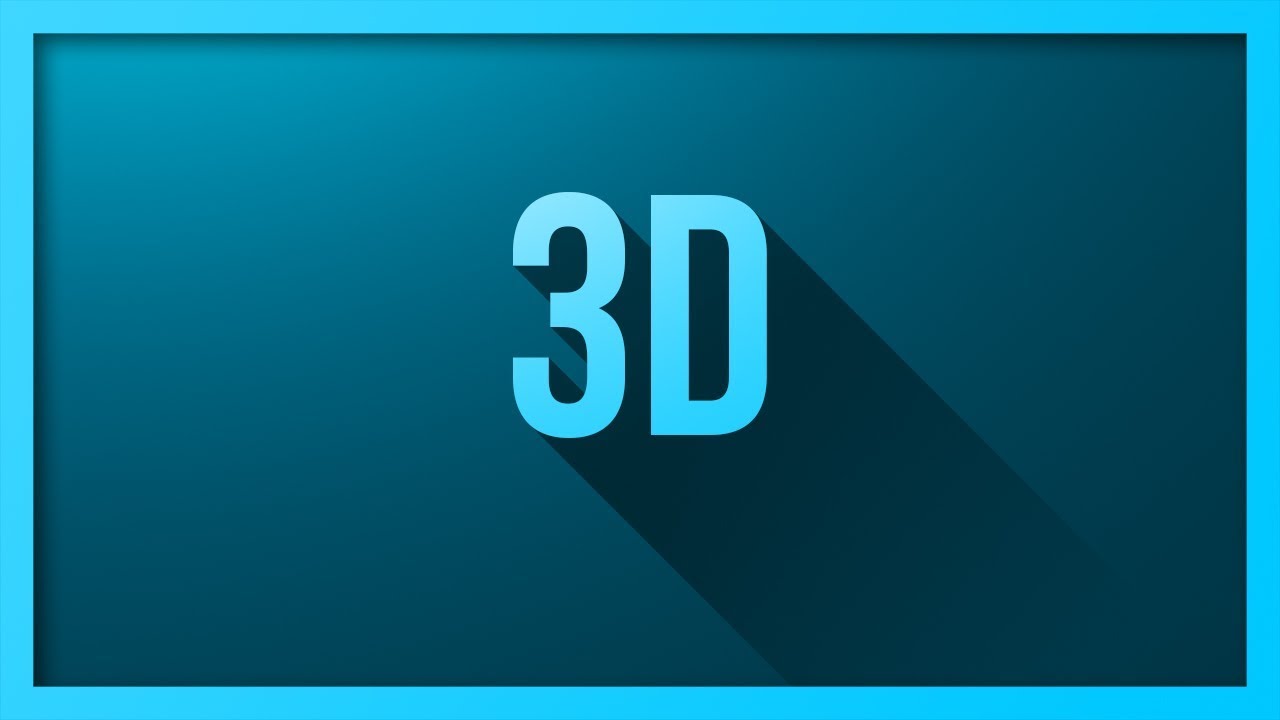
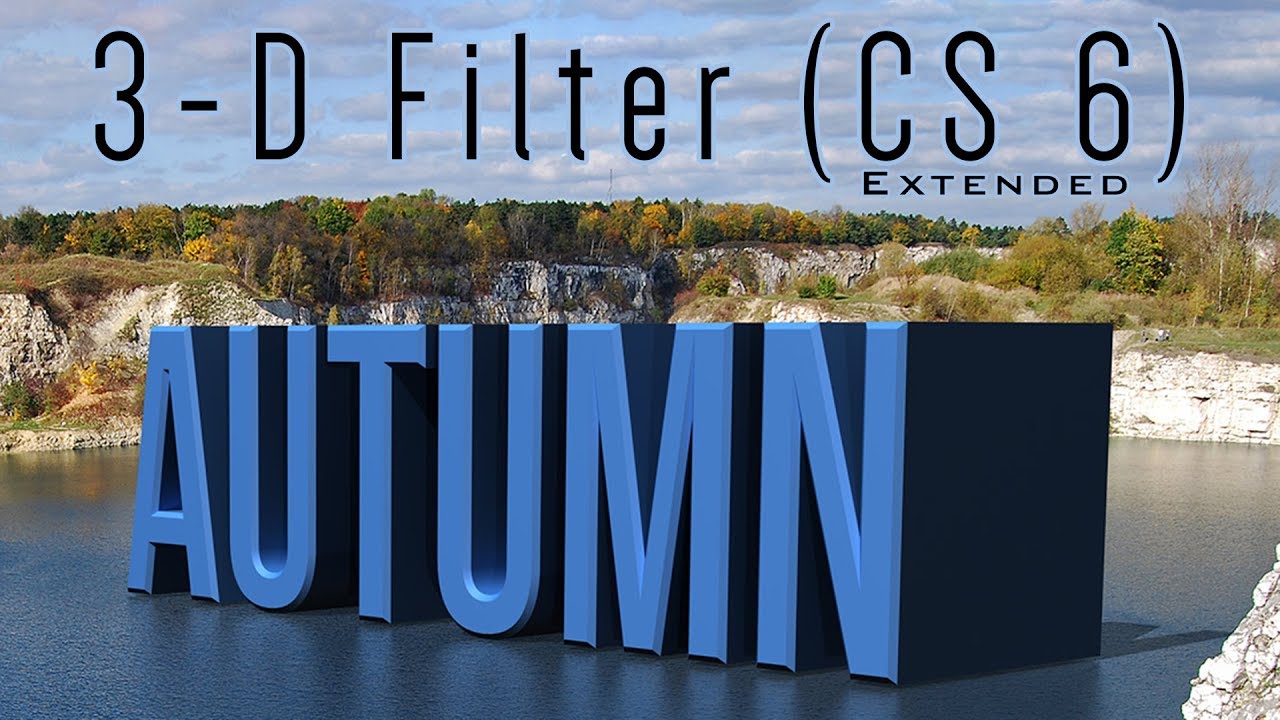
Photoshop CS6 Extended Tutorial: 3D TEXT. How to add Bevels, Light, Shadow and Reflections.
Автор: Blue Lightning
Загружено: 2012-06-14
Просмотров: 621792
Photoshop CS6 Extended tutorial showing how to use the 3D functions to create 3D text and place it in perspective in an environment, adding light, shadows, reflections & bevels.
NOTE: If 3D doesn't work or is greyed out: Not compatible with 32-bit operating systems. 3D is only available in Photoshop CS5 & 6 EXTENDED version, as well as versions CC and beyond. Windows XP does not support 3D. Some video cards may need to replaced. The graphics processor may need to be enabled.
Lake picture:
http://bltvfiles.com/files/Lake-for-3...
Subscribe to Blue Lightning TV!:
https://www.youtube.com/user/blueligh...
Become a Channel Member:
/ @bltv_photoshop
Support Blue Lightning TV on Patreon for as little as $2/month!
/ bluelightningtv
You'll receive early access to watch my new tutorials ONE WEEK BEFORE the public can see them on YouTube. AND, you'll receive 10% off all of my merch sold at Redbubble, TeeSpring & Society6!
BLTV MERCH:
https://www.redbubble.com/people/bltv...
https://teespring.com/stores/blue-lig...
https://society6.com/bltv
Website:
http://www.bluelightningtv.com/
Facebook:
https://goo.gl/fHLJsh
Twitter:
/ bluelightningtv
Доступные форматы для скачивания:
Скачать видео mp4
-
Информация по загрузке: