Painterly Materials in Flair for Maya - Stylized Rendering Tutorial
Автор: Artineering
Загружено: 2025-07-03
Просмотров: 1737
🔽 Click "...more" below for information and timestamps
---
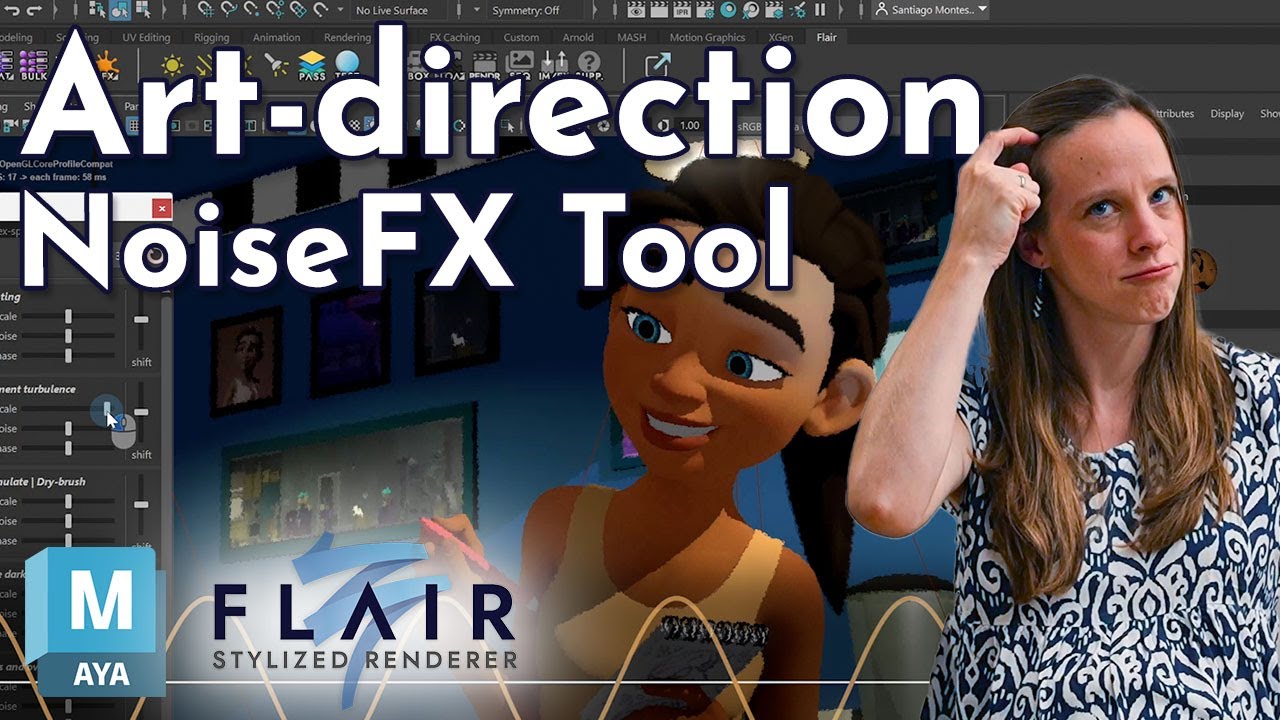
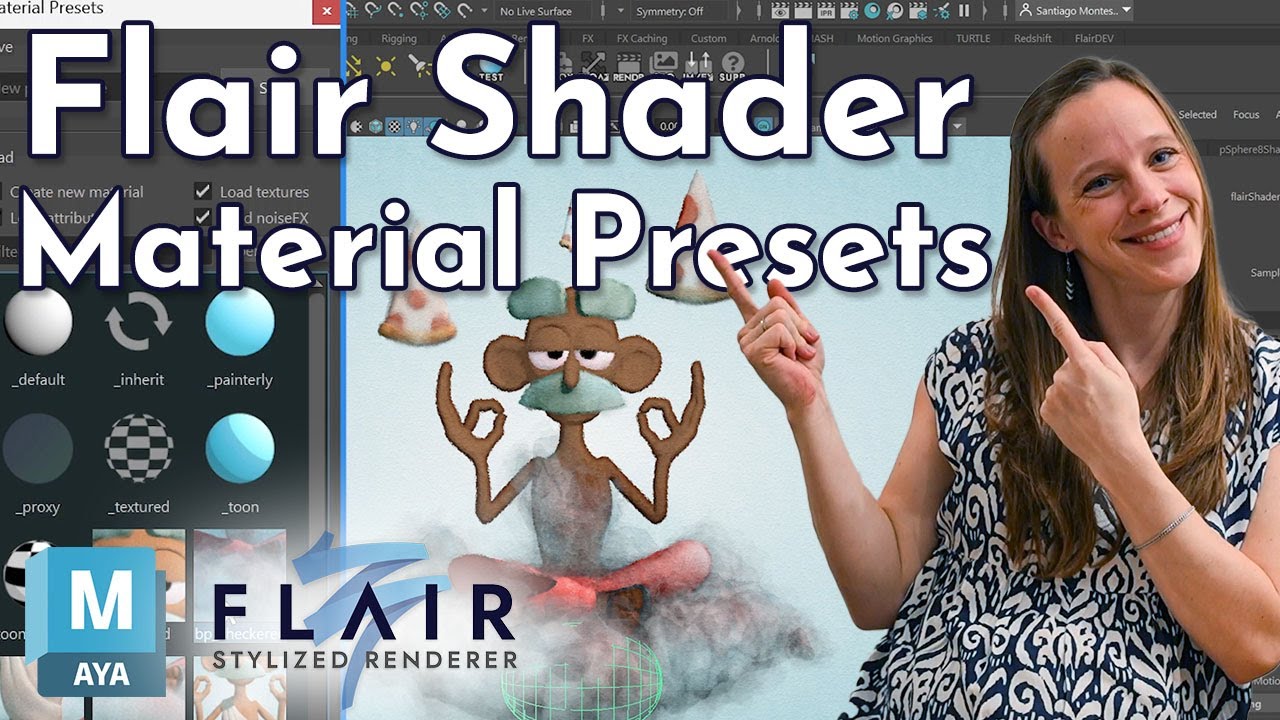
In this tutorial, learn how to fully take advantage of the Flair shader material to stylize your 3D animations and break free from physically-based shading.
First, you will learn how to use the `mat` shelf button to speed up working with materials in the Maya viewport to fully concentrate on stylizing your scene and not on finding the right materials in the Hypershade.
Once the material selection workflow is optimized, the Flair shader material anatomy with its settings and attributes is introduced—demonstrating how material attributes are shown on-demand, depending on the material settings.
Then you will learn how painterly shading attributes finely control and color the lit and unlit parts of objects to your liking. If you prefer a more physically-based workflow, normal shading attributes are introduced, which can be used in addition to the painterly shading attributes to achieve the perfect look.
Unlock the potential of Flair’s powerful tools in this tutorial series to create unique, visually stunning animations.
Flair is developed for VFX, visualization and 3D animation artists like you.
We hope you enjoyed the tutorial and subscribe to our channel to be notified about future videos!
⏯️ Playlist: • Art-direction in Flair for Maya
🤓 Learn more about Flair shader materials: https://docs.artineering.io/flair/mat...
⏲️ Timestamps
0:00 - Summary of what we will cover
0:16 - Recap: Material Presets in Flair
0:35 - Select Flair materials in the Hypershade
0:52 - Select Flair materials with the right-click context
1:02 - Select Flair materials with the MAT shelf button
1:16 - Keyframing Flair material attributes
1:30 - Changing the Attribute Editor tab to the material
1:53 - Select all objects assigned to a material
2:17 - Flair shader material anatomy
2:32 - Toggling a Flair shader material setting: Toon Shaded
2:55 - Flair shader material documentation
3:25 - Tooltips on Flair shader material attributes
3:39 - Toggling the Animated setting
3:54 - Remaining Flair shader material settings groups
4:08 - Default Flair shader material attributes
4:17 - Painterly Shading attributes explained
4:32 - Painterly Attributes for lit areas
4:37 - Cangiante attributes
5:06 - Custom Light attributes
5:26 - Painterly attributes for shaded areas
5:32 - Diffuse Factor attribute
5:52 - Custom Shade attributes
6:16 - Shadow Color Offset attribute
6:42 - Shading attributes explained
6:47 - Shading attribute
6:55 - Color Tint attribute
7:00 - Albedo attribute
7:08 - Supported texture nodes
7:13 - Normal Map attributes
7:44 - Wrapping-up
8:16 - Teaser: Bulk attribute tool
8:27 - Outro
🚀 Download Flair for Maya for free: https://artineering.io/software/flair
💸 Purchase a commercial license: https://artineering.io/software/flair...
📃 Read the documentation: https://docs.artineering.io/flair/
🍀 Spread the love:
❱ Patreon: / artineering
❱ LinkedIn: / artineering
❱ Discord: / discord
❱ Instagram: / artineering.io
❱ Reddit: / artineers
🧑🎨 3D assets in order of appearance:
The Mouse Adventurer by Tom Breuer
Buda Pizza by Efrain Frias
Interdimension Harbour by Tom Breuer (CC-BY 4.0)
⚖️ Licensing details:
CC-BY 4.0: https://creativecommons.org/licenses/...
Royalty Free Music from Tunetank.com
Track: So Much Fun by Alexey Anisimov
https://tunetank.com/track/5689-so-mu...
#flairMaya #stylized #stylized3D #glsl #allcode

Доступные форматы для скачивания:
Скачать видео mp4
-
Информация по загрузке: