Perfect colour negative film conversions with GIMP and RawTherapee!
Автор: BigMackCam
Загружено: 2022-02-13
Просмотров: 14596
IMPORTANT UPDATE!
Since recording and publishing this video, I've experienced a few inaccurate conversions with some my old negatives. Further investigation has revealed the cause (I'm a little annoyed with myself for missing it) and, as a result, I've refined the process very slightly:
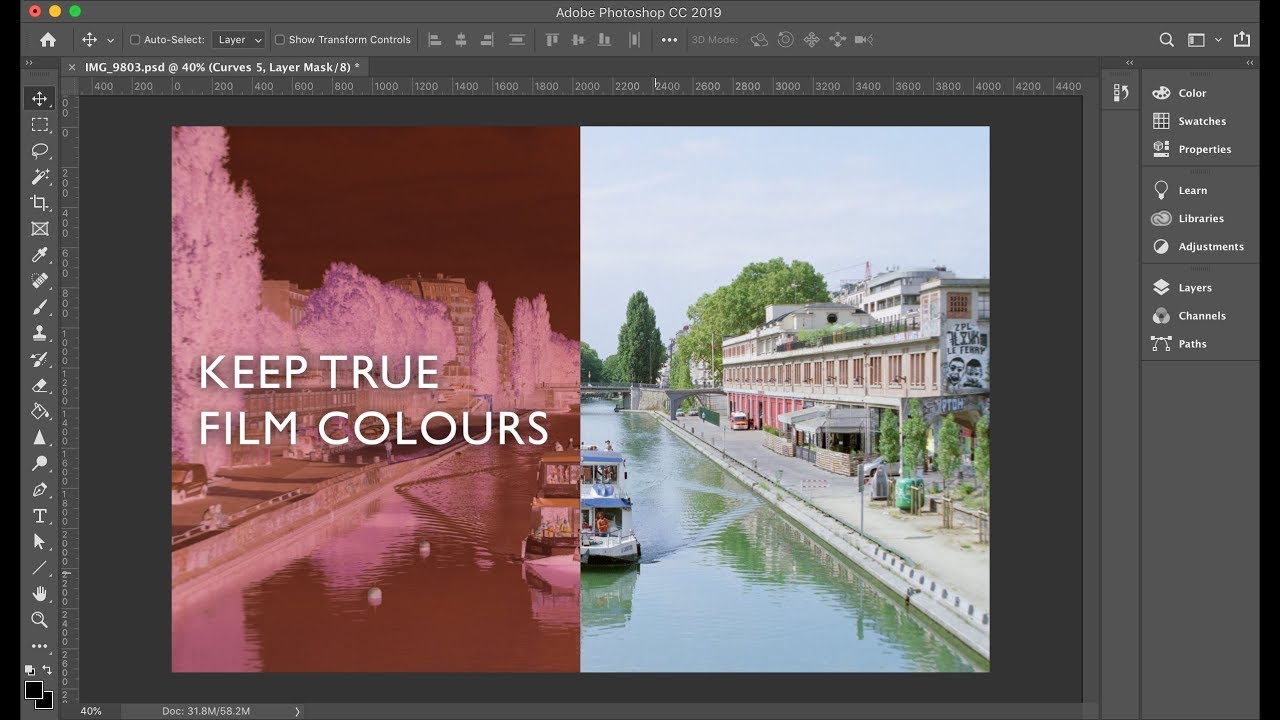
When the raw file is loaded into GIMP - which in turn loads it into RawTherapee automatically - it's essential to un-check "Clip out-of-gamut colours" (the very first item in the Exposure section). If this box is checked (which is the default), it's possible - though not always the case - that the colours in the negative won't be true to what was captured by the camera, and the inverted image in GIMP may have a colour cast (the very thing we're trying to avoid!). So, please uncheck the box as directed, and it will work correctly!
I also recommend setting Saturation to +10 in RawTherapee before the Colour Toning step, as this ultimately results in better saturated positives - but you can always add saturation when conversion is complete, if required...
----
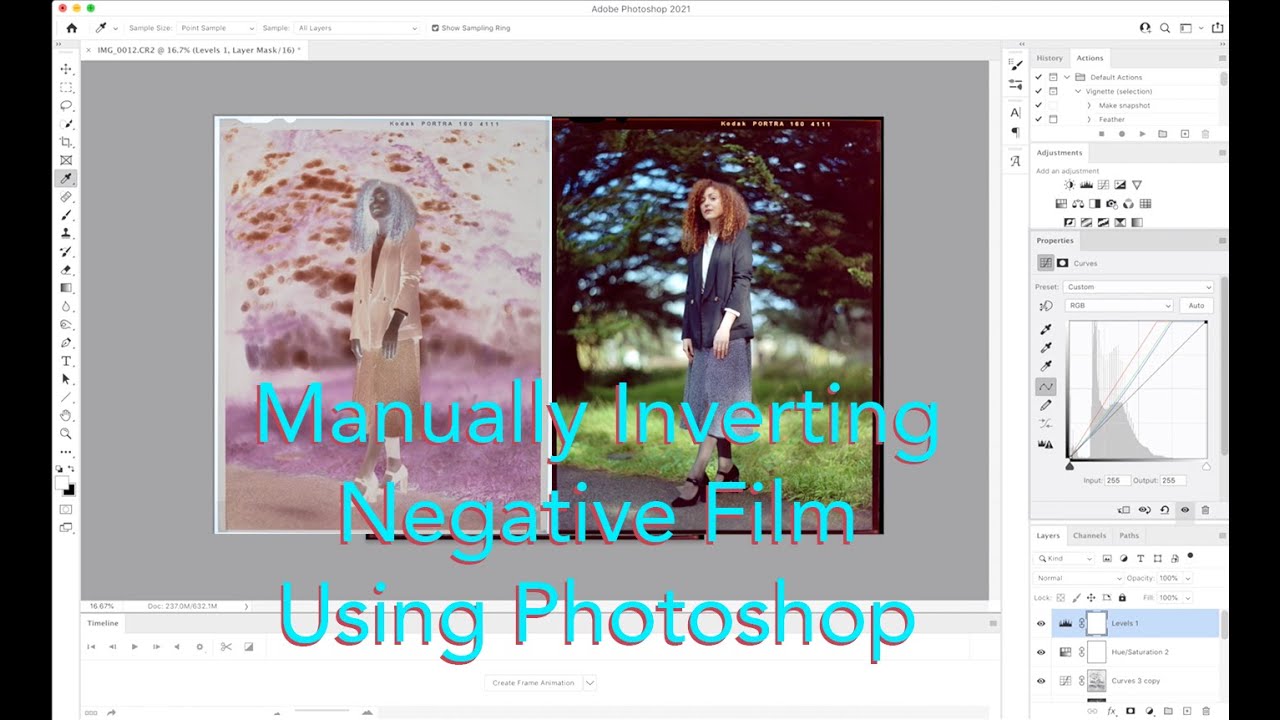
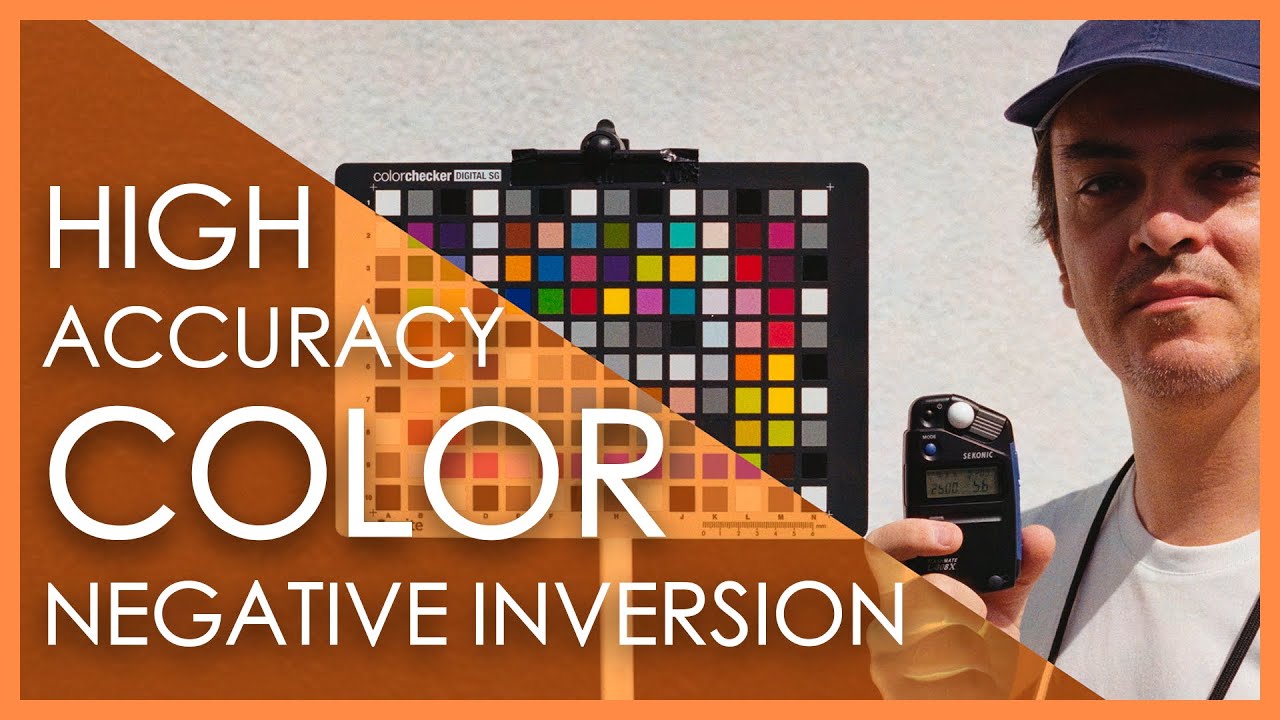
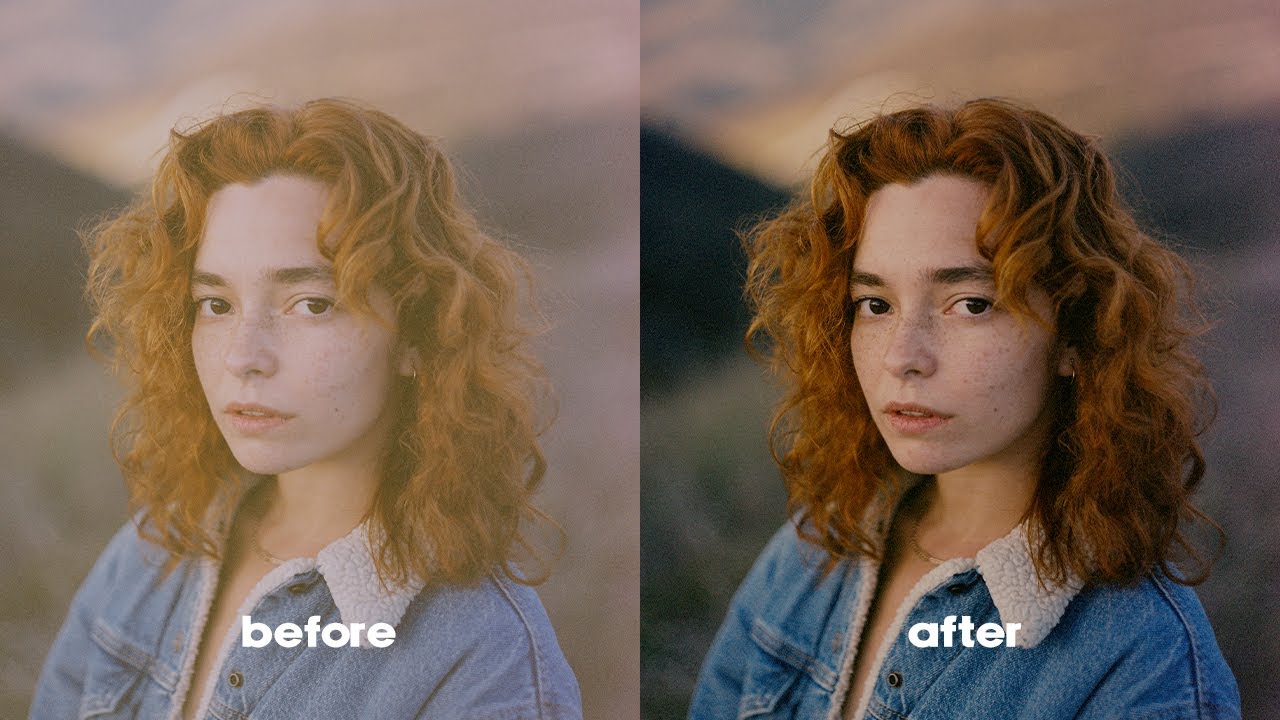
Converting B&W film negatives is easy, but if you've tried to convert colour negatives in Photoshop, GIMP and other similar tools, you'll know how difficult and frustrating it can be to achieve realistic colours and tones. There's always a colour cast to get rid of, requiring endless fiddling with curves, colour balance, layer masks etc. - and it never seems to produce an entirely satisfactory result.
Darktable and RawTherapee have their own negative conversion modules, but they produce variable and somewhat unpredictable results depending on image content (range of tones, border, sprocket holes etc.). Negative Lab Pro plug-in for Lightroom usually does an excellent job, though not always perfect - and it takes a level of direct control away from the user, hiding what's going on under the hood through automation and presets.
This video demonstrates my personally-developed method for converting colour negatives using GIMP 2.10 and RawTherapee 5.8. It requires a little more time and effort than automated tools such as Negative Lab Pro, but produces consistently good and - most of all - highly predictable results that remain entirely within the user's control. With a little practice, it should take around 2 to 3 minutes from loading a negative to exporting the finished positive. That's a couple of hours work or less for a 36 exposure roll, including a coffee break ;)
Key aspects of this approach and why it works so well include (1) applying a linear tone curve, (2) using the camera's white balance, (3) selecting the correct colour input profile, and - most importantly - (4) correcting the film base colour cast BEFORE negative-to-positive conversion and tonal adjustments. Correcting the film's colour cast before conversion is a much more effective method than using white balance and RGB curves adjustment later in the process, and essentially mimics the use of colour acetates or a dichroic head in traditional darkroom wet-printing.
Please try this... I think you'll like it!
Thanks for watching. If you find the video helpful, please click the "thumbs up" button to Like it, and leave a comment below! You could subscribe too, if you wish (but I may never post another video LOL)...
Have fun, stay safe, and best wishes,
Mike
(BigMackCam @ PentaxForums)

Доступные форматы для скачивания:
Скачать видео mp4
-
Информация по загрузке: