Популярное

Музыка Кино и Анимация Автомобили Животные Спорт Путешествия Игры Юмор

Интересные видео

2025 Сериалы Трейлеры Новости Как сделать Видеоуроки Diy своими руками

Топ запросов

смотреть а4 schoolboy runaway турецкий сериал смотреть мультфильмы эдисон
dTub
Скачать

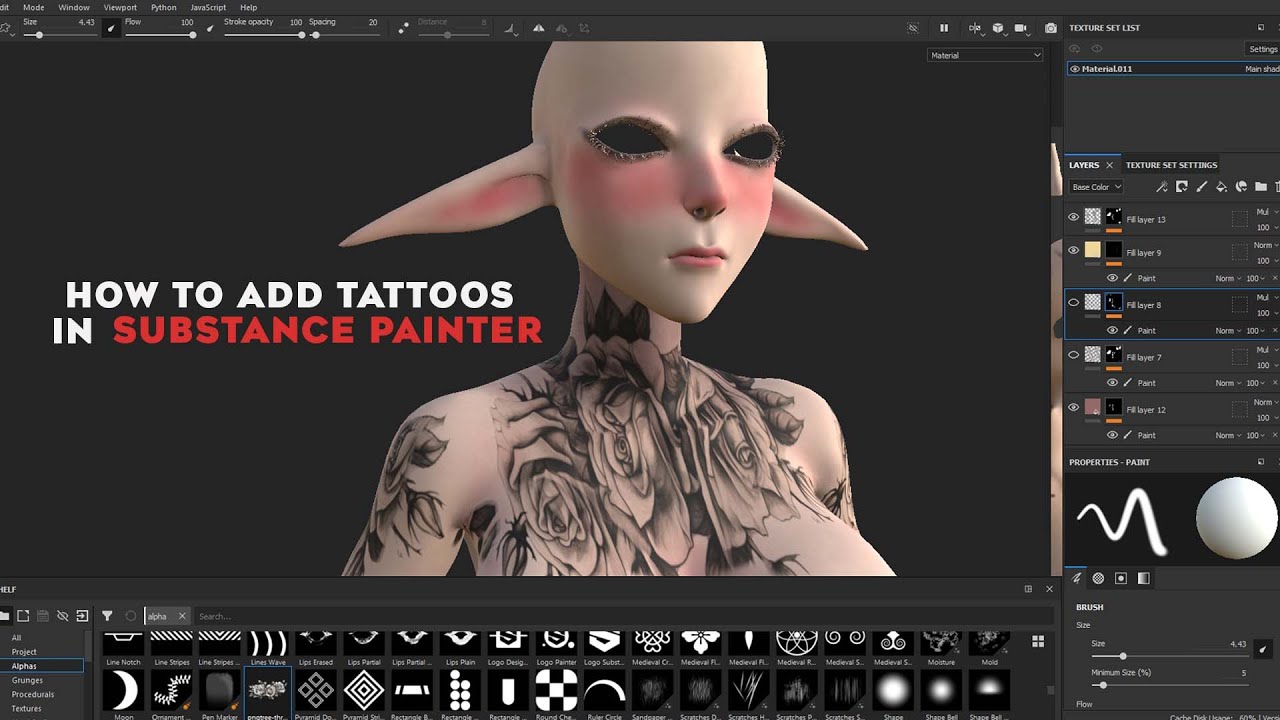
Substance Painter - How To Easily Apply Tattoos

Автор: Travis Davids

Загружено: 2020-08-02

Просмотров: 57349

Описание:

Download the SP file from this link https://www.dropbox.com/s/77612fqmhya...

▬ Contents of this video ▬▬▬▬▬▬▬▬▬▬

0:00 Intro
0:24 Opening The Substance Painter File
0:55 Talking About Websites To Find PNG Tattoo Files
2:03 Importing The Tattoos Into Substance Painter
2:27 Quickly And Easily Applying Tattoos Onto Our Character
3:52 Adjusting Alignment For Placement Of A Tattoo
5:06 Blend Tattoos Using Smudge
6:00 Apply A Tattoo Using Projection
7:08 How To Color A Black And White Tattoo
8:16 Adjust The Angle And Increase The Resolution Of A Tattoo
10:10 Outro


TIP JAR - https://paypal.me/TravisDavids

FEEL FREE TO FOLLOW ME

Subscribe! -    / travisdavids  
Gumroad - https://gumroad.com/mrdavids1
Cubebrush - http://cbr.sh/99poc
Instagram - @mrdavids2
Artstation - https://www.artstation.com/mrdavids
Twitter - @mrdavids1
Facebook -   / travis.davids  

Substance Painter - How To Easily Apply Tattoos

Поделиться в:

Доступные форматы для скачивания:

Скачать видео mp4

  • Информация по загрузке:
Скачать аудио mp3

Похожие видео

How to Create Realistic Tattoos in Substance Painter | Tattoo Master Tool Tutorial

How to Create Realistic Tattoos in Substance Painter | Tattoo Master Tool Tutorial

Курс. Персонаж в Blender+Substance Painter. Текстурирование #12

Курс. Персонаж в Blender+Substance Painter. Текстурирование #12

Substance painter  - How To Easily Apply Tattoos

Substance painter - How To Easily Apply Tattoos

Character Creator to Substance Painter

Character Creator to Substance Painter

Руководство по рабочему процессу от Blender до Marvelous Designer, Substance Painter и Daz

Руководство по рабочему процессу от Blender до Marvelous Designer, Substance Painter и Daz

How to add tattoos in substance painter / Tattoo painting

How to add tattoos in substance painter / Tattoo painting

Создание ран и царапин на коже в Substance Painter

Создание ран и царапин на коже в Substance Painter

Marvelous Designer 10 - How To Create A Scarf And Tie A Knot

Marvelous Designer 10 - How To Create A Scarf And Tie A Knot

Как настроить SSS в учебном пособии Substance Painter

Как настроить SSS в учебном пособии Substance Painter

Daz и Substance Painter — рабочий процесс UDIM для плавного рисования

Daz и Substance Painter — рабочий процесс UDIM для плавного рисования

Substance Painter 2021.1 New Feature: Stitch Brushes | Adobe Substance 3D

Substance Painter 2021.1 New Feature: Stitch Brushes | Adobe Substance 3D

How to Create Tattoos for Second Life with Substance Painter

How to Create Tattoos for Second Life with Substance Painter

How to create a Balloon dress 2 in CLO3D /Marvellous Designer

How to create a Balloon dress 2 in CLO3D /Marvellous Designer

Введение в Substance Painter — добавление текстурных деталей к одежде

Введение в Substance Painter — добавление текстурных деталей к одежде

Texturing a Ghost in The Shell Inspired Cyborg in Substance Painter

Texturing a Ghost in The Shell Inspired Cyborg in Substance Painter

Blender Tutorial - Quick and Easy Tattoos

Blender Tutorial - Quick and Easy Tattoos

How to add a Tattoo / Image to your VRChat Avatar Textures (Substance Painter Tutorial 2023)

How to add a Tattoo / Image to your VRChat Avatar Textures (Substance Painter Tutorial 2023)

How to paint realistic skin in Substance Painter

How to paint realistic skin in Substance Painter

Warp Projection in Substance 3D Painter | Adobe Substance 3D

Warp Projection in Substance 3D Painter | Adobe Substance 3D

Substance Painter Tattoes and Facepaint

Substance Painter Tattoes and Facepaint

© 2025 dtub. Все права защищены.


  • Контакты
  • О нас
  • Политика конфиденциальности


Контакты для правообладателей: infodtube@gmail.com