How to Easily Install Apple Carplay & Android Auto into a Holden Commodore VF Series
Автор: GetCarTech
Загружено: 2025-09-23
Просмотров: 6915
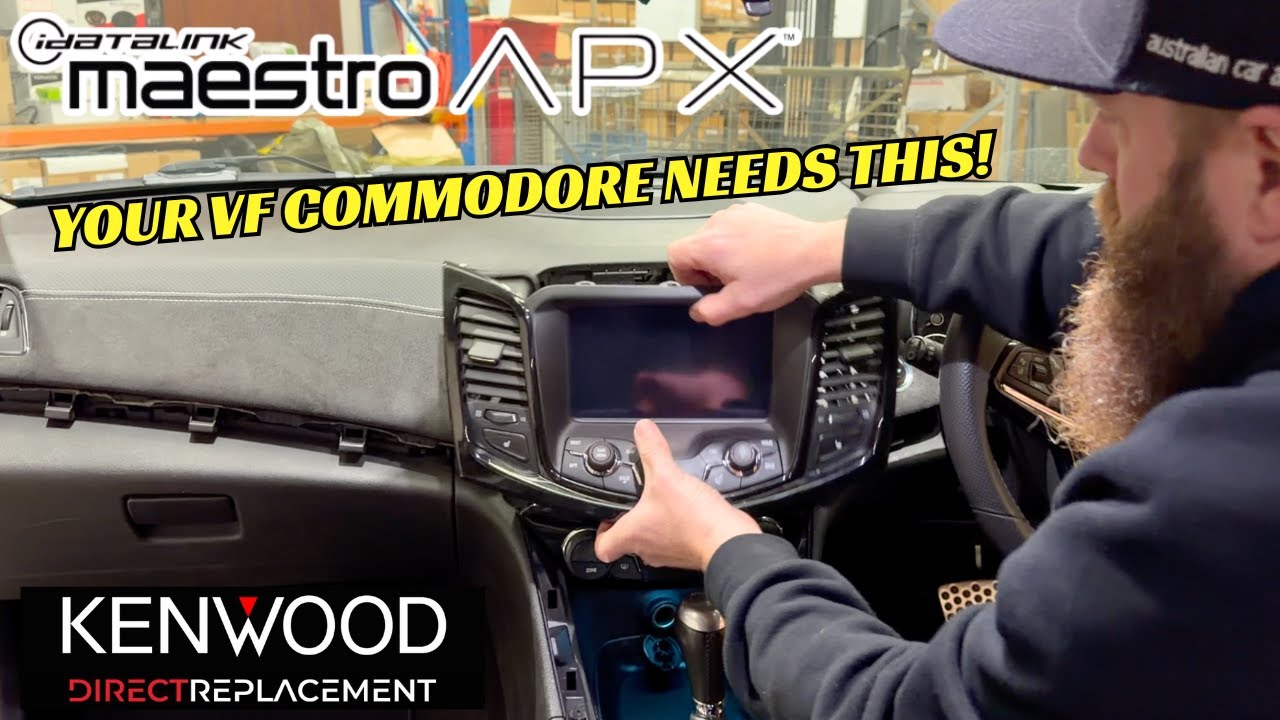
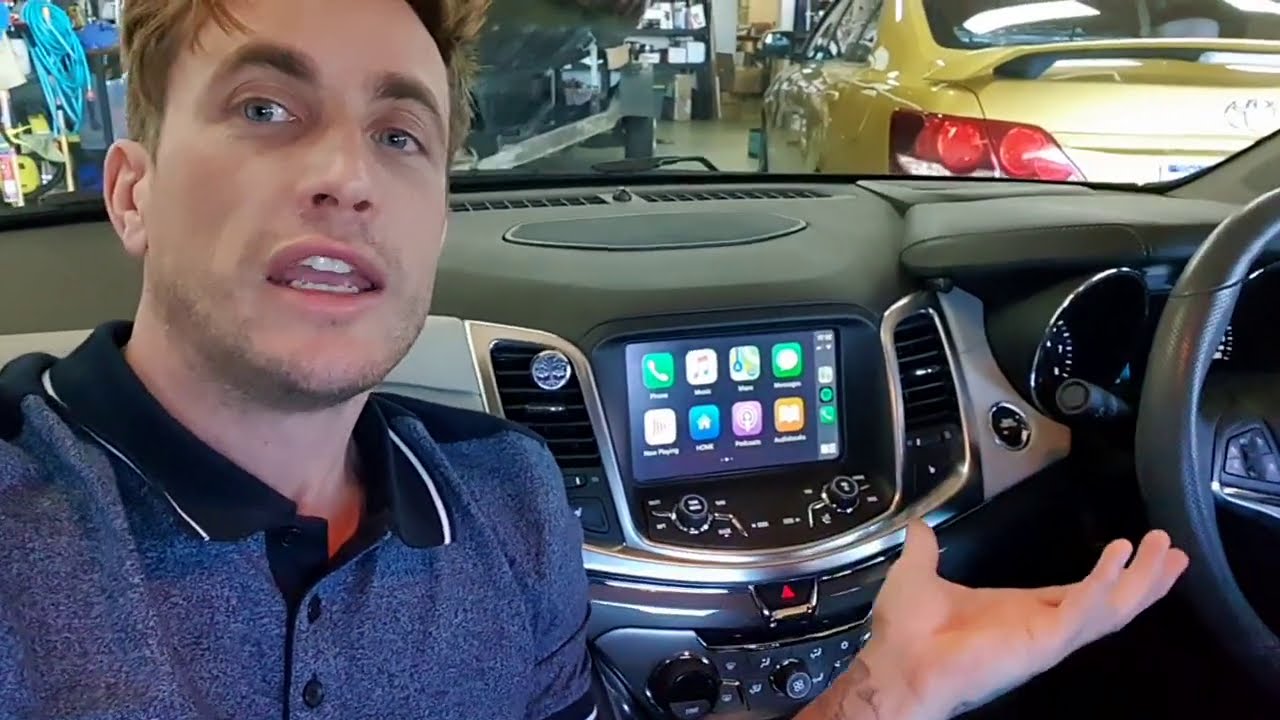
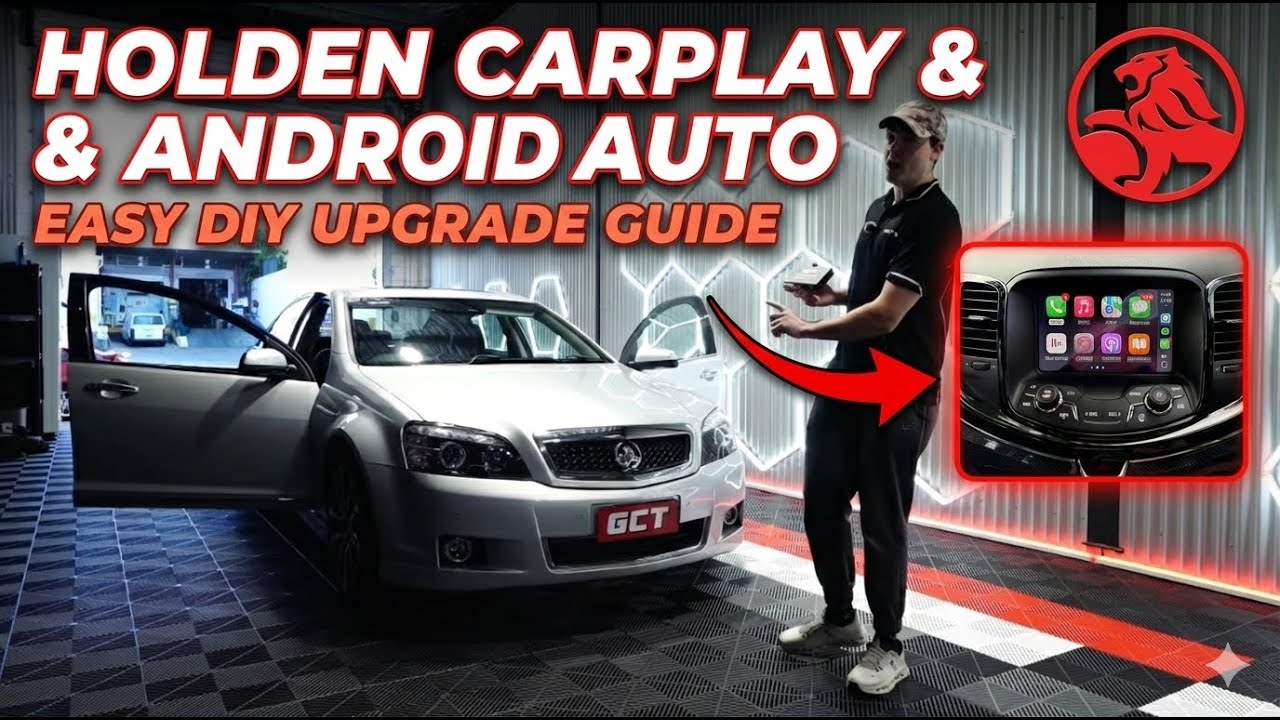
In this overview, we show you how to easily install Apple CarPlay & Android Auto into a Holden Commodore VF Series (2013–2017) with the GetCarTech DIY kit. Whether you drive a VF Commodore SS, SV6, Calais, HSV or Redline, this install makes your factory MyLink system smarter with seamless CarPlay and Android Auto integration. This install does not effect any stock features of your Commodore and is compatible with your existing steering wheel buttons, reverse camera etc. For HSV owners, our kit does NOTeffect access to vehicle related settings or EDI. Get the best of both worlds.
These DIY kits are available here: https://getcartech.com.au/products/ho...
The install takes as little as an hour, and with purchase of our kits, we send you a link to our full 45 minute install tutorial video. The install is beginner friendly and we also have a dedicated technical support hotline.
✨ Why upgrade your VF Commodore?
Adding CarPlay & Android Auto makes navigation, music, hands-free calls, and messaging safer and easier. You’ll also get access to Spotify, Google Maps, Waze, Apple Maps, Siri, and Google Assistant – all in your existing MyLink system.
📍 Professional installation in Brisbane & Gold Coast
At GetCarTech we specialise in Holden Commodores. If you’re in Brisbane, Gold Coast, or surrounding areas, we can install this system for you.
🛒 Order your kit online:
👉 Visit getcartech.com.au
to shop our plug-and-play VF Commodore CarPlay & Android Auto upgrade kits.
🔎 Keywords: Holden Commodore VF Apple CarPlay installation, Holden Commodore Android Auto install, VF Commodore stereo upgrade, Holden Calais CarPlay, Holden SS CarPlay install, Holden SV6 Android Auto, Holden Commodore head unit replacement, Brisbane CarPlay installer, Gold Coast CarPlay installation
Доступные форматы для скачивания:
Скачать видео mp4
-
Информация по загрузке: