Setting the Exhaust Chuff Rate with Tsunami2 and Econami Decoders
Автор: SoundTraxx
Загружено: 2019-04-13
Просмотров: 7843
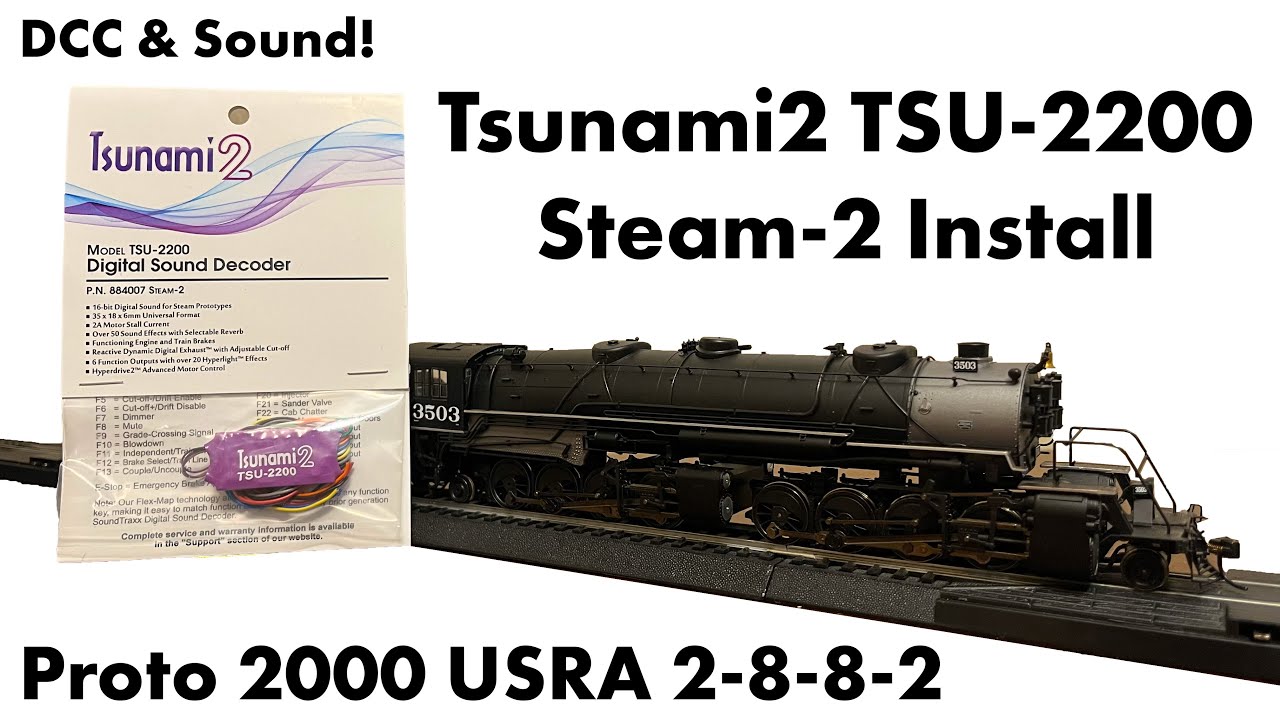
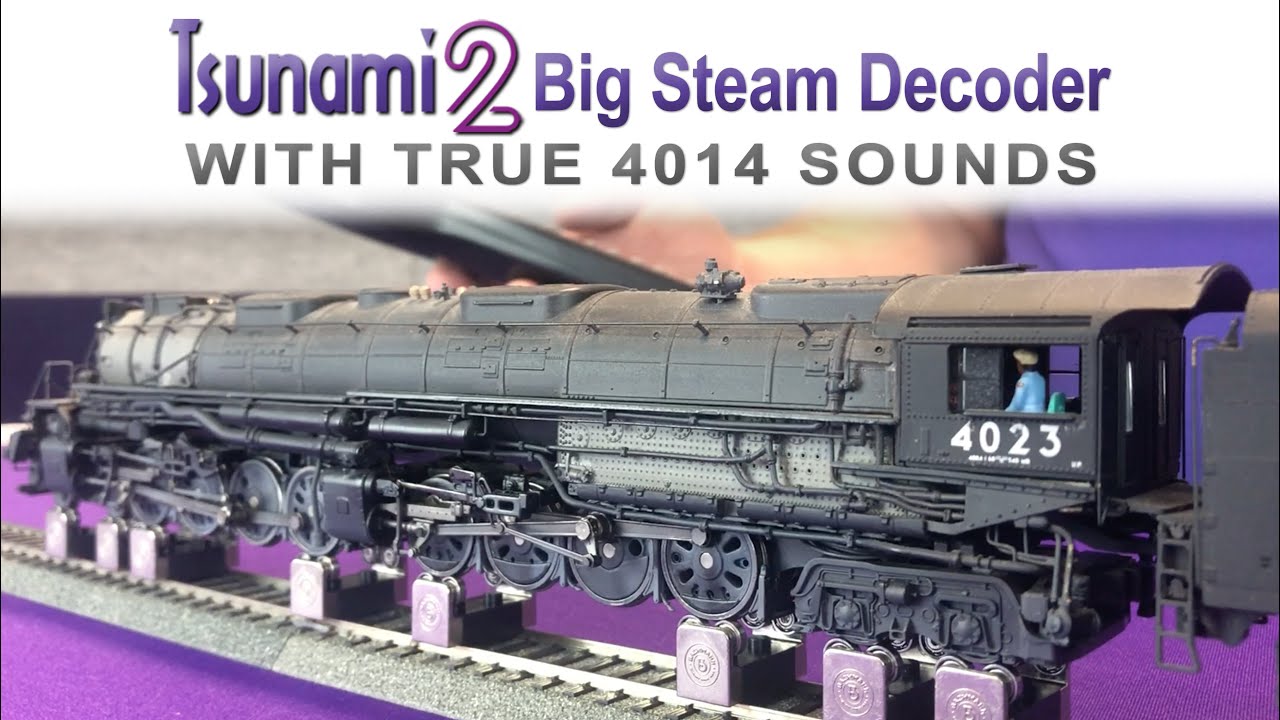
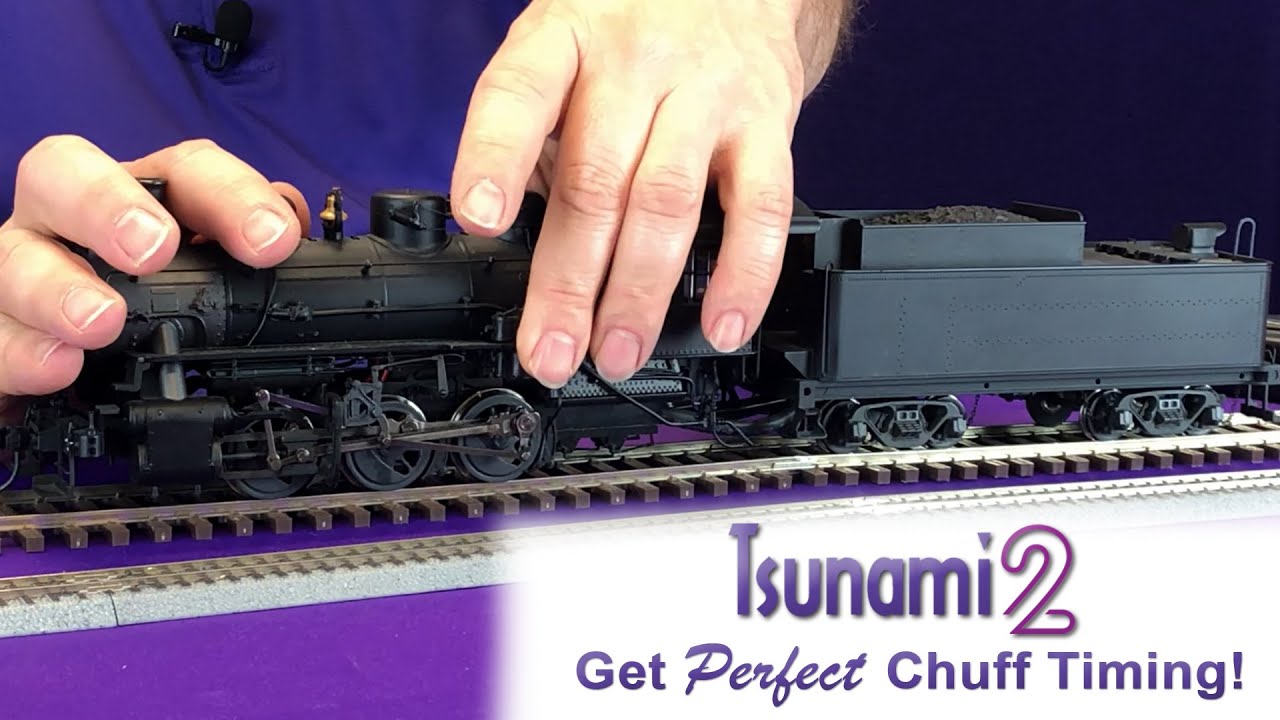
With Tsunami2 and Econami Digital Sound Decoders you don't need a cam to get the perfect chuff timing out of your steam models! That's right skip the cam install and simply change a CV to keep you chuff in time with the drivers.
CVs used in this video:
CV 114: Engine Exhaust Control
Adjust the cadence of the exhaust chuff to match your locomotive’s wheel rotations with CV 114. Entering values from 1 to 255 into CV 114 will determine the chuff rate. High values indicate more rapid chuffs, and low values indicate less rapid chuffs. CV 114 should merely be used to bring the chuff rate in line with wheel rotations. Setting CV 114 to a value of 0 will disable Auto-Exhaust.
DON'T FORGET to hit that SUBSCRIBE^ button!
Tsunami2 Manuals:
http://soundtraxx.com/reference/manuals/
Like us on Facebook:
/ soundtraxxdcc
Follow us on Instagram:
/ soundtraxxdcc
SoundTraxx Newsletter:
http://soundtraxx.com/newsletter
Доступные форматы для скачивания:
Скачать видео mp4
-
Информация по загрузке: