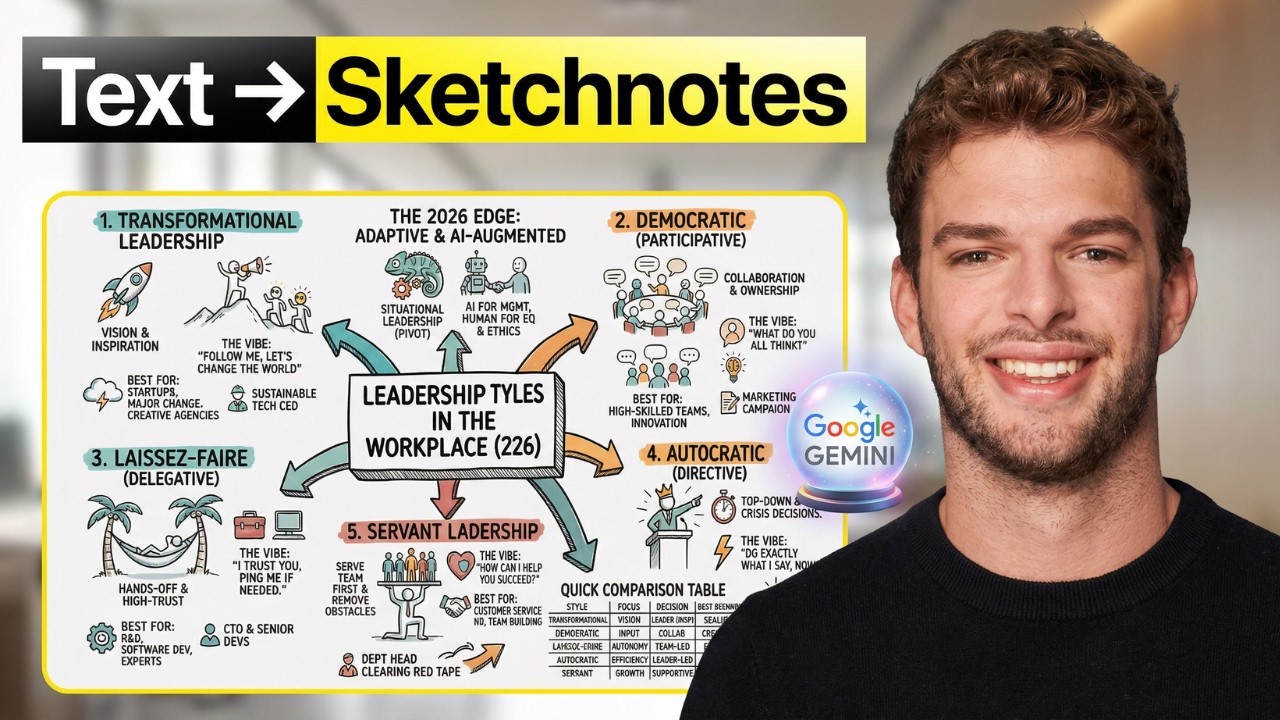
Create Sketchnotes with Gemini in 60 Seconds for Free!
Автор: Pietro Montaldo | AI for non-techies
Загружено: 2026-01-21
Просмотров: 16
Learn how to use the latest *Google Gemini* update (specifically **Thinking Mode**) to transform complex text and videos into stunning sketch notes and infographics in seconds. In this tutorial, I share my exact prompting formula so you can automate your visual content creation.
This is perfect for *content creators, educators, students, and marketers* who want to turn boring text into engaging visuals using artificial intelligence.
✨ *Get the exact prompts from this video* and the full prompting formula in the **first comment**.
---
🚀 Links
👉 Join my Maven course (4.9⭐):
https://maven.com/pietro-montaldo/aia...
👉 Subscribe to my newsletter to receive everything I build:
https://pietromontaldo.substack.com/
---
✅ What You Need
Access to *Google Gemini* (Standard or Advanced)
*Thinking Mode* (free) or PRO (paid) enabled
---
⏱ Video Chapters
00:00 – Introduction to Google Gemini Update
00:11 – Setting Up Gemini for Sketch Notes
00:26 – Creating Your First Visual
01:04 – Optimizing Your Infographic for Clarity
01:56 – Advanced Features and Tips
02:51 – How to Summarize YouTube Videos into Infographics
---
📚 What You’ll Learn
How to enable and use *Thinking Mode* for deeper visual reasoning
The exact *prompting formula* to turn text into structured sketch notes
How to set *audience parameters* so visuals match your target viewer
How to summarize long *YouTube videos* into single-page visual cheat sheets
Techniques to format AI outputs into clear, shareable infographics
---
#GoogleGemini #SketchNotes #Infographics #ThinkingMode #VisualThinking #AITutorial #ContentCreation #StudyHacks
Доступные форматы для скачивания:
Скачать видео mp4
-
Информация по загрузке:














![ChatGPT и Gemini устарели. Вот реально рабочий инструмент [Opal]](https://imager.clipsaver.ru/0RvCVXVMftE/max.jpg)